 PickPundit
📦 كيفية اختيار أفضل أجهزة الكمبيوتر المكتبية: دليل الشراء الكامل

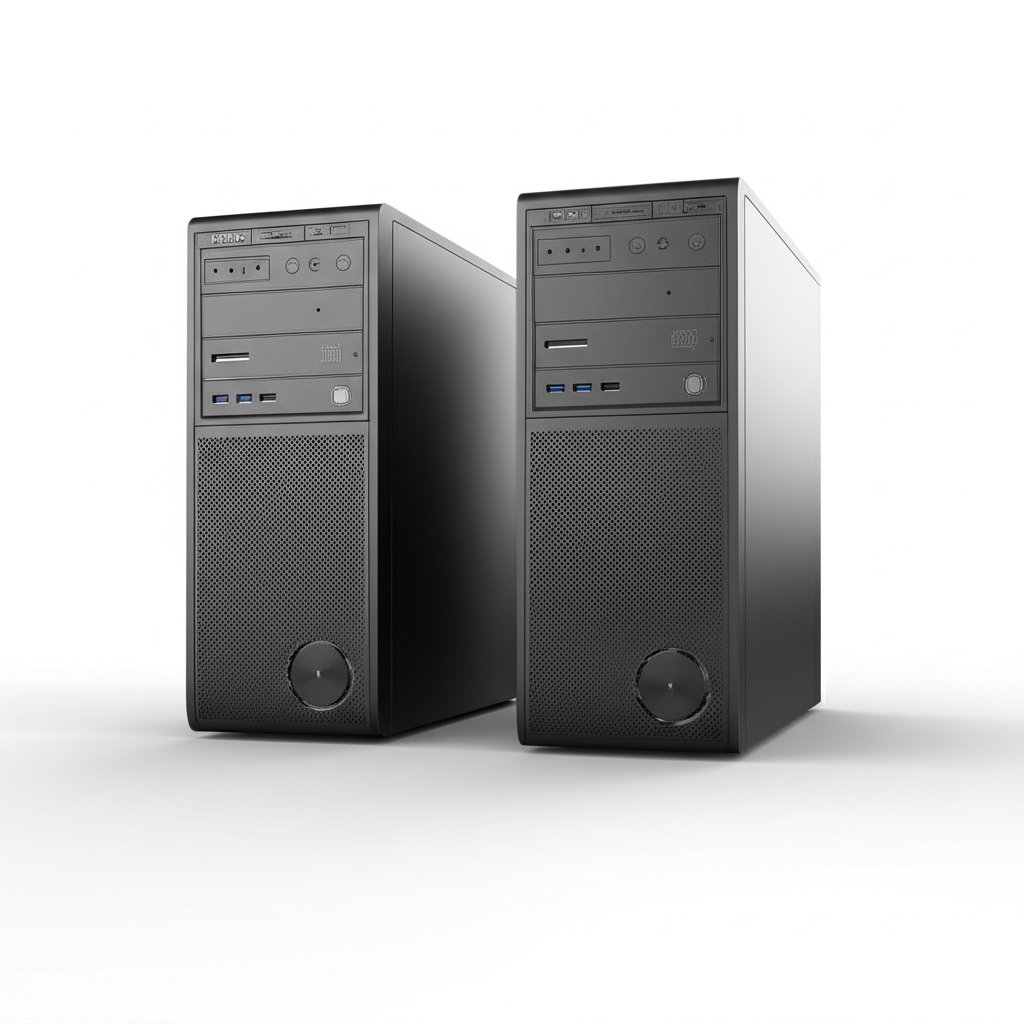
Complete desktop computers buying guide. Learn what features matter, compare top products, and find the best desktop computers for your budget.
View Top Picks →Table of Contents
Desktop Computers: Power and Upgradability Over Portability
Desktop computers trade portability for performance, upgradability, and value—more power per dollar than laptops with the ability to swap components over time. Understanding form factors, pre-built versus custom, and use-case matching helps choose desktops that serve actual needs.
Why Desktop Still Makes Sense
Advantages over laptops:
More power per dollar: Same budget buys significantly more performance.
Upgradability: Swap GPU, add RAM, expand storage over time.
Repairability: Components fail individually, replaceable separately.
Ergonomics: Proper monitor, keyboard, mouse positioning.
Thermals: Better cooling means sustained performance.
Form Factors
Desktop size categories:
Full tower: Maximum expandability. Large, heavy, most upgradeable.
Mid-tower: Standard size. Good balance of size and capability.
Small form factor (SFF): Compact. Some upgrade limitations.
Mini PC: Mac Mini size. Limited upgradability, space-efficient.
All-in-one: Computer inside monitor. Limited upgrades, clean desk.
The Mac Mini represents compact power; CyberPowerPC offers gaming towers.
Pre-Built vs Custom
How to acquire a desktop:
Pre-built (CyberPowerPC, HP, Dell): Ready to use, warranty included, sometimes component compromises.
Custom build: Choose every component. More work, more control, often better value.
System integrator: Company builds with your component choices. Middle ground.
Apple: Mac only from Apple. No building option.
Gaming Desktops
What gaming systems need:
GPU priority: Graphics card determines gaming capability.
CPU matters less: Modern mid-range CPUs don't bottleneck most games.
RAM sweet spot: 16GB adequate, 32GB future-proof.
Storage: SSD for OS and games. HDD for bulk storage.
The CyberPowerPC Gamer Master: Gaming-focused pre-built.
Productivity Desktops
Workstation considerations:
CPU focus: Multi-core performance for rendering, compiling.
RAM capacity: 32GB+ for professional work.
GPU varies: CAD needs workstation GPU; office work needs minimal.
Reliability: Business-class components for uptime.
Mac vs PC Decision
Platform choice factors:
Software ecosystem: Some software exclusive to each platform.
macOS preference: Different interface philosophy.
Apple Silicon (M4): Excellent efficiency, limited upgradability.
Gaming: Windows dominates game availability.
Price: Macs premium-priced but include quality components.
The 2026 Mac Mini with M4 offers impressive performance in tiny form factor.
Component Priorities
Where to spend budget:
GPU: Most important for gaming.
CPU: Most important for productivity.
RAM: 16GB minimum, 32GB comfortable.
Storage: SSD essential. 1TB+ recommended.
Power supply: Don't cheap out—protects everything else.
Upgrade Considerations
Future-proofing approach:
Motherboard socket: Determines CPU upgrade path.
Power supply headroom: Higher wattage enables future GPU upgrades.
Case size: Limits component dimensions.
RAM slots: More slots = more expansion.
Practical Recommendations
For gaming: CyberPowerPC or similar gaming pre-built, or custom build focused on GPU.
For productivity: Mac Mini for Apple ecosystem, or workstation-class PC.
For general use: Mid-range pre-built handles everyday tasks well.
For budget: Used/refurbished business desktops offer excellent value.
The key insight: desktops provide more performance per dollar with upgrade potential laptops can't match. Choose pre-built for convenience or custom for control.
Frequently Asked Questions
ما الذي يجب أن أبحث عنه عند شراء أجهزة كمبيوتر سطح المكتب؟
تشمل العوامل الرئيسية جودة البناء ومراجعات المستخدمين والقيمة مقابل المال. توضح الخيارات الأعلى تصنيفًا مثل كمبيوتر سطح المكتب Apple Apple 2026 Mac Mini المزود بشريحة M4 (4.8 ★ من 2149 تعليقًا) كيف تبدو الجودة في هذه الفئة.
كم تكلف أجهزة الكمبيوتر المكتبية عادة؟
تتراوح الأسعار من 209 دولارًا إلى 1845 دولارًا ، مع معظم خيارات الجودة حوالي 633 دولارًا. تعمل خيارات الميزانية التي تقل عن 313 دولارًا للاستخدام العرضي ، بينما توفر الطرازات المتميزة التي تزيد عن 950 دولارًا متانة وميزات أفضل.
ما هي أجهزة كمبيوتر سطح المكتب الأكثر شيوعًا الآن؟
حاسوب كمبيوتر مكتبي ابل 2026 ماك ميني مع شريحة M4 مع 10 co هو حاليا أعلى تصنيف مع 4.8 ★ من 2149 مراجعة مؤكدة. تحقق من مقارنتنا الكاملة في / best / desktop-computers لجميع الاختيارات.
⚖️ Quick Comparison
| Product | Price | Rating | Key Feature |
|---|---|---|---|
| $479.00 | SIZE DOWN. POWER UP — The far mightier, way tinier Mac mini desktop computer is ... | ||
|
#2
|
$719.99 | System AMD Ryzen 5 5500 3.6GHz 6 Cores | AMD B550 Chipset | 16GB DDR4 | 500GB PC... | |
| $499.99 | This Product is professionally inspected and tested to look and work like . The ... |


