PickPundit
📦 So wählen Sie den besten Laptop für das Büro aus: Kompletter Kaufhandbuch

Complete laptop for office buying guide. Learn what features matter, compare top products, and find the best laptop for office for your budget.
View Top Picks →Table of Contents
Office Laptops: Workstation Integration, Docking Solutions, and Productivity Setup
Laptops in office environments benefit from proper integration with external displays, peripherals, and ergonomic positioning. Understanding setup options helps maximize office laptop productivity.
Docking Station Benefits
Single cable connection to all peripherals.
External monitors, keyboard, mouse connected.
Consistent desk setup despite laptop portability.
Quick transition between mobile and desk work.
Docking Station Types
USB-C/Thunderbolt docks: single cable, high bandwidth.
USB-A docks: legacy compatibility.
Proprietary docks: manufacturer-specific.
Display link docks: software-driven displays.
Monitor Connectivity
External monitors improve productivity significantly.
Larger screen real estate for work.
Dual monitors common for office work.
Verify dock supports your display resolution and count.
Laptop Stand Positioning
Elevate laptop screen to eye level.
Reduce neck strain from looking down.
Use with external keyboard and mouse.
Ergonomic positioning essential for health.
Closed-Lid Operation
Use laptop as desktop with external peripherals.
Power and thermal settings adjustment needed.
Clean, minimal desk appearance.
Full external monitor focus.
Keyboard and Mouse
External peripherals improve ergonomics.
Position keyboard and mouse comfortably.
Laptop keyboard/trackpad usable for quick tasks.
Full-size peripherals for extended work.
Power Management
Keep laptop charged for mobile use.
Docks often provide charging.
Battery health considerations with constant charging.
Modern batteries handle constant connection better.
Multi-Monitor Setup
Productivity benefits from additional screens.
Verify laptop and dock support monitor count.
DisplayPort daisy-chaining on some setups.
Resolution and refresh rate verification.
Hot-Desking Considerations
Portable dock for shared workspace.
Quick connection and disconnection.
Consistent experience across locations.
Compact dock for transport.
Home Office Integration
Same principles apply to home offices.
Quality dock investment serves both locations.
Consistent setup reduces friction.
Portable between office and home.
Cable Management
Docks reduce cable clutter.
Single cable to laptop.
Organize desk cables neatly.
Cable management accessories help.
Practical Recommendations
For office productivity, USB-C/Thunderbolt docking stations ($100-300) provide seamless integration.
Laptop stands ($20-50) with external keyboard/mouse improve ergonomics significantly.
Quality external monitors ($200-400 each) dramatically improve productivity.
Invest in setup that makes laptop feel like desktop when docked.
Frequently Asked Questions
Worauf muss ich beim Kauf eines Laptop-Büros achten?
Zu den Schlüsselfaktoren gehören die Verarbeitungsqualität, die Benutzerbewertungen und das Preis-Leistungs-Verhältnis. Top-bewertete Optionen wie der HP 17,3-Zoll-Laptop mit lebenslanger Office 365 für T (4.3★ aus 121 Bewertungen) zeigen, wie Qualität in dieser Kategorie aussieht.
Wie viel kostet das Laptop-Büro normalerweise?
Die Preise reichen von 209 bis 799 US-Dollar, die meisten Qualitätsoptionen liegen bei 519 US-Dollar. Budgetoptionen unter 314 US-Dollar funktionieren für den gelegentlichen Gebrauch, während Premium-Modelle über 779 US-Dollar eine bessere Haltbarkeit und eine bessere Haltbarkeit bieten.
Welches Laptop-Büro sind derzeit am beliebtesten?
Der HP 17,3-Zoll-Laptop mit lebenslanger Office 365 für das Web ist derzeit mit 4,3★ von 121 überprüften Bewertungen bestbewertet. Überprüfen Sie unseren vollständigen Vergleich bei /best / laptop-office für alle Top-Picks.
⚖️ Quick Comparison
| Product | Price | Rating | Key Feature |
|---|---|---|---|
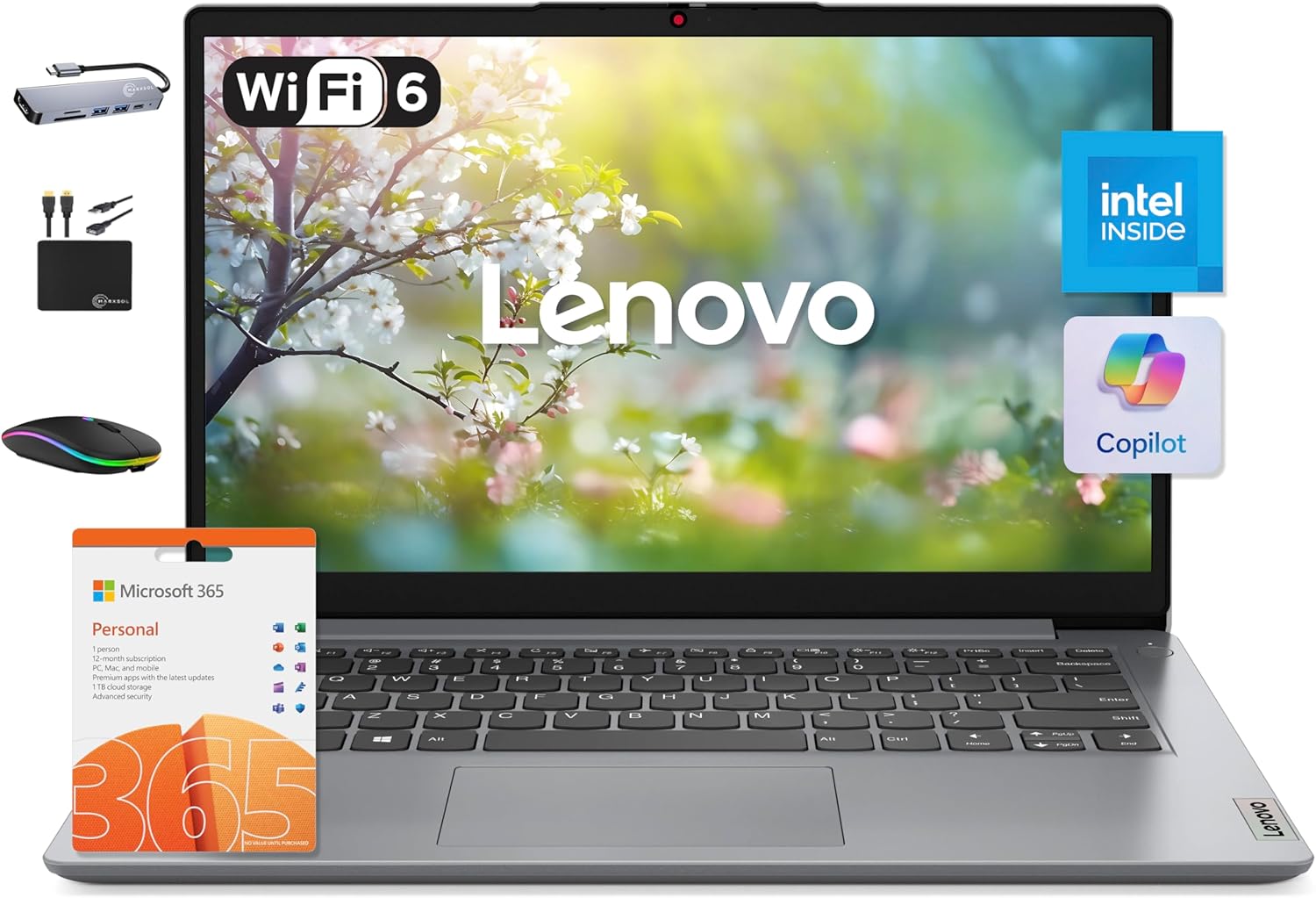
| $499.99 | POWERFUL PERFORMANCE Equipped with an Intel Core i3 processor, featuring up to 4... | ||
| $299.00 | High Speed RAM And Storage - 12GB RAM for multitasking and 256GB SSD plus 128GB ... | ||
| $427.49 | 17.6 Inch FHD Display & Backlit Keyboard With a 1920x1200 FHD resolution and a 1... |