PickPundit
📱 Cómo elegir las mejores tabletas: Guía de compra completa

Complete tablets buying guide. Learn what features matter, compare top products, and find the best tablets for your budget.
View Top Picks →Table of Contents
Tablets: The Laptop Replacement Fantasy
Tablet marketing suggests replacing laptops with tablets for productivity. Reviews from attempted laptop replacement: "Tried using tablet as main computer for work, lasted 3 weeks before returning to laptop. Typing, multitasking, file management all inferior."
Tablets excel as content consumption devices (reading, streaming, browsing). Tablets struggle as content creation devices (writing, editing, complex productivity). Understanding this prevents the expensive iPad Pro purchase for laptop replacement that doesn't actually replace laptop.
The iPad vs Android Tablet App Ecosystem Gap
iPad: Robust app ecosystem optimized for tablets, professional apps (Procreate, LumaFusion, GarageBand), long-term software support (5-7 years typical), premium pricing ($330-1,500+).
Android tablets: Cheaper ($100-500 typical), phone apps stretched to tablet size (not optimized), shorter software support (2-3 years), limited professional app selection.
The app optimization matters enormously. Android tablets run phone apps scaled up, creating awkward interfaces with wasted screen space. iPads run tablet-optimized apps designed for larger screens.
For serious tablet use (drawing, video editing, music production), iPad's app ecosystem justifies premium. For basic consumption (reading, streaming), Android tablets adequate at fraction of cost.
The Keyboard Case vs Laptop Consideration
Adding keyboard case to tablet: $100-200 for quality keyboard case.
Total cost: $330 iPad + $150 keyboard = $480.
Comparison: $480 buys adequate Windows laptop with same or better productivity capability.
The tablet-with-keyboard approaches laptop cost while providing inferior productivity experience (no trackpad, limited multitasking, mobile OS). If budget allows tablet + keyboard, consider whether actual laptop provides better value for productivity work.
The tablet's value is being tablet - thin, light, touch interface, pencil input for drawing. Adding keyboard diminishes these advantages while not fully replicating laptop capabilities.
The Storage Capacity Non-Expandable Problem
Most tablets: Internal storage only, no SD card expansion, no ability to upgrade.
Storage tiers: 64GB ($330-500), 128GB ($400-650), 256GB ($500-800), 512GB+ ($700-1,200+).
The 64GB trap: Seems adequate initially, fills rapidly with apps, photos, videos, downloaded content. Upgrading to 128GB model requires $100+ premium purchased upfront - can't upgrade later.
For photo/video storage, cloud services provide expansion option (iCloud, Google Photos). For app-heavy users or offline content needs, buying adequate storage initially prevents the can't-add-more-later limitation.
Framework
Content consumption ($100-300): Budget Android tablet (Samsung, Lenovo), adequate for reading, streaming, browsing, accepting phone app experience.
iPad ecosystem ($330-600): Base iPad or iPad Air, optimized apps, longer support, for drawing or serious tablet use.
Laptop replacement attempt ($500-1,000+): iPad Pro with keyboard, understanding productivity limitations, or reconsider if actual laptop better tool.
Note-taking/drawing ($400-700): iPad with Apple Pencil, specialized apps (Notability, Procreate), accepting premium for best stylus experience.
Kids/family casual ($150-300): Mid-range Android, durable case, parental controls, accepting shorter lifespan and basic capabilities.
The tablet succeeds when used as tablet - reading, streaming, casual browsing, drawing, portable content consumption. The tablet fails when forced into laptop role - productivity, complex multitasking, extended typing. Buying tablet for laptop-use creates dissatisfaction from tool-job mismatch, not from tablet quality.
Frequently Asked Questions
¿Qué debo buscar al comprar tabletas?
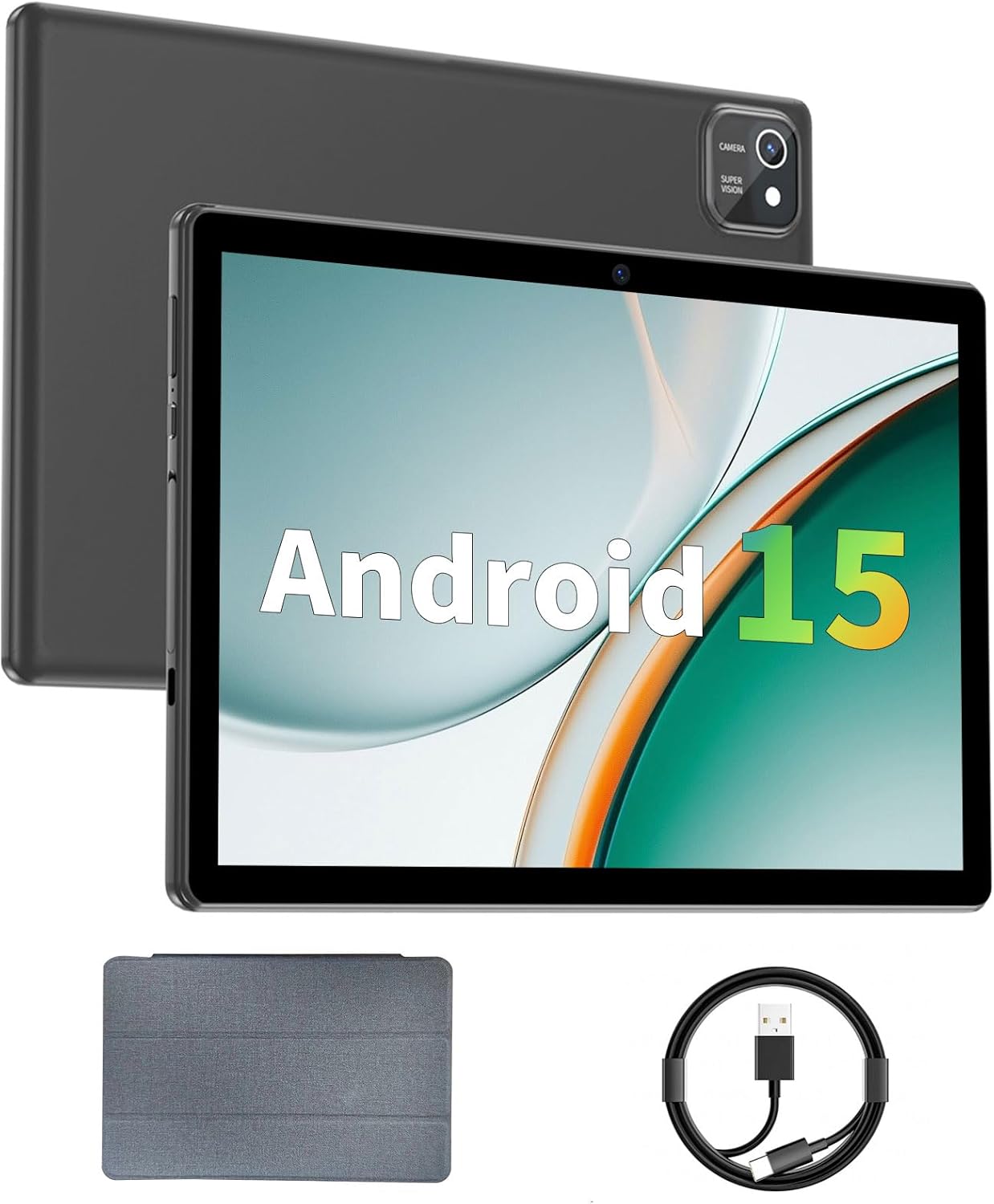
Los factores clave incluyen la calidad de construcción, las revisiones de los usuarios y la relación calidad-precio. Las opciones mejor calificadas como la tableta Aiprotablet de 10 pulgadas Android 15 tabletas (3.9★ de 701 reseñas) demuestran cómo se ve la calidad en esta categoría.
¿Cuánto cuestan las tabletas típicamente?
Los precios oscilan entre $ 50 y $ 380, con la mayoría de las opciones de calidad alrededor de $ 100. Las opciones económicas de menos de $75 funcionan para uso ocasional, mientras que los modelos premium de más de $150 ofrecen una mejor durabilidad y características.
¿Qué tabletas son más populares en este momento?
Las tabletas Android 15 de 10 pulgadas con tableta están actualmente en el mejor calificado con 3.9★ de 701 reseñas verificadas. Consulte nuestra comparación completa en /Best/Tablets para todas las mejores selecciones.
⚖️ Quick Comparison
| Product | Price | Rating | Key Feature |
|---|---|---|---|
|
#1
|
$59.99 | See details | |
| Check Price | See details | ||
| $69.99 | See details |