 PickPundit
📷 Kuinka valita parhaat verkkokamerat: Täydellinen ostoopas

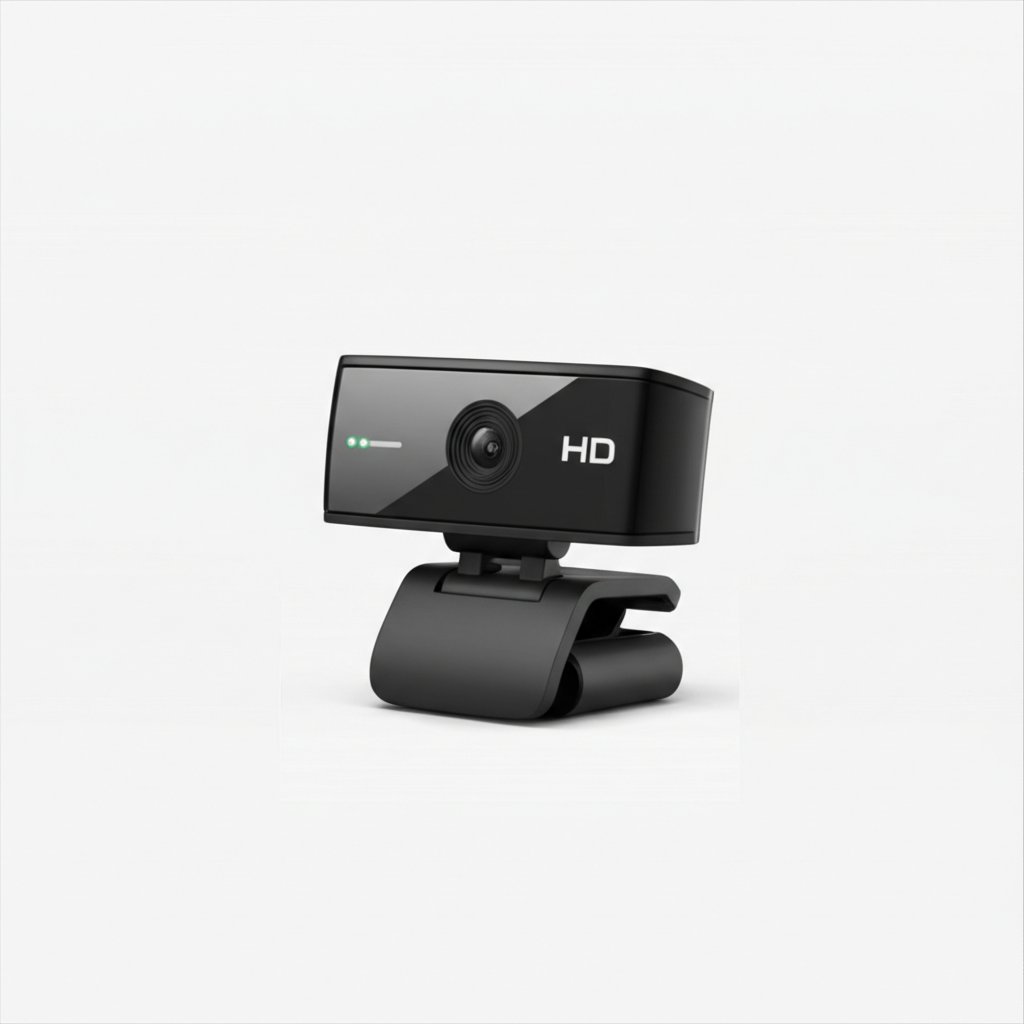
Complete webcams buying guide. Learn what features matter, compare top products, and find the best webcams for your budget.
View Top Picks →Table of Contents
Webcams: The Built-In Laptop Camera vs External Webcam Quality Gap
Remote work explosion created webcam shortage revealing what office workers discovered: built-in laptop cameras produce mediocre video quality making external webcams worth investment for professional appearance.
The quality difference isn't subtle - built-in 720p laptop cameras with poor low-light performance vs dedicated 1080p webcams with superior sensors creates visible professionalism gap in video calls.
The Resolution 720p vs 1080p vs 4K Reality
720p webcams: Adequate for casual calls in good lighting, grainy in low light, aging standard being phased out. Budget options ($20-40).
1080p webcams: Current standard for professional appearance, clear image in most lighting, widely compatible with all platforms. Sweet spot ($50-100).
4K webcams: Overkill for video calls (most platforms cap at 1080p), benefits only for recording/streaming, requires powerful computer for processing, expensive ($150-300+).
For Zoom/Teams calls where platform limits to 1080p anyway, 4K webcam's resolution goes unused. The 1080p provides all visible quality improvement over built-in cameras without wasted capability.
The Low-Light Performance vs Ring Light Necessity
Budget webcams struggle in typical home office lighting (overhead lights, natural window light). Image becomes grainy, dark, unflattering.
Solutions: Premium webcam with better low-light sensors ($80-150), or budget webcam + ring light ($30-60).
Many users discover: $40 webcam + $40 ring light = $80 total producing better results than $80 webcam alone. The lighting matters more than sensor quality for video appearance.
For home offices without ideal lighting (desk not near window, overhead lights creating shadows), budgeting for lighting alongside webcam prevents the "webcam image looks terrible" problem that's actually lighting problem.
The Autofocus vs Fixed Focus Reliability
Autofocus webcams: Adjust focus automatically as you move, maintain sharp image when leaning forward/back. Also: occasionally hunt for focus (going blurry then sharp repeatedly), can focus on background instead of face.
Fixed focus webcams: Set focal distance (typically 2-3 feet), never hunts, reliable consistency. Also: moving outside focal range creates blur, less flexibility.
For stationary desk setup where position is consistent, fixed focus provides reliability. For movement during calls (standing, walking away, changing position), autofocus necessity despite occasional hunting issues.
The Privacy Shutter Physical vs Software
Physical shutter: Sliding cover mechanically blocking camera lens, impossible to remotely activate camera without visible shutter position.
No shutter/software only: Trusting software to disable camera, vulnerable to malware remotely activating camera.
For privacy-conscious users, physical shutter provides peace of mind impossible with software-only solutions. The $5-10 premium for shutter-equipped webcam eliminates camera-covering-with-tape aesthetic and provides actual security.
Framework
Basic video calls: 1080p webcam ($50-80), fixed focus for stationary setup, physical privacy shutter.
Professional appearance: 1080p with good low-light performance or 1080p + ring light ($80-120 total), autofocus, microphone quality or separate mic.
Streaming/recording: 4K webcam ($150-250), adequate computer to process 4K, tripod mounting for positioning flexibility.
Budget improvement over built-in: Any dedicated 1080p webcam ($40-60) + adequate lighting, accepting basic features for quality improvement over laptop camera.
Privacy priority: Physical shutter mandatory, avoiding webcams without mechanical lens cover.
The webcam purchase for remote work is investment in professional appearance during video calls. The quality gap between built-in laptop cameras and even budget dedicated webcams is significant enough to justify $50-80 expenditure for those on camera regularly.
Frequently Asked Questions
Mitä minun pitäisi ottaa huomioon ostaessani verkkokameroita?
Keskeisiä tekijöitä ovat rakennuslaatu, käyttäjien arvostelut ja vastine rahalle. Parhaiten arvioidut vaihtoehdot, kuten Akyta Akyta 1080p -verkkokamera kannettavalle tietokoneelle (5★ kahdesta arvostelusta), osoittavat, miltä laatu näyttää tässä kategoriassa.
Kuinka paljon verkkokamerat yleensä maksavat?
Hinnat vaihtelevat 10 dollarista 170 dollariin, ja useimmat laatuvaihtoehdot ovat noin 50 dollaria. Alle 15 dollarin budjettivaihtoehdot toimivat satunnaiseen käyttöön, kun taas yli 75 dollarin premium-mallit tarjoavat paremman kestävyyden ja ominaisuudet.
Mitkä verkkokamerat ovat tällä hetkellä suosituimpia?
Akyta 1080p -verkkokamera kannettavalle tietokoneelle on tällä hetkellä huippuluokan 5★ kahdesta vahvistetusta arvostelusta. Katso kaikki suosituimmat valinnat osoitteesta /best/webcams.


