PickPundit
🖨️ Comment choisir les meilleures imprimantes : guide d'achat complet

Complete printers buying guide. Learn what features matter, compare top products, and find the best printers for your budget.
View Top Picks →Table of Contents
Printers: The Ink Subscription Trap vs Per-Page Cost Reality
Printer marketing emphasizes low initial cost ($50-150) while obscuring the ink replacement cost that exceeds printer cost within 6-12 months of moderate use.
Understanding total cost of ownership (printer + ink over 3-5 years) prevents the "cheap printer, expensive ink" trap.
The Inkjet vs Laser Long-Term Economics
Inkjet printers: Low initial cost ($50-200), color printing capable, slow print speed (8-15 pages per minute), expensive ink ($40-80 for replacement cartridges printing 200-400 pages).
Laser printers: Higher initial cost ($150-400), typically monochrome only (color laser $300-800), fast print speed (25-40 PPM), cheaper per-page cost ($25-50 for toner printing 2,000-3,000 pages).
The per-page cost calculation:
- Inkjet: $0.15-0.25 per page
- Laser: $0.02-0.05 per page
For printing 100 pages monthly (1,200 annually):
- Inkjet: $180-300 annual ink cost
- Laser: $24-60 annual toner cost
The laser printer's higher upfront cost is recovered within 1-2 years through ink savings for moderate-to-heavy users. For light users (under 50 pages monthly), inkjet's lower initial cost makes sense despite higher per-page cost.
The Ink Subscription Services Hidden Lock-In
HP Instant Ink, Canon subscription services: Pay monthly fee ($3-10) for printer sending ink automatically when low.
The appeal: Never run out of ink, predictable monthly cost, often cheaper than buying cartridges individually.
The lock-in: Subscription-enrolled printers use special subscription cartridges. Canceling subscription makes existing cartridges stop working - printer refuses to print even with ink remaining. You're locked into paying monthly fee or printer becomes paperweight.
Additionally, subscription limits pages per month. Exceeding limit triggers overage charges or prevents printing until next month.
For predictable consistent printing within monthly limits, subscriptions save money. For variable printing (heavy some months, none others), subscriptions create locked-in cost for unused capacity.
The All-In-One vs Dedicated Printer Reliability
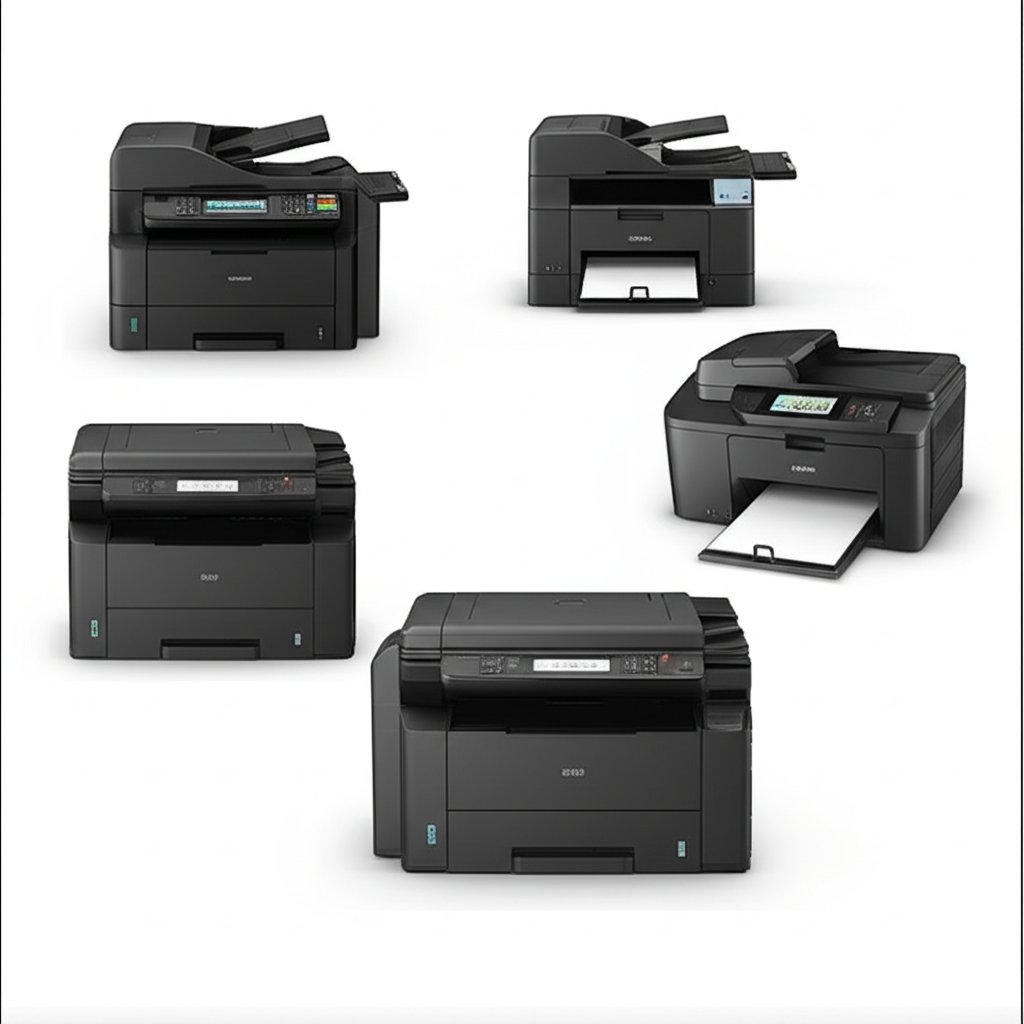
All-in-one (printer + scanner + copier): Convenient for home offices, saves space, single device. Also: if any one function breaks (scanner fails, printer head clogs), entire unit requires replacement. More complex mechanisms create more failure points.
Dedicated printer only: Simpler mechanics, fewer failure points, more reliable long-term. Requires separate scanner if needed.
Reviews document: "All-in-one scanner stopped working after 18 months, printer still fine, but unit is paperweight without scanner. Replacing whole unit."
For critical printing needs (home business, frequent printing), dedicated printer's reliability justifies buying separate scanner if needed. For occasional home use where convenience matters more than reliability, all-in-one acceptable.
The WiFi Printing Convenience vs Connection Reliability
WiFi printers: Print from any device on network, no cables, convenient placement anywhere in house.
USB printers: Reliable connection that never drops, faster print initiation, but requires cable to computer limiting placement.
The WiFi trade-off: Occasional WiFi connection drops requiring router or printer resets, print job delays from connection troubleshooting, firmware updates sometimes breaking WiFi functionality.
For households with stable WiFi and technical competence for occasional troubleshooting, WiFi convenience worth it. For users wanting print-every-time reliability without troubleshooting, USB provides guaranteed functionality.
Framework
Light printing (under 50 pages/month): Budget inkjet ($60-120), accepting high per-page cost for low total monthly cost.
Moderate-heavy printing (100+ pages/month): Laser printer ($200-350), cheaper long-term through per-page cost despite higher initial investment.
Color printing necessary: Color inkjet or color laser (expensive), evaluating whether color truly needed or B&W laser + occasional print shop for color cheaper long-term.
Home office critical: Dedicated laser printer, USB connection for reliability, separate scanner, accepting space/cost for dependable functionality.
Casual home use: All-in-one inkjet with subscription service if printing predictable, or basic inkjet without subscription for variable printing accepting running-out-of-ink inconvenience.
The printer industry's razor-and-blades model (cheap printers, expensive ink) means purchase decision must calculate 3-5 year total cost, not just initial price. The $100 laser printer with $30/year toner costs $190-250 over 5 years. The $60 inkjet with $150/year ink costs $810 over 5 years. The "cheap" printer becomes expensive printer through ink economics.
Frequently Asked Questions
Que dois-je rechercher lors de l'achat d'imprimantes ?
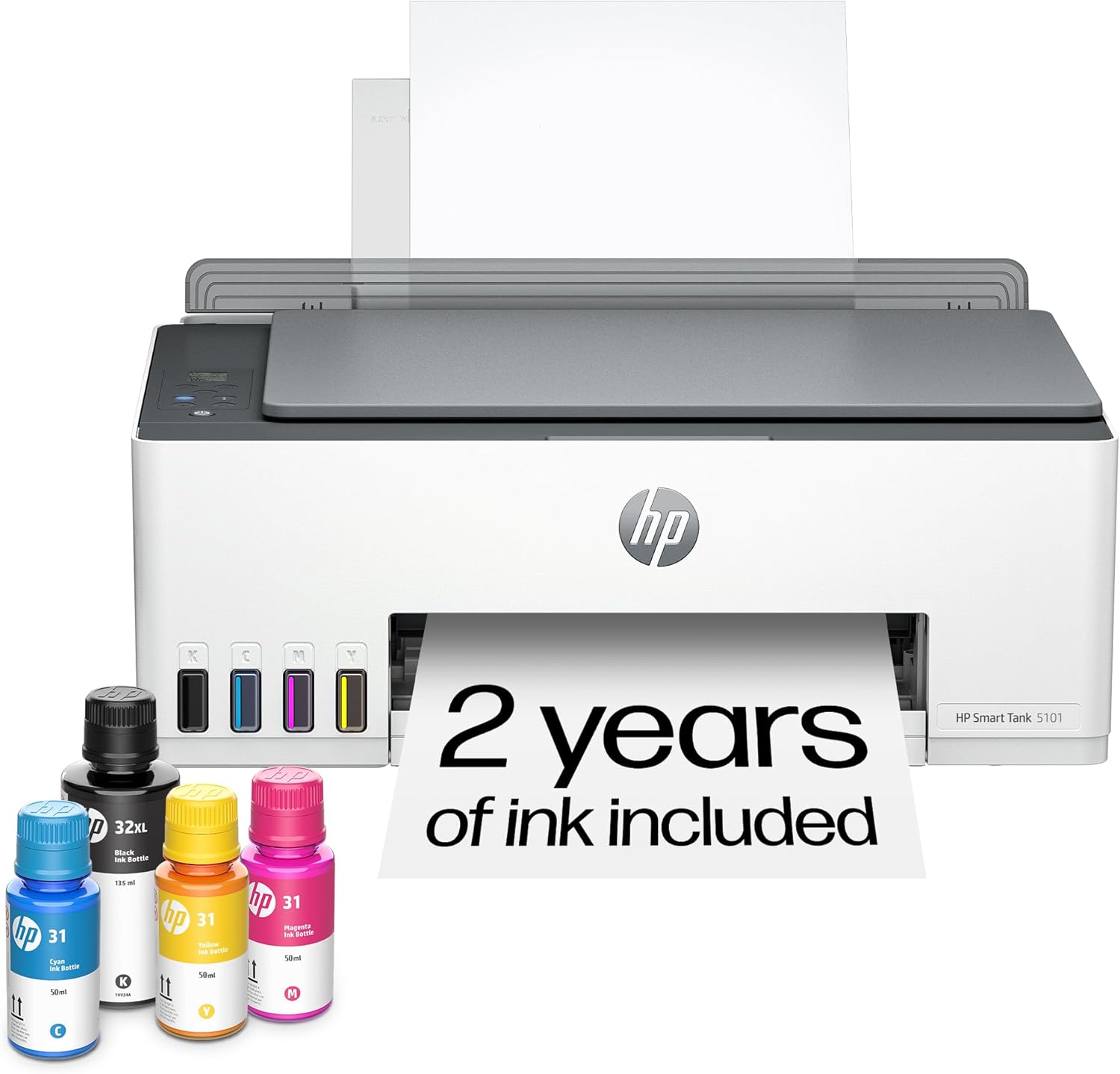
Les facteurs clés comprennent la qualité de construction, les avis des utilisateurs et le rapport qualité-prix. Les options les mieux notées comme le réservoir d'encre tout-en-un sans fil HP HP Smart Tank 5000 PR (3,8 ★ de 2 859 avis) démontrent à quoi ressemble la qualité dans cette catégorie.
Combien coûtent généralement les imprimantes ?
Les prix varient de 40 $ à 525 $, avec la plupart des options de qualité autour de 197 $. Les options économiques inférieures à 60 $ fonctionnent pour une utilisation occasionnelle, tandis que les modèles premium de plus de 296 $ offrent une meilleure durabilité et des fonctionnalités.
Quelles imprimantes sont les plus populaires en ce moment ?
L'imprimante tout-en-un sans fil tout-en-un HP Smart Tank 5000 est actuellement la mieux notée avec 3,8★, à partir de 2 859 avis vérifiés. Consultez notre comparaison complète sur /best/imprimantes pour tous les meilleurs choix.