 PickPundit
🔌 How to Choose the Best Smart Plugs: Complete Buying Guide

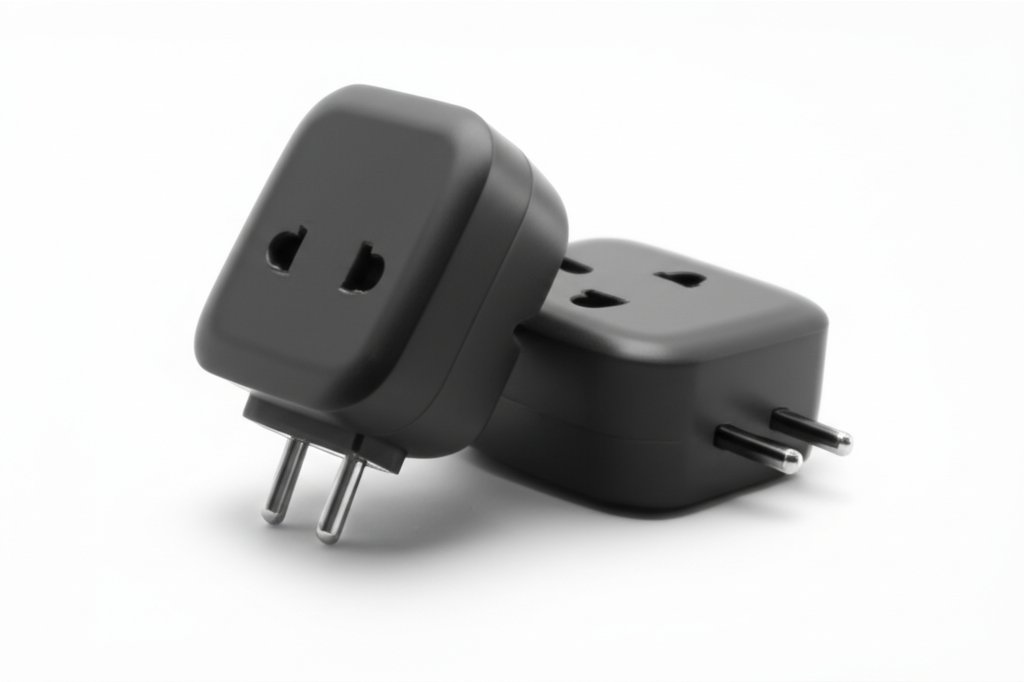
Complete smart plugs buying guide. Learn what features matter, compare top products, and find the best smart plugs for your budget.
View Top Picks →Table of Contents
Smart Plugs: Simple Home Automation That Actually Works
Smart plugs represent the lowest-friction entry point to home automation—plug in, connect to WiFi, and suddenly any "dumb" device responds to voice commands, schedules, and phone control. Understanding what separates useful smart plugs from frustrating ones helps avoid connectivity headaches.
How Smart Plugs Work
Smart plugs contain a WiFi radio and relay switch controlled by apps and voice assistants:
WiFi connection: The plug connects to your home network, receiving on/off commands from cloud servers or local network.
Relay switch: A mechanical or solid-state relay physically connects or disconnects power to whatever's plugged in.
App control: Smartphone apps send commands through manufacturer's cloud servers to the plug.
Voice integration: Alexa, Google Home, and HomeKit support lets voice commands trigger the plug through their respective ecosystems.
The Amazon Smart Plug at around $25 represents the simplest implementation—designed primarily for Alexa integration with minimal setup friction.
WiFi vs Zigbee vs Z-Wave
Smart plugs use different communication protocols:
WiFi plugs:
- Connect directly to existing router
- No hub required
- Higher power consumption
- Can strain WiFi network with many devices
- Most common, easiest setup
Zigbee/Z-Wave plugs:
- Require separate hub (like SmartThings or Hubitat)
- Lower power consumption
- Create mesh network (devices relay signals)
- More reliable in large deployments
- Higher initial investment
For 1-5 smart plugs, WiFi makes sense. For larger smart home buildouts, hub-based protocols provide better reliability.
What Works Well With Smart Plugs
Smart plugs excel with devices that:
Have mechanical switches: Lamps, fans, coffee makers—devices that stay "on" when plugged in and just need power to operate.
Don't need state feedback: Smart plugs don't know if a lamp is actually on, just whether power is flowing.
Benefit from scheduling: Holiday lights, seasonal decorations, grow lights—anything that follows predictable on/off patterns.
Need remote shutoff: Space heaters for peace of mind, gaming consoles for energy savings.
What Doesn't Work
Smart plugs fail with:
Electronic switches: Modern TVs, computers—they need button presses after power, not just power restoration.
Devices with state: Air conditioners that need mode selection after power-on.
High-wattage devices: Most smart plugs max at 10-15 amps (1200-1800 watts). Electric heaters and some appliances exceed this.
App Ecosystem Matters
Smart plug experience depends heavily on app quality:
Govee plugs (like the dual pack at around $20): Work with both Alexa and Google, offer energy monitoring on some models, enable scenes and automation.
Amazon Smart Plug: Seamless Alexa integration, limited functionality outside Amazon ecosystem.
Matter-compatible plugs: Emerging standard promising cross-platform compatibility—worth considering for future-proofing.
Energy Monitoring
Some smart plugs track power consumption:
Why it matters: Identify phantom loads, track device energy use, automate based on power draw.
Accuracy varies: Consumer-grade monitoring provides estimates, not laboratory precision.
Practical use: Seeing that a forgotten space heater draws 1500W motivates turning it off.
Multi-Outlet Options
The Govee dual plug pack provides two controllable outlets:
Individual control: Each outlet switches independently.
Space efficiency: Two smart outlets in one wall plug.
Cost savings: Cheaper than two separate smart plugs.
For lamps and small devices that share outlets, dual plugs make practical sense.
Reliability Considerations
Smart plug frustrations usually stem from:
WiFi issues: Weak signal at plug location causes drops. Check signal strength before blaming plug.
Cloud dependency: Most smart plugs require internet—when cloud servers go down, so does control.
Network changes: New router or WiFi password requires plug reconfiguration.
App updates: Manufacturer app changes sometimes break functionality temporarily.
Practical Recommendations
For Alexa households: Amazon Smart Plug offers simplest setup and reliable integration.
For multi-assistant homes: Govee or similar plugs work with multiple ecosystems.
For energy monitoring: Choose plugs explicitly advertising power tracking features.
For outdoor use: Weather-resistant outdoor smart plugs exist—don't use indoor plugs outside.
The key insight: smart plugs work best for simple on/off automation of mechanical devices. They're not solutions for complex device control, but for straightforward use cases, they deliver genuine convenience with minimal investment.
Frequently Asked Questions
What should I look for when buying smart plugs?
Key factors include build quality, user reviews, and value for money. Top-rated options like the Amazon Amazon Smart Plug | Works with Alexa | Simple setu (4.7★ from 570,994 reviews) demonstrate what quality looks like in this category.
How much do smart plugs typically cost?
Prices range from $8 to $60, with most quality options around $27. Budget options under $13 work for occasional use, while premium models over $41 offer better durability and features.
Which smart plugs are most popular right now?
The Amazon Smart Plug | Works with Alexa | Simple setup is currently top-rated with 4.7★ from 570,994 verified reviews. Check our full comparison at /best/smart-plugs for all top picks.


