 PickPundit
📦 How to Choose the Best Sound Cards: Complete Buying Guide

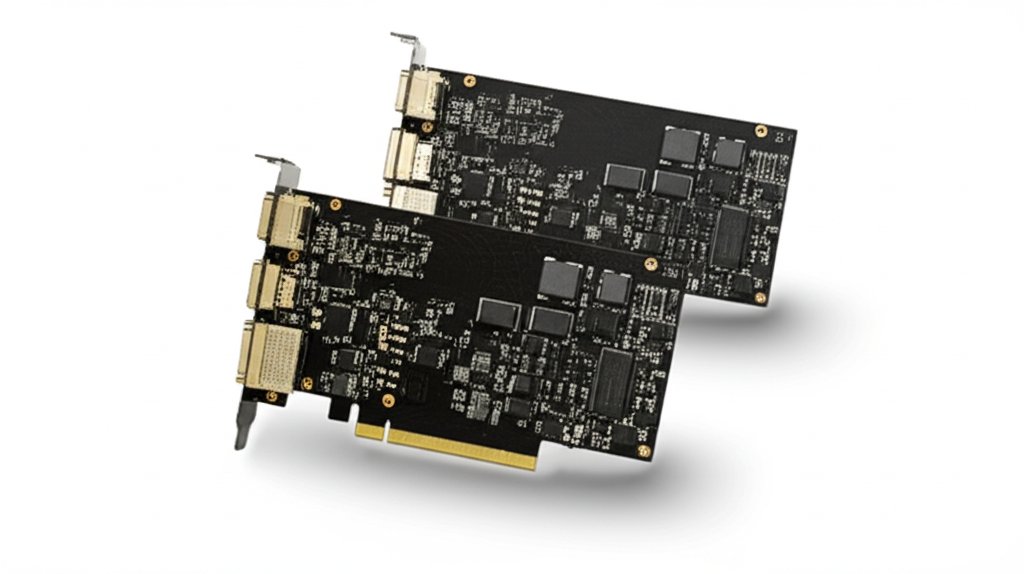
Complete sound cards buying guide. Learn what features matter, compare top products, and find the best sound cards for your budget.
View Top Picks →Table of Contents
Sound Cards: Audio Quality, Connectivity, and PC Audio Upgrade
Sound cards enhance PC audio beyond built-in motherboard sound for music, gaming, and content creation. Understanding specifications helps select appropriate audio upgrades.
Internal vs External
Internal: PCIe cards, desktop only.
External (DAC/amp): USB, portable.
Internal for desktops.
External for any computer.
Use Case Categories
Gaming: virtual surround, positional.
Music: high-fidelity playback.
Content creation: recording inputs.
Match to primary use.
Sample Rate and Bit Depth
Higher = more detail potential.
44.1/48kHz adequate for most.
96/192kHz for production.
24-bit standard.
SNR (Signal-to-Noise)
Higher dB = cleaner sound.
100dB+ for quality audio.
Affects clarity and detail.
Important specification.
DAC Quality
Digital-to-analog conversion.
Chip quality matters.
Affects sound reproduction.
Named DACs indicate quality.
Headphone Amp
Powers headphones.
High-impedance headphone support.
Dedicated amp circuitry.
Important for quality headphones.
Gaming Features
Virtual surround sound.
EQ profiles.
Scout mode (footsteps).
Gaming-focused processing.
Connectivity Options
3.5mm jacks standard.
Optical output.
Headphone and microphone.
Line-in for external sources.
Software Features
EQ and processing.
Profiles and presets.
Visualization.
Driver quality varies.
Microphone Inputs
Quality mic preamps.
XLR for professional mics.
Recording capability.
Streaming and podcasting.
Practical Recommendations
For gaming, gaming-focused sound cards ($50-150) with virtual surround enhance experience.
For music listening, quality external DACs ($100-300) improve audio fidelity.
For content creation, interfaces with quality inputs for recording.
Built-in motherboard audio adequate for casual use.
Frequently Asked Questions
What should I look for when buying sound cards?
Key factors include build quality, user reviews, and value for money. Top-rated options like the UGREEN UGREEN USB to Audio Jack Sound Card Adapter with D (4.4★ from 19,324 reviews) demonstrate what quality looks like in this category.
How much do sound cards typically cost?
Prices range from $5 to $54, with most quality options around $19. Budget options under $7 work for occasional use, while premium models over $29 offer better durability and features.
Which sound cards are most popular right now?
The UGREEN USB to Audio Jack Sound Card Adapter with Dual TRS 3- is currently top-rated with 4.4★ from 19,324 verified reviews. Check our full comparison at /best/sound-cards for all top picks.


