 PickPundit
⌨️ כיצד לבחור את מקלדות המחשב הטובות ביותר: מדריך קנייה מלא

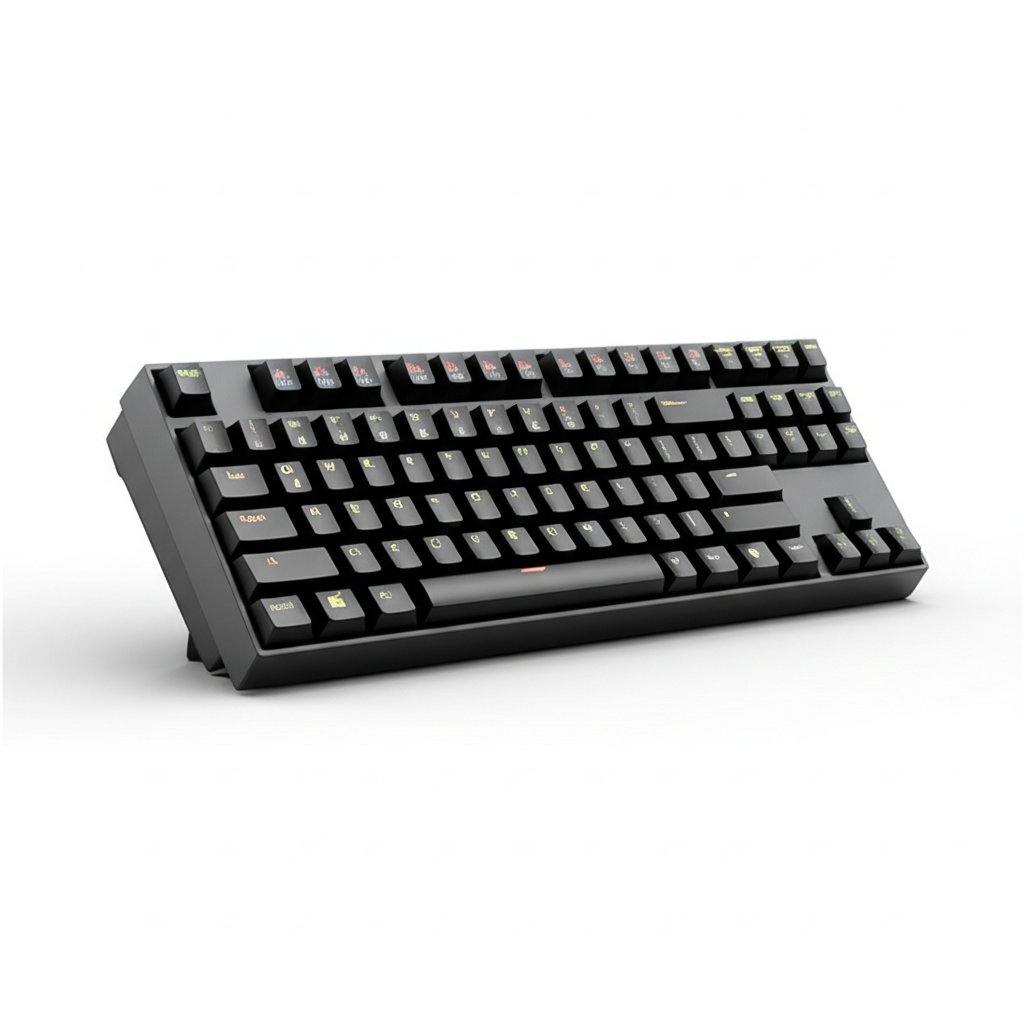
Complete computer keyboards buying guide. Learn what features matter, compare top products, and find the best computer keyboards for your budget.
View Top Picks →Table of Contents
Computer Keyboards: The Mechanical vs Membrane Decision That Defines Your Typing Experience
Computer keyboards divide into two fundamentally different categories: mechanical keyboards using individual switches for each key, and membrane keyboards using pressure-sensitive layers. This distinction matters more than brand, features, or aesthetics—it defines the typing experience.
Understanding this core difference enables informed selection rather than arbitrary choice.
The Mechanical Keyboard Case
Mechanical keyboards place individual mechanical switches beneath each key. Pressing a key actuates its specific switch through tactile and/or auditory feedback at a defined actuation point.
The appeal:
- Consistent, reliable keypress registration
- Tactile feedback confirming key activation
- Durability (50-100 million keystroke rating typical)
- Customization (switch types, keycaps, modifications)
- Often more satisfying typing experience
The Womier S-K80 at $57 represents accessible mechanical keyboard entry—mechanical switches, customizable features, and the characteristic mechanical typing experience at budget pricing.
The Membrane Keyboard Reality
Membrane keyboards use layered plastic sheets that complete circuits when pressed together. They're quieter, cheaper, and ubiquitous—the keyboard included with most computers is membrane.
The trade-offs:
- Mushy, less defined keypresses
- Shorter lifespan (10-20 million keystrokes typical)
- Limited customization
- Varying quality within category
For casual use—occasional typing, light office work—membrane keyboards serve adequately. For heavy typing, gaming, or anyone who values keyboard feel, mechanical keyboards provide superior experience.
Switch Types and Preferences
Mechanical keyboard switches vary in characteristics:
Linear switches: Smooth keypress without tactile bump (e.g., Cherry MX Red). Preferred by many gamers for consistent, fast actuation.
Tactile switches: Bump at actuation point providing feedback without click sound (e.g., Cherry MX Brown). Popular for typing—feedback without noise.
Clicky switches: Tactile bump plus audible click (e.g., Cherry MX Blue). Maximum feedback but potentially annoying to nearby people.
Switch preference is personal—no objectively "best" choice. Budget mechanical keyboards may offer only one switch option; premium boards offer choice.
Form Factor Decisions
Keyboard size categories affect desk space and feature availability:
Full-size (100%): Complete key set including number pad. Best for data entry, accounting, anyone using numpad regularly.
Tenkeyless (TKL/80%): Removes numpad, saving desk space while retaining function keys and navigation cluster.
75%: Compressed layout keeping function row but condensing navigation keys. The Womier S-K80 represents this category.
65%: Removes function row, keeps arrow keys. Minimalist but functional for general use.
60%: Removes function row and arrows. Maximum minimalism requiring key combinations for removed keys.
Smaller keyboards prioritize desk space and aesthetics; larger keyboards prioritize immediate key access. The 75% compromise retains most functionality while reducing footprint.
The Apple Magic Keyboard Alternative
The Apple Magic Keyboard at $95 represents a different philosophy—low-profile keys, scissor switches (a refined membrane mechanism), wireless connectivity, and macOS optimization.
This isn't a mechanical keyboard and doesn't aim to be. It prioritizes:
- Minimal visual profile
- Quiet operation
- Apple ecosystem integration
- Clean aesthetics
For Mac users prioritizing Apple integration and minimal desk presence, the Magic Keyboard serves well. For those prioritizing typing feel, mechanical alternatives better serve regardless of platform.
Gaming Keyboard Features
Gaming keyboards add features beyond basic typing:
RGB lighting: Customizable backlighting—aesthetic preference, not performance benefit
Macro keys: Programmable keys for gaming shortcuts—useful for specific games
N-key rollover: All simultaneous keypresses register—prevents missed inputs during complex gaming commands
Polling rate: Faster communication with computer—minor latency reduction
The $17 gaming keyboard represents budget gaming entry—mechanical feel at minimal cost. Whether gaming-specific features matter depends on gaming intensity and preference.
Build Quality Indicators
Keyboard build quality varies significantly:
Case material: Aluminum cases (premium) vs. plastic (budget). Affects weight, feel, and durability.
Stabilizers: Quality stabilizers on large keys (spacebar, enter, shift) prevent wobble and rattle.
Keycaps: PBT plastic (durable, textured) vs. ABS plastic (shinier, wears faster).
PCB and components: Quality internal components affect longevity and consistent performance.
Budget keyboards often compromise on stabilizers and keycaps—upgradeable on some keyboards, permanent limitations on others.
Wireless Considerations
Wireless keyboards offer desk cleanliness but introduce considerations:
Latency: Wireless adds slight delay—imperceptible for typing, potentially noticeable for competitive gaming
Battery management: Regular charging or battery replacement required
Connectivity reliability: Generally reliable but potential for interference or dropout
The Apple Magic Keyboard prioritizes wireless convenience. Most mechanical keyboards default to wired connections for reliability and charging avoidance, though wireless mechanical options exist.
Display and Features
Some mechanical keyboards include displays (like the Womier's color multimedia display) for:
- System monitoring (CPU, memory usage)
- Media controls and visualization
- Custom graphics and information
These features add visual interest but don't affect core typing function. They represent enthusiast features rather than practical necessities.
Practical Recommendations
For typing enthusiasts: Mechanical keyboards with tactile switches provide the satisfying typing experience membrane keyboards can't match. Entry-level mechanical at $50-70 provides the core benefit.
For office use: Quiet is often required—membrane keyboards or mechanical keyboards with silent switches avoid disturbing coworkers.
For gaming: Mechanical keyboards with linear switches provide quick, consistent actuation. Gaming-specific features may add value depending on gaming style.
For Mac users: Apple Magic Keyboard provides optimal integration. Mechanical keyboards work but require macOS-compatible layouts.
For budget constraints: Budget mechanical keyboards ($20-40) provide mechanical feel at membrane prices, though with quality compromises. Budget membrane keyboards work for basic use.
The key insight: keyboard quality significantly affects daily computer use. For anyone typing substantially, investing in appropriate keyboard feel pays dividends in comfort and satisfaction.
Frequently Asked Questions
מה עלי לחפש בקניית מקלדות?
גורמים מרכזיים כוללים איכות בנייה, ביקורות משתמשים ותמורה לכסף. אפשרויות בדירוג הגבוה ביותר כמו מקלדת Womier Womier S-K80 75% עם צבע מולטימדיה DI (4.7★ מתוך 1,276 ביקורות) מדגימות איך נראית איכות בקטגוריה זו.
כמה עולים מקלדות בדרך כלל?
המחירים נעים בין 12 ל-160 דולר, עם רוב האפשרויות האיכותיות בסביבות 54 דולר. אפשרויות תקציב מתחת ל-$18 עובדות לשימוש מזדמן, בעוד שדגמי פרימיום מעל $81 מציעים עמידות ותכונות טובות יותר.
אילו מקלדות הכי פופולריות כרגע?
מקלדת Womier S-K80 75% עם תצוגת מולטימדיה צבעונית מדורגת כרגע עם 4.7★ מתוך 1,276 ביקורות מאומתות. בדוק את ההשוואה המלאה שלנו ב-/best/keyboards עבור כל הבחירות המובילות.


