PickPundit

Complete e-readers buying guide. Learn what features matter, compare top products, and find the best e-readers for your budget.
View Top Picks →Table of Contents
E-Readers: Digital Reading Beyond Tablet Screens
E-readers use E Ink technology designed specifically for extended reading—screens that look like paper, work in sunlight, and last weeks on a single charge. Understanding what separates dedicated e-readers from tablets helps determine whether specialized reading devices justify the investment.
E Ink Technology
What makes e-readers different:
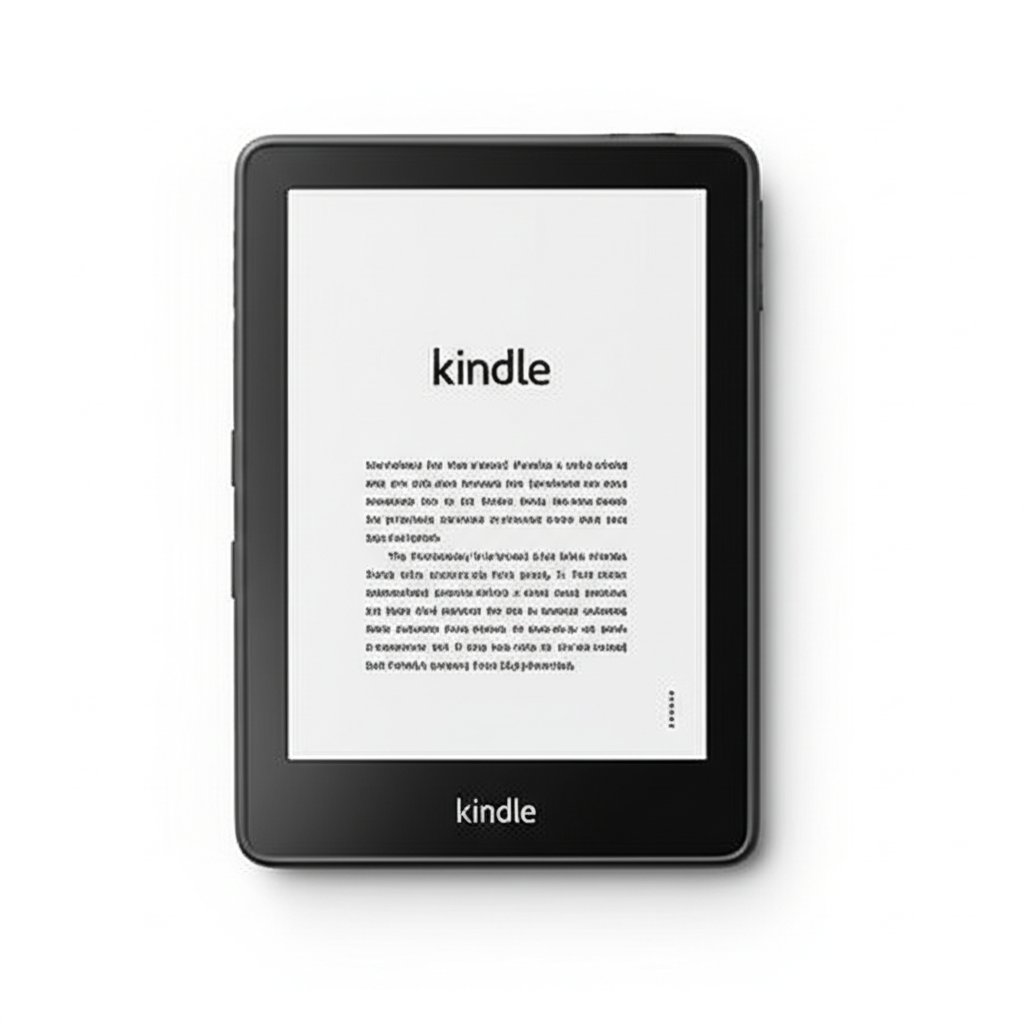
How E Ink works: Tiny capsules with black and white particles rearrange to form text. No backlight glare.
Paper-like appearance: Reflects ambient light like physical books. Easier on eyes.
Battery efficiency: Screen only uses power when changing. Weeks between charges.
Refresh rate: Slower than LCD. Not suitable for video or fast content.
The Kindle Scribe represents Amazon's premium e-reader with writing capability.
Kindle Ecosystem
Amazon's dominant e-reader platform:
Store integration: Largest ebook selection. One-click purchasing.
Kindle Unlimited: Subscription for unlimited reading from catalog.
Device sync: Reading position syncs across Kindle devices and apps.
Lock-in consideration: Books purchased are Amazon-format. Limited portability.
Screen Sizes
E-reader display options:
6" (standard Kindle): Compact, portable, focused reading.
7-8" (Kindle Paperwhite): Larger text, more comfortable for extended reading.
10.2" (Kindle Scribe): Magazine/PDF friendly. Note-taking space.
Size trade-off: Larger screens = more comfortable reading but less portable.
Frontlight vs No Light
Modern e-readers include lighting:
Frontlight: LEDs illuminate screen from front. Read in dark without eye strain.
Warm light options: Reduce blue light for evening reading.
Brightness adjustment: Adapt to ambient conditions.
Sunlight reading: E Ink readable in direct sunlight unlike backlit screens.
Writing and Note-Taking
The Scribe's distinguishing feature:
Stylus input: Write directly on screen like paper.
PDF annotation: Mark up documents, sign papers.
Notebook creation: Digital notebooks for handwritten notes.
Export options: Share notes and annotations.
Use case: Students, professionals, and avid note-takers.
Storage Considerations
How much space you need:
8GB: Thousands of ebooks. Adequate for most readers.
16-32GB: Audiobook storage, PDFs, larger libraries.
64GB (Scribe): Extensive note-taking, large PDF collections.
Cloud storage: Purchased content accessible from cloud anytime.
Waterproofing
Protection from accidents:
IPX8 rating: Submersible. Bath, beach, pool reading.
Standard on premium models: Paperwhite and above include waterproofing.
Peace of mind: Accidents happen. Waterproofing provides protection.
E-Reader vs Tablet for Reading
When dedicated devices make sense:
E-reader advantages: Eye comfort, battery life, sunlight readability, distraction-free.
Tablet advantages: Color, apps, video, versatility.
Dedicated readers: Those who read frequently benefit from E Ink.
Occasional readers: Tablet or phone apps may suffice.
Accessories
Complementing your e-reader:
Cases: Protection and automatic wake/sleep.
Screen protectors: Matte finish maintains paper-like feel.
Stands: Hands-free reading.
The Plant-Based Leather Case: Amazon's sustainable accessory option.
Alternative Ecosystems
Beyond Kindle:
Kobo: Open format support, library integration, Pocket integration.
Nook: Barnes & Noble ecosystem.
Open e-readers: Support multiple formats, less lock-in.
Library support: OverDrive/Libby compatibility varies by device.
Practical Recommendations
For casual readers: Basic Kindle or Paperwhite. Excellent reading experience at reasonable price.
For avid readers: Paperwhite with larger screen and waterproofing.
For note-takers/students: Kindle Scribe enables annotation and handwritten notes.
For format flexibility: Consider Kobo for non-Amazon ecosystem.
The key insight: E-readers excel at one thing—comfortable extended reading. If you read frequently, the eye comfort and battery life justify dedicated devices. Occasional readers may find phone/tablet apps sufficient.
Frequently Asked Questions
e リーダーを購入するときは、何を探すべきですか?
主な要因には、ビルドの品質、ユーザー レビュー、およびコストパフォーマンスが含まれます。 Amazon Kindle Scribe (32GB) などの最高評価のオプション - Your Notes (2,847 レビューから 4.4★) は、このカテゴリーの品質を示しています。
e リーダーの通常の費用はいくらですか?
価格は 6 ドルから 280 ドルで、ほとんどの品質オプションは 79 ドル前後です。 9 ドル未満の予算オプションは、時折使用できる場合に使用できますが、119 ドルを超えるプレミアム モデルはより優れた耐久性と機能を提供します。
現在最も人気のある読者は?
Amazon Kindle Scribe (32GB) - あなたのメモは現在、2,847 件の検証済みレビューから 4.4 ★ で最高評価です。 /Best/e-Readers でのすべてのトップ ピックについては、完全な比較を確認してください。
⚖️ Quick Comparison
| Product | Price | Rating | Key Feature |
|---|---|---|---|
| $279.99 | A digital notebook for all your writing needs - Replace your stack of notebooks ... | ||
| $36.99 | Created with sustainibility in mind – Plant-based leather crafted in Italy is so... | ||
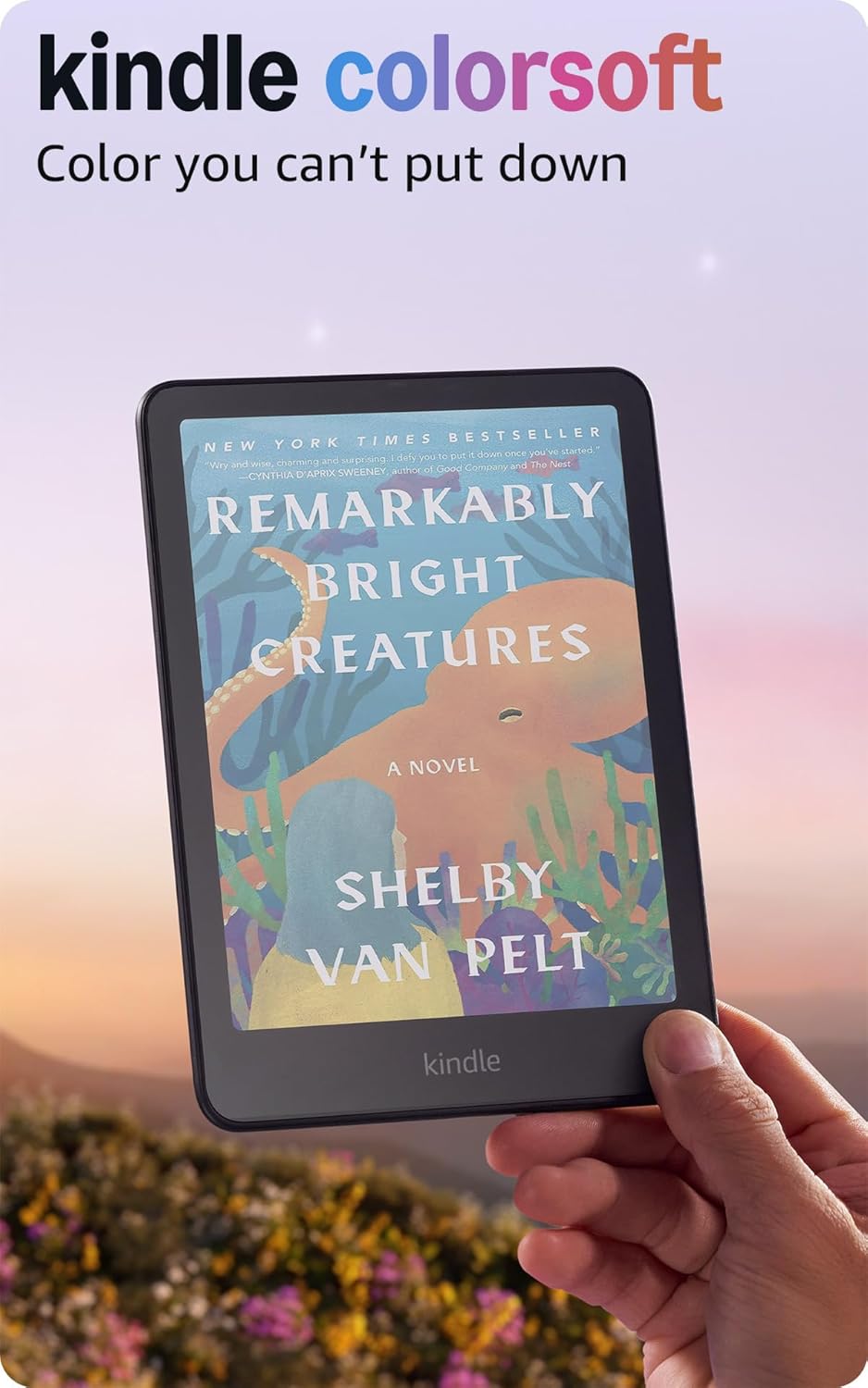
| $189.99 | Read in color – The new 7" Colorsoft display is high-contrast and easy on the ey... |