 PickPundit

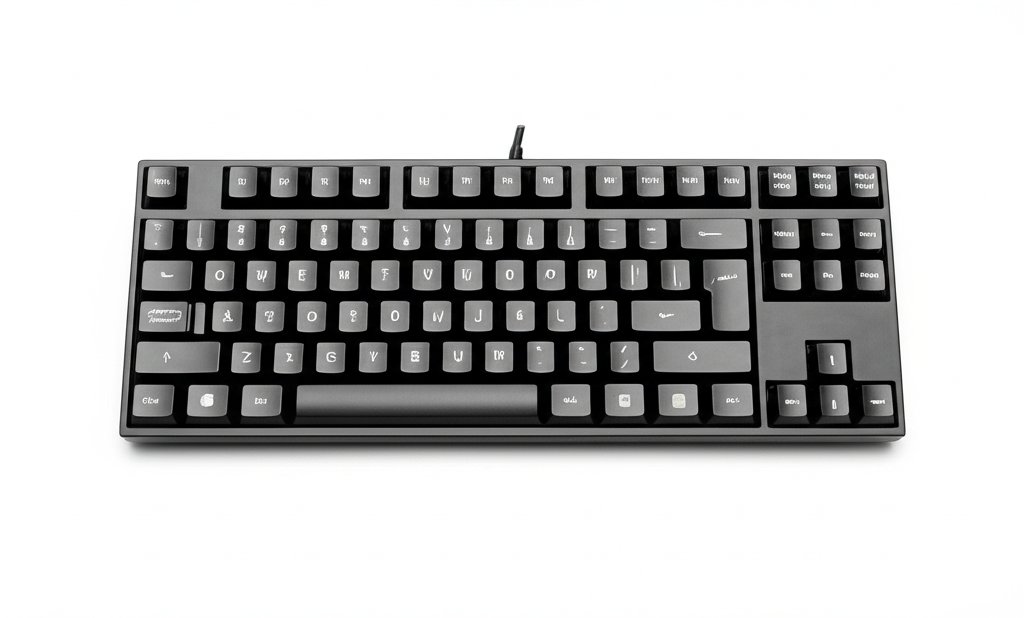
Complete keyboard under $75 buying guide. Learn what features matter, compare top products, and find the best keyboard under $75 for your budget.
View Top Picks →Table of Contents
Keyboards Under $75: Solid Mechanical and Quality Feature Options
The $50-75 range offers solid mechanical keyboards, quality wireless options, and gaming-focused features. This budget segment delivers meaningful improvements over entry-level options.
What $75 Buys
Quality entry mechanical keyboards from known brands.
Full-featured wireless membrane options.
Gaming keyboards with RGB and software support.
Improved build quality and typing experience.
Mechanical Keyboard Quality
Better switches than budget mechanical options.
Gateron, Kailh, or similar quality switches.
Some hot-swap options appearing at this price.
More switch type choices available.
Brand Reliability
Keychron C series quality options.
Royal Kludge and Epomaker entry models.
Gaming brands' entry mechanical lines.
Consistent quality control expected.
Wireless Options
Quality Bluetooth mechanical keyboards.
Multi-device pairing common.
Reasonable battery life.
2.4GHz options for lower latency.
Gaming Features
Full RGB backlighting customization.
Software support for macros and settings.
N-key rollover and anti-ghosting.
Gaming-optimized switches available.
Build Quality Improvement
Better plastic construction than budget.
More substantial typing feel.
Improved keycap quality (often PBT).
Better expected longevity.
Hot-Swap Beginning
Some keyboards offer hot-swap at this price.
Switch experimentation without soldering.
Future customization potential.
Valuable learning opportunity.
Layout Variety
Full-size, TKL, 65%, and compact options.
More choice than budget segment.
Match layout to your desk and needs.
Ergonomic Considerations
Some split or ergonomic options appearing.
Better than standard flat boards.
Not premium ergonomic territory yet.
Improvement over budget options.
Typing Experience
Noticeable improvement over budget keyboards.
Satisfying for many users long-term.
Good enough for enthusiast starting point.
Pleasant daily typing experience.
Upgrade Potential
Standard layout allows keycap upgrades.
Hot-swap enables switch changes.
Foundation for customization learning.
Good entry to keyboard enthusiasm.
Practical Recommendations
For mechanical quality, Keychron C series or similar ($60-75) provides excellent value.
For wireless needs, quality Bluetooth options offer convenience with features.
For gaming, entry gaming keyboards include necessary features.
This price point provides genuinely satisfying keyboards for most users.
Frequently Asked Questions
75 歳未満のキーボードを購入するときは、何を探すべきですか?
主な要因には、ビルドの品質、ユーザー レビュー、およびコストパフォーマンスが含まれます。 Dierya Dierya DK81E 75% メカニカル ゲーミング キーボード (3,539 レビューから 4.6★) などの最高評価のオプションは、このカテゴリの品質を示しています。
75 歳未満のキーボードの通常の費用はいくらですか?
価格は 20 ドルから 88 ドルで、ほとんどの品質オプションは 48 ドル前後です。 30 ドル未満の予算オプションは、時折使用できるように機能しますが、72 ドルを超えるプレミアム モデルはより優れた耐久性と機能を提供します。
現在最も人気のある 75 歳未満のキーボードは?
Dierya DK81E 75% メカニカル ゲーミング キーボードは、現在、3,539 件の検証済みレビューから 4.6 ★ で最高評価です。 すべてのトップ ピックについては、/Best/Keyboard-Under-75 で完全な比較を確認してください。
⚖️ Quick Comparison
| Product | Price | Rating | Key Feature |
|---|---|---|---|
| $39.99 | Enhanced Typing Experience & Hot-Swappable Freedom Personalize your feel and sou... | ||
| $29.99 | Mechanical Red Switch - Offers linear and smooth key action with minimal resista... | ||
| $25.99 | Full Key Anti-Ghosting - All keys work simultaneously, compatible with PC, lapto... |


