PickPundit

Complete monitor under $100 buying guide. Learn what features matter, compare top products, and find the best monitor under $100 for your budget.
View Top Picks →Table of Contents
Monitors Under $100: Entry-Level Displays and Budget Computing
The sub-$100 monitor market offers basic displays for productivity and light computing. Understanding limitations and available options helps select appropriate budget monitors.
What $100 Buys
21-24 inch displays typically.
1080p resolution common.
Basic stands with limited adjustment.
60Hz refresh rate standard.
Size Options
21.5 inch: compact, limited workspace.
23-24 inch: most common size, reasonable workspace.
Larger sizes rare at this price.
Consider desk space and viewing distance.
Panel Technology
TN panels: affordable, limited viewing angles.
VA panels: better contrast, some at this price.
IPS panels: rare at this budget.
Panel type affects color and viewing quality.
Resolution Reality
1080p (Full HD) is standard.
Lower resolutions exist but not recommended.
1080p adequate for most productivity.
4K not available at this price.
Connectivity
HDMI common and expected.
VGA on some budget models.
DisplayPort rare at this price.
Verify compatibility with your computer.
Stand Limitations
Tilt-only adjustment typical.
Height adjustment rare.
VESA mounting on some.
Aftermarket arms can improve ergonomics.
Use Case Suitability
Basic productivity: adequate.
Document work: fine.
Web browsing: fine.
Gaming: limited (60Hz, response time).
Brand Considerations
Major brands (Acer, HP, Dell, ASUS) at this price.
Off-brand models more risky.
Warranty support matters.
Research specific models.
Refurbished Options
Refurbished monitors often better value.
Higher-tier specs at budget price.
Warranty varies by seller.
Good way to stretch budget.
Color Accuracy
Not calibrated for professional work.
Adequate for general use.
Not suitable for photo/video editing.
Manage expectations.
Build Quality
Plastic construction standard.
Thin bezels on some models.
Basic build quality expected.
Handle with care.
Practical Recommendations
For basic productivity, 23-24 inch 1080p monitors ($70-100) provide adequate display quality.
Refurbished business monitors often offer better specifications at similar prices.
Don't expect gaming performance or color accuracy at this budget.
Consider monitor arm if stand limitations are problematic.
Frequently Asked Questions
100未満のモニターを購入するときは何を探すべきですか?
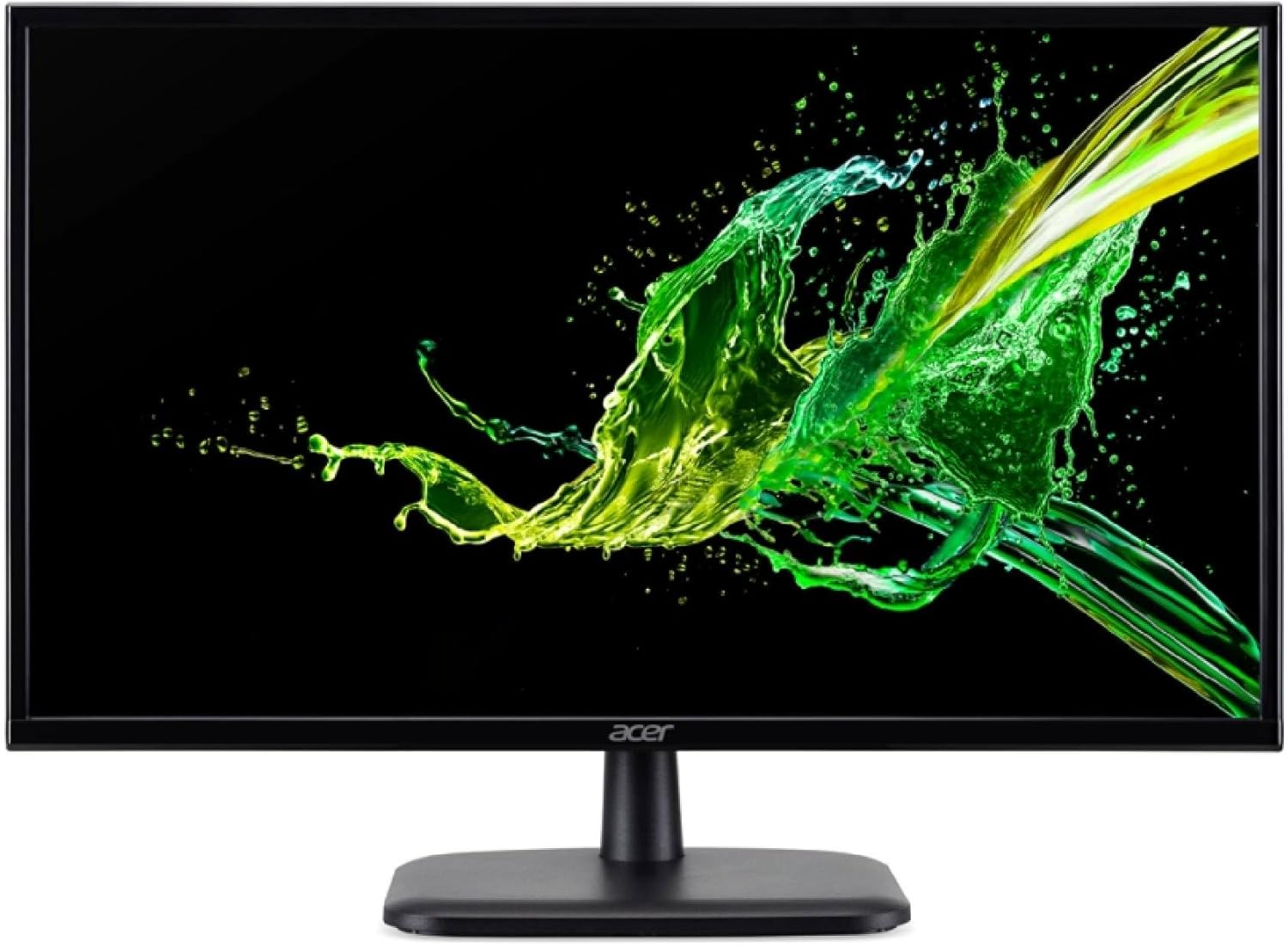
主な要因には、ビルドの品質、ユーザー レビュー、およびコストパフォーマンスが含まれます。 Acer Acer 21.5 インチ LED フル HD モニター 100Hz 1920x1080 (32 レビューから 4.6 ★ 32 レビュー) などの最高評価のオプションは、このカテゴリーでどのような品質が見られるかを示しています。
100 歳未満のモニターの通常の費用はいくらですか?
価格は 40 ドルから 758 ドルで、ほとんどの高品質オプションは 174 ドル前後です。 60 ドル未満の予算オプションは、時折使用できる場合に使用できますが、261 ドルを超えるプレミアム モデルは、より優れた耐久性と機能を提供します。
現在最も人気のある 100 歳未満のモニターは?
Acer 21.5 インチ LED フル HD モニター 100Hz 1920x1080 (更新) は、現在、検証済みの 32 件のレビューから 4.6 ★ で最高評価です。 すべてのトップ ピックについては、/best/monitor-under-100 で完全な比較を確認してください。
⚖️ Quick Comparison
| Product | Price | Rating | Key Feature |
|---|---|---|---|
| $59.99 | Immersive 21.5-inch LED display featuring Full HD 1920x1080 resolution delivers ... | ||
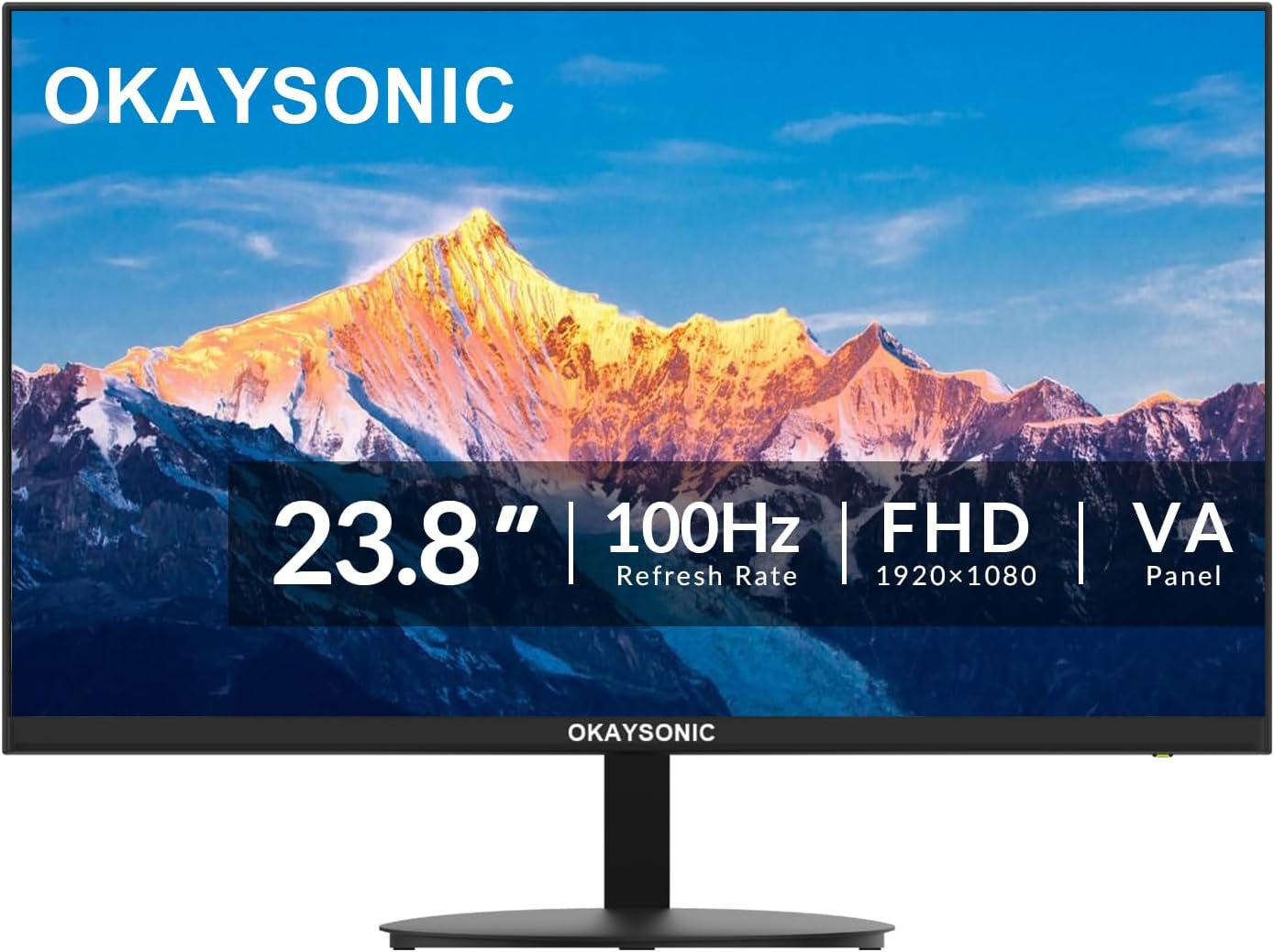
| $94.97 | 100% sRGB Color Gamut With 100% sRGB, our display reveals an astonishing brightn... | ||
| $69.99 | 100Hz Refresh Rate - Enjoy ultra-smooth visuals with a 100Hz refresh rate and 1m... |