 PickPundit
💻 How to Choose the Best Laptops: Complete Buying Guide

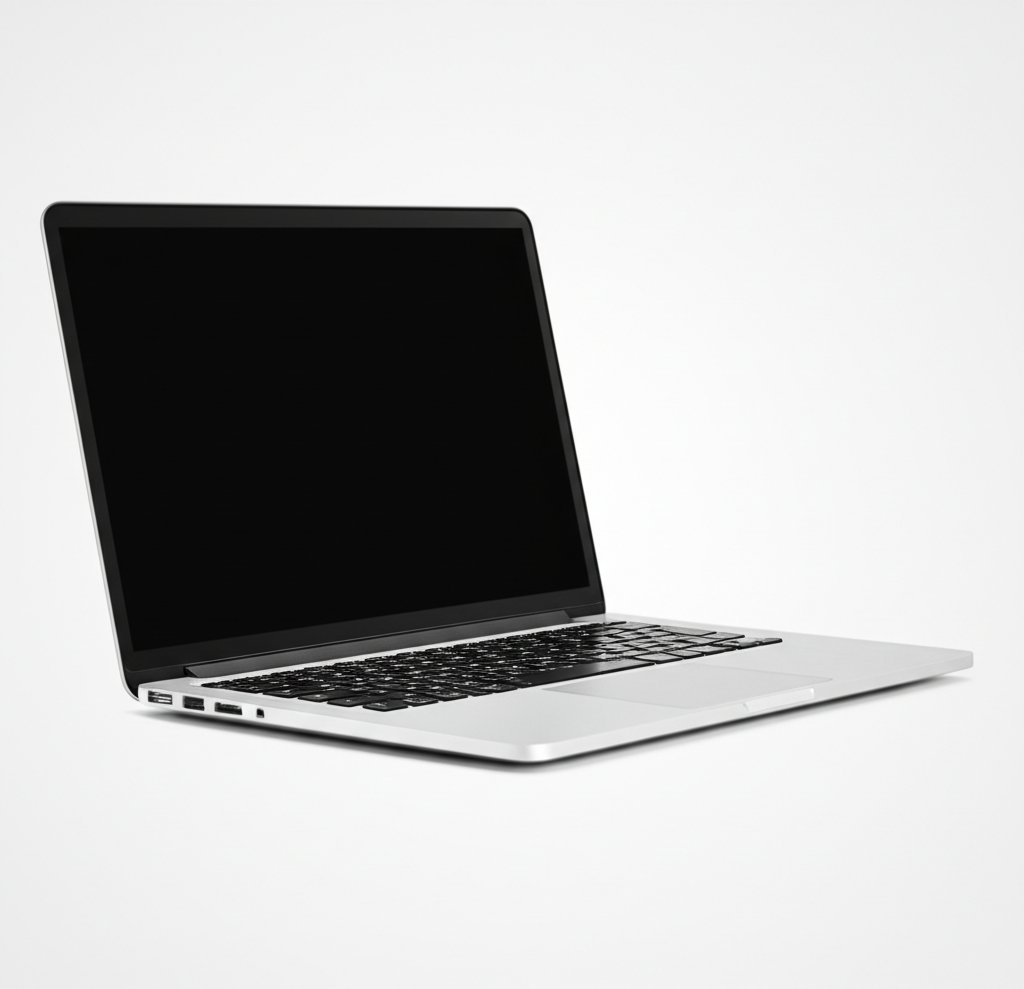
Complete laptops buying guide. Learn what features matter, compare top products, and find the best laptops for your budget.
View Top Picks →Table of Contents
Laptops: The $400 vs $1,200 Performance Gap That Matters Less Than You Think
Laptop reviews from budget buyers consistently justify purchases: "Does everything I need for $400 - browsing, streaming, documents. Why pay $1,200?" Meanwhile premium laptop buyers justify theirs: "Build quality, screen, keyboard, longevity worth $1,200. Cheap laptops feel cheap."
Both groups are correct within their use cases. Understanding what performance gap actually matters for YOUR use prevents overpaying for unused capability or under-buying for actual needs.
The Processor Tier Reality for Common Tasks
Budget laptops ($300-500): Intel Celeron/Pentium or AMD Athlon processors. Adequate for: web browsing, streaming video, document editing, email. Struggle with: multiple Chrome tabs (20+), photo editing, any video editing, gaming.
Mid-range ($600-900): Intel i5/i7 or AMD Ryzen 5/7. Handle: serious multitasking, light photo editing, casual gaming, programming. Struggle with: 4K video editing, heavy gaming, 3D rendering.
Premium ($1,000-2,000+): Intel i7/i9 or AMD Ryzen 7/9, dedicated graphics. Handle: everything including video editing, gaming, creative professional work.
The honest assessment: if your most demanding task is having 15 browser tabs open while streaming Netflix and editing documents, the $400 laptop performs identically to $1,200 laptop for YOUR use. The performance gap exists but affects tasks you don't do.
The underbuy problem: purchasing $400 laptop planning to "just browse and stream" then discovering you want to edit photos or do light video work. The budget laptop's struggles with tasks you didn't anticipate doing creates upgrade need within 1-2 years.
The Build Quality vs Longevity Correlation
Budget laptops: Plastic construction, flex in keyboard area, creaky hinges, develops issues (trackpad problems, failing keys, hinge damage) within 2-3 years typically.
Premium laptops: Aluminum unibody construction, solid keyboard with no flex, robust hinges, typically lasts 5-7 years before hardware issues.
The longevity economics: $400 laptop replaced every 3 years = $133/year. $1,200 laptop lasting 6 years = $200/year. The annual cost difference is $67/year for better build quality, superior screen, better keyboard, and premium components.
For students buying laptop for 4-year degree, the $1,000 premium laptop lasting all 4 years provides better value than $400 laptop likely needing replacement during year 3.
The Screen Quality Gap You Notice Daily
Budget laptop screens: 1366x768 or 1920x1080 TN panel, narrow viewing angles, poor color accuracy, dim brightness (200-250 nits).
Premium laptop screens: 1920x1080 or higher IPS panel, wide viewing angles, good color accuracy, bright (300-400+ nits), often higher resolution (2K, 4K).
The screen is the component you interact with 100% of laptop usage time. Poor screen creates eye strain, limits outdoor/bright room usability, makes content consumption less enjoyable.
For laptop primarily used indoors with controlled lighting, budget screens adequate. For varied environments, content creation, or long daily use, premium screen quality justifies cost through reduced eye strain and better experience.
The RAM vs Storage Priority For Budget Allocation
Budget allocation dilemma: $600 total, choose between 16GB RAM + 256GB SSD or 8GB RAM + 512GB SSD.
The RAM priority: 16GB enables serious multitasking, future-proofs for increasingly demanding software, prevents slowdown from memory limitations. Storage easily supplemented with external drives ($50 for 1TB external).
The storage priority: 512GB accommodates large file libraries without external drives. 8GB RAM limits multitasking and may struggle with future software updates.
The recommendation: prioritize 16GB RAM, supplement storage externally if needed. RAM is soldered (non-upgradeable in most modern laptops). Storage is supplementable.
The Battery Life Marketing vs Real Usage
Advertised battery life: "Up to 12 hours" measured under optimal conditions (screen dimmed, minimal background processes, light usage).
Real battery life: 6-8 hours for typical mixed usage (browsing, streaming, documents), 3-4 hours for demanding tasks (video editing, gaming).
The "up to" modifier means maximum possible under ideal conditions, not realistic expectation. Halving the advertised battery life provides realistic expectation for planning.
For all-day usage away from outlets, target laptops advertising 16+ hours (realistic 8-10 hours). For home/office use near outlets, 8-hour rating (realistic 4-5 hours) suffices.
Framework
Basic tasks only ($300-500): Web, streaming, documents, accepting 3-4 year lifespan and plastic build quality.
Student/professional ($700-1,100): 16GB RAM, good screen, solid build for 4-6 year ownership, covering range of tasks including some creative work.
Creative professional ($1,200-2,000): Premium screen (color accurate), powerful processor, 32GB RAM, dedicated graphics for photo/video work.
Gaming ($800-1,500): Dedicated gaming GPU, 16GB RAM, accepting heavier weight and lower battery life for gaming performance.
Ultraportable ($900-1,600): Premium thin-light designs (MacBook Air, Dell XPS), prioritizing portability and battery life, accepting performance compromise.
The laptop purchase should begin with honest assessment of most demanding task you'll actually do (not might someday do). The $1,200 laptop bought for "future-proofing" when you actually only browse and stream is $800 wasted on capability you never use.
Conversely, the $400 laptop bought for "basic tasks" when you actually want to learn photo editing struggles and creates frustration requiring $700 replacement sooner than planned.
Frequently Asked Questions
What should I look for when buying laptops?
Key factors include build quality, user reviews, and value for money. Top-rated options like the Apple 2026 Apple MacBook Air with Apple M3 Chip (15-inch (4.7★ from 134 reviews) demonstrate what quality looks like in this category.
How much do laptops typically cost?
Prices range from $165 to $1416, with most quality options around $532. Budget options under $247 work for occasional use, while premium models over $798 offer better durability and features.
Which laptops are most popular right now?
The 2026 Apple MacBook Air with Apple M3 Chip (15-inch is currently top-rated with 4.7★ from 134 verified reviews. Check our full comparison at /best/laptops for all top picks.


