PickPundit


Complete power supplies buying guide. Learn what features matter, compare top products, and find the best power supplies for your budget.
View Top Picks →Table of Contents
Power Supplies: The PC Component You Hope Never Matters
Power supplies (PSUs) convert wall power to the voltages your PC components need—the foundation everything else depends on. Understanding wattage, efficiency ratings, and connector standards helps choose PSUs that reliably power systems for years.
Why Power Supply Quality Matters
The hidden importance:
Powers everything: GPU, CPU, storage, fans—all depend on clean, stable power.
Protection: Quality PSUs protect components from surges, failures.
Failure consequences: Bad PSU can damage other components, cause instability.
Longevity: Quality PSUs last 7-10+ years. Cheap ones fail sooner.
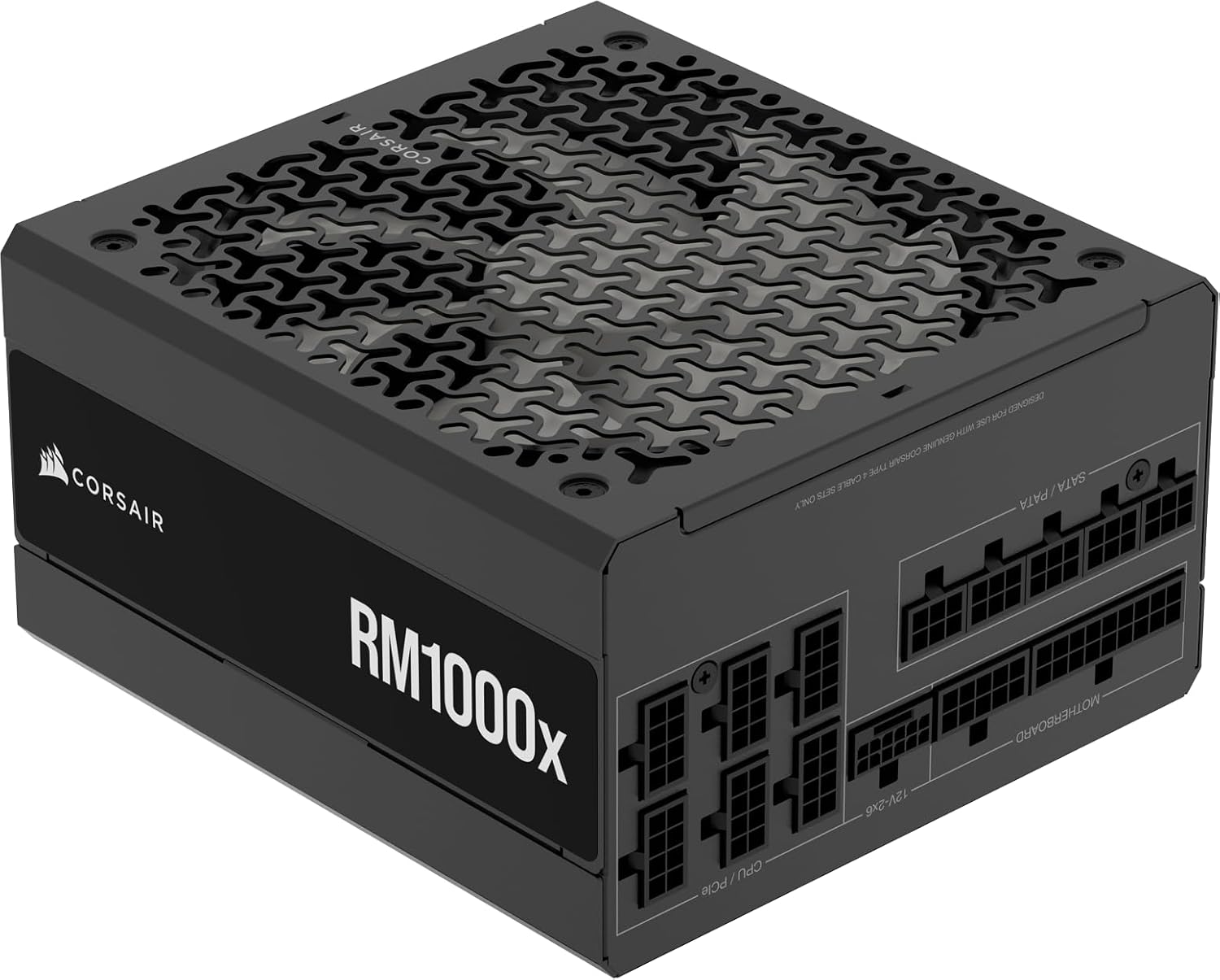
The Corsair RM series represents reliable mid-to-high tier power supplies.
Wattage Calculation
How much power you need:
GPU power: Modern high-end GPUs draw 200-450W under load.
CPU power: High-end CPUs draw 65-250W.
Other components: Drives, fans, peripherals add 50-100W.
Headroom: Add 20-30% above calculated needs for efficiency and future upgrades.
RM850e (850W): Adequate for most high-end single-GPU systems.
RM1000x (1000W): For power-hungry GPUs or multi-GPU setups.
ATX 3.0 and PCIe 5.0
New power standards:
12VHPWR connector: New high-power connector for latest GPUs.
Up to 600W single cable: Replaces multiple 8-pin connectors.
ATX 3.1: Updated spec with improved connector design (12V-2x6).
Backward compatibility: New PSUs work with older systems; old GPUs work with adapters.
80 Plus Efficiency Ratings
Power efficiency certification:
80 Plus (basic): 80% efficiency at 50% load.
80 Plus Bronze: 82-85% efficiency.
80 Plus Gold: 87-90% efficiency.
80 Plus Platinum: 90-92% efficiency.
80 Plus Titanium: 94%+ efficiency.
What it means: Higher efficiency = less heat, less electricity waste, often better components.
Modular vs Non-Modular
Cable management options:
Non-modular: All cables permanently attached. Cheapest. Cable clutter.
Semi-modular: Main cables attached, others detachable. Good balance.
Fully modular: All cables detachable. Cleanest builds. Premium price.
Cable compatibility warning: Modular cables not interchangeable between brands—can damage components.
Single vs Multi-Rail
12V power delivery:
Single rail: One 12V source. Simpler, full power available anywhere.
Multi-rail: Multiple 12V sources with individual limits. Over-current protection per rail.
Modern preference: Single rail dominant in consumer PSUs.
Fan and Noise
Cooling considerations:
Fan size: 120-140mm fans move more air quietly.
Zero RPM mode: Fan stops at low loads. Silent operation.
Fan quality: Better bearings last longer, run quieter.
Temperature-based: Fan speed increases with load/temperature.
Protection Features
What safeguards PSUs include:
OVP (Over Voltage Protection): Shuts down if voltage spikes.
UVP (Under Voltage Protection): Protects against voltage drops.
OCP (Over Current Protection): Prevents excessive current draw.
OPP (Over Power Protection): Shuts down if total power exceeded.
SCP (Short Circuit Protection): Protects against shorts.
Brand Considerations
Manufacturer reputation:
Corsair, Seasonic, EVGA: Established quality brands.
OEM reality: Many brands use same OEM manufacturers.
Review importance: Individual PSU models matter more than brand.
Warranty length: 7-10 year warranties indicate manufacturer confidence.
Form Factors
Physical size standards:
ATX: Standard desktop size. Most common.
SFX: Compact for small form factor builds.
SFX-L: Slightly larger SFX, better cooling.
Size matters: Verify PSU fits case before purchasing.
When to Upgrade
Signs of PSU aging or inadequacy:
Random shutdowns under load: Insufficient power or failing PSU.
Coil whine increase: May indicate degradation.
New GPU requirements: High-power GPUs specify PSU minimums.
Age: 7-10+ years old may warrant preventive replacement.
Common Mistakes
PSU purchasing errors:
Insufficient wattage: System unstable under load.
Cheap no-name PSUs: Risk component damage, fire hazard.
Wrong cables: Using cables from different PSU damages components.
Overbuying: 1200W for system that draws 400W—waste of money.
Practical Recommendations
For mid-range builds: 650-750W Gold-rated from reputable brand. Adequate headroom for most single-GPU systems.
For high-end builds: 850W+ (RM850e tier) for current high-power GPUs.
For future-proofing: ATX 3.0/3.1 with 12VHPWR for next-gen GPU compatibility.
For all builders: Prioritize quality over wattage. 650W quality PSU beats 850W unknown brand.
The key insight: PSUs are long-term investments. Quality units power systems reliably for a decade. Cheap units risk everything else in the system. Spend appropriately on the component that literally powers everything.
Frequently Asked Questions
전원 공급 장치를 구입할 때 무엇을 확인해야 합니까?
주요 요소에는 빌드 품질, 사용자 리뷰 및 가격 대비 가치가 있습니다. Corsair Corsair RM1000x ATX 3.1 PCIe 5.1 Ready Fully Modul(11,142개 리뷰에서 4.7★)과 같은 최고 등급의 옵션은 이 범주에서 어떤 품질이 보이는지 보여줍니다.
전원 공급 장치의 비용은 일반적으로 얼마입니까?
가격은 $13에서 $260 사이이며 대부분의 품질 옵션은 $90 정도입니다. $19 미만의 예산 옵션은 가끔 사용하는 데 사용되며 $135 이상의 프리미엄 모델은 더 나은 내구성과 기능을 제공합니다.
현재 가장 인기 있는 전원 공급 장치는 무엇입니까?
Corsair RM1000X ATX 3.1 PCIe 5.1 Ready Full Modular 1000W P는 현재 11,142개의 검증된 리뷰에서 4.7★로 최고 등급입니다. 모든 상위 선택에 대한 /Best/Power-Supplies에서 전체 비교를 확인하십시오.
⚖️ Quick Comparison
| Product | Price | Rating | Key Feature |
|---|---|---|---|
| $159.99 | Fully Modular Reliable and efficient low-noise power supply with fully modular c... | ||
| $109.99 | Fully Modular PSU Reliable and efficient, low-noise power supply with fully modu... | ||
| $74.99 | L-Wireless Controller PW24-1W-T includes the L-Wireless Controller. The controll... |