 PickPundit
📦 Hoe de beste mechanische toetsenborden te kiezen: complete koopgids

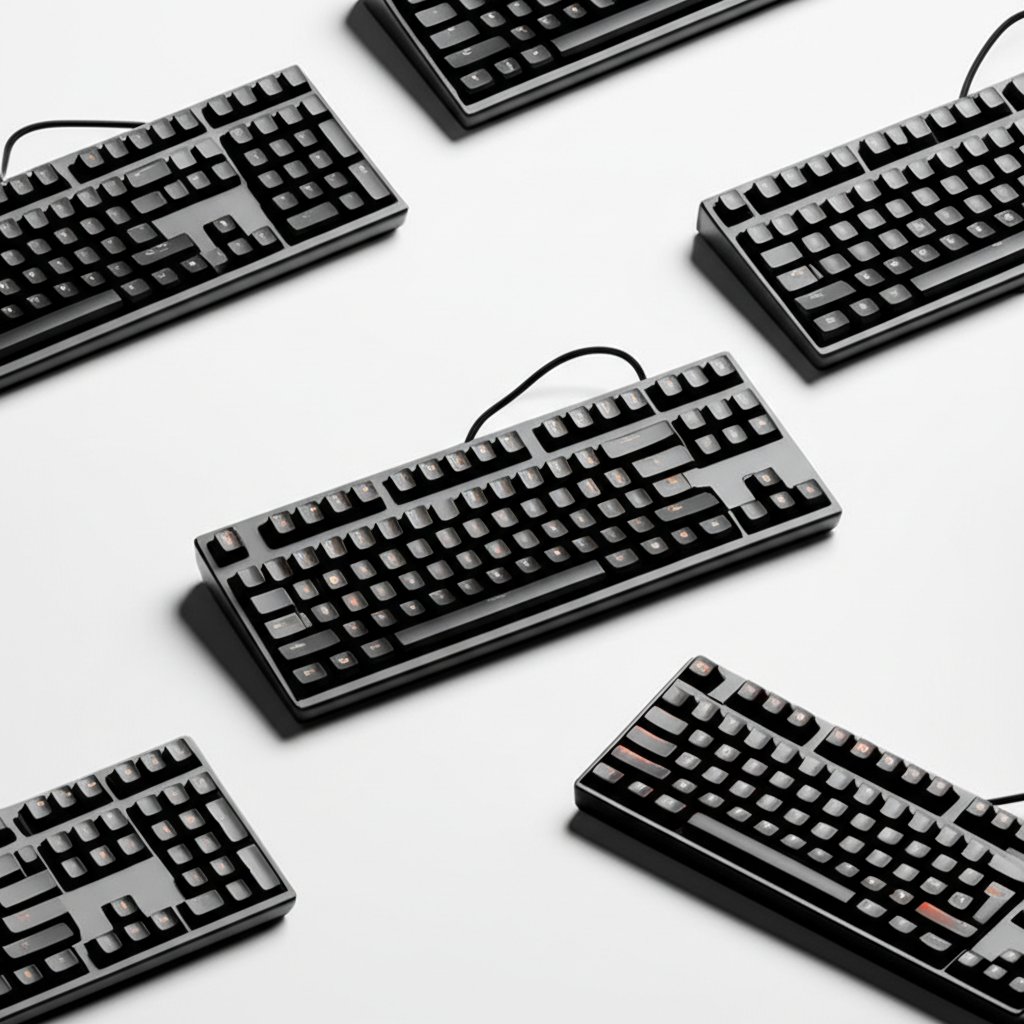
Complete mechanical keyboards buying guide. Learn what features matter, compare top products, and find the best mechanical keyboards for your budget.
View Top Picks →Table of Contents
Mechanical Keyboards: The $200 Custom Build vs $50 Gaming Keyboard Enthusiast Divide
Mechanical keyboard community has two distinct populations: enthusiasts building custom keyboards costing $200-500+ (switches, keycaps, cases purchased separately), and mainstream buyers purchasing pre-built gaming keyboards for $50-150.
The communities rarely overlap - enthusiasts mock pre-builts as inferior, mainstream users question paying $300 for keyboard functionality achievable for $60.
The Switch Type Preference Subjectivity
Linear switches (Red): Smooth keystroke without tactile bump, quiet, preferred for gaming. Criticized by typists as lacking feedback.
Tactile switches (Brown): Bump mid-keystroke providing typing feedback, moderate noise, versatile for gaming and typing. Most popular.
Clicky switches (Blue): Pronounced bump with audible click, loudest, satisfying for typing, annoying for everyone nearby.
The preference is entirely subjective. Reviews praising Browns as "perfect" and criticizing Blues as "too loud" reflect personal preference, not objective quality differences.
For first mechanical keyboard, Browns provide safe middle ground. For known preferences (hate noise = Red, love feedback = Blue), choose accordingly.
The Hot-Swappable vs Soldered Switch Investment
Soldered switches: Permanent, if you dislike switch type, entire keyboard is wrong choice. Budget option.
Hot-swappable sockets: Switches removable and replaceable without soldering, enables testing different switch types, future-proofs for preference changes. Costs $30-80 premium.
For first mechanical keyboard where preferences unknown, hot-swappable provides insurance against switch-type regret. For known preferences, soldered saves money.
The Keycap Material PBT vs ABS Longevity
ABS plastic keycaps: Smooth, shiny surface develops over time from finger oils, legends (letters) fade or wear off with use. Standard on budget keyboards.
PBT plastic keycaps: Textured surface resists shine, legends last longer (especially double-shot PBT), more durable. Premium feature.
The shine development timeline: ABS keycaps show noticeable shine on frequently-used keys (WASD, spacebar, Enter) within 6-12 months of daily use. PBT maintains texture for years.
For long-term ownership, PBT justifies $20-40 premium through maintained appearance and feel.
The Full-Size vs TKL vs 60% Size Trade-Off
Full-size (100-104 keys): Number pad included, largest footprint, most versatile.
Tenkeyless/TKL (87-88 keys): No number pad, saves desk space, maintains arrow keys and function row.
60% (61 keys): Minimal footprint, no arrow keys/function row (accessed through function layer), maximum desk space for mouse.
The desk space vs functionality: gamers prioritizing mouse space choose TKL or 60%. Accountants or spreadsheet users need number pad (full-size). Programmers debating between TKL convenience and 60% minimal footprint.
For first mechanical keyboard unsure about size, TKL provides best compromise - saves space without removing essential navigation keys that 60% requires learning function layers to access.
Framework
Testing mechanical: Pre-built TKL with Browns, hot-swappable if budget allows, under $100, accepting might not match enthusiast standards.
Gaming focused: Pre-built full-size or TKL with Reds, RGB lighting, dedicated media keys, $80-150.
Typing productivity: Pre-built with Browns or Blues, PBT keycaps, full-size for number pad, $100-200.
Enthusiast custom: Hot-swappable base, separate switch/keycap purchases, accepting $200-400+ total cost for personalization.
Budget mechanical experience: Pre-built with Browns, soldered switches, ABS keycaps, accepting compromises to try mechanical at $50-70.
The mechanical keyboard rabbit hole is real - starting with $60 pre-built, then wanting to try different switches, then buying hot-swappable board, then custom keycaps, escalating to $300+ total investment. Starting with hot-swappable enables switch experimentation without buying multiple keyboards.
Frequently Asked Questions
Waar moet ik op letten bij het kopen van mechanische toetsenborden?
Belangrijke factoren zijn onder meer bouwkwaliteit, gebruikersrecensies en waar voor uw geld. Topopties zoals de Logitech G Logitech G413 SE Full-Size Mechanical Gaming Keybo (4.6 ★ van 2.294 beoordelingen) laten zien hoe kwaliteit eruitziet in deze categorie.
Hoeveel kosten mechanische toetsenborden doorgaans?
Prijzen variëren van $ 16 tot $ 100, met de meeste kwaliteitsopties rond de $ 57. Budgetopties onder de $ 24 werken voor incidenteel gebruik, terwijl premiummodellen van meer dan $ 86 betere duurzaamheid en functies bieden.
Welke mechanische toetsenborden zijn momenteel het populairst?
Het Logitech G413 SE Full-Size Mechanical Gaming Keyboard - Back is momenteel best beoordeeld met 4,6 van 2.294 geverifieerde beoordelingen. Bekijk onze volledige vergelijking op /best/mechaniical-keyboards voor alle topkeuzes.


