PickPundit
📺 How to Choose the Best Televisions: Complete Buying Guide

Complete televisions buying guide. Learn what features matter, compare top products, and find the best televisions for your budget.
View Top Picks →Table of Contents
Televisions: The 4K vs 8K Question Nobody Should Ask Yet
Television marketing pushes 8K resolution (7680x4320 pixels) as the "next big thing" commanding premium pricing. The reality: essentially zero 8K content exists for consumers. Netflix, Disney+, YouTube all max at 4K. Broadcast TV is 1080p.
Buying 8K TV in 2026 means paying premium for capability that won't have content for 3-5+ years minimum, if ever at consumer level.
The Refresh Rate Gaming Importance
60Hz refresh rate: Standard for all content (movies, TV shows, most streaming). Adequate for non-gaming use.
120Hz refresh rate: Beneficial for gaming (smooth motion, reduced input lag), sports viewing (fast motion clarity). Costs $100-300 premium over equivalent 60Hz model.
The gaming consideration: if TV primarily used for gaming (PS5, Xbox Series X supporting 120Hz), the refresh rate upgrade provides noticeable improvement. For movie/TV viewing only, the 120Hz premium provides minimal benefit since content is 24-60fps.
For non-gamers, saving $100-300 by choosing 60Hz enables budget allocation to better screen technology (better HDR, local dimming) providing more visible benefit.
The Smart TV Platform Obsolescence
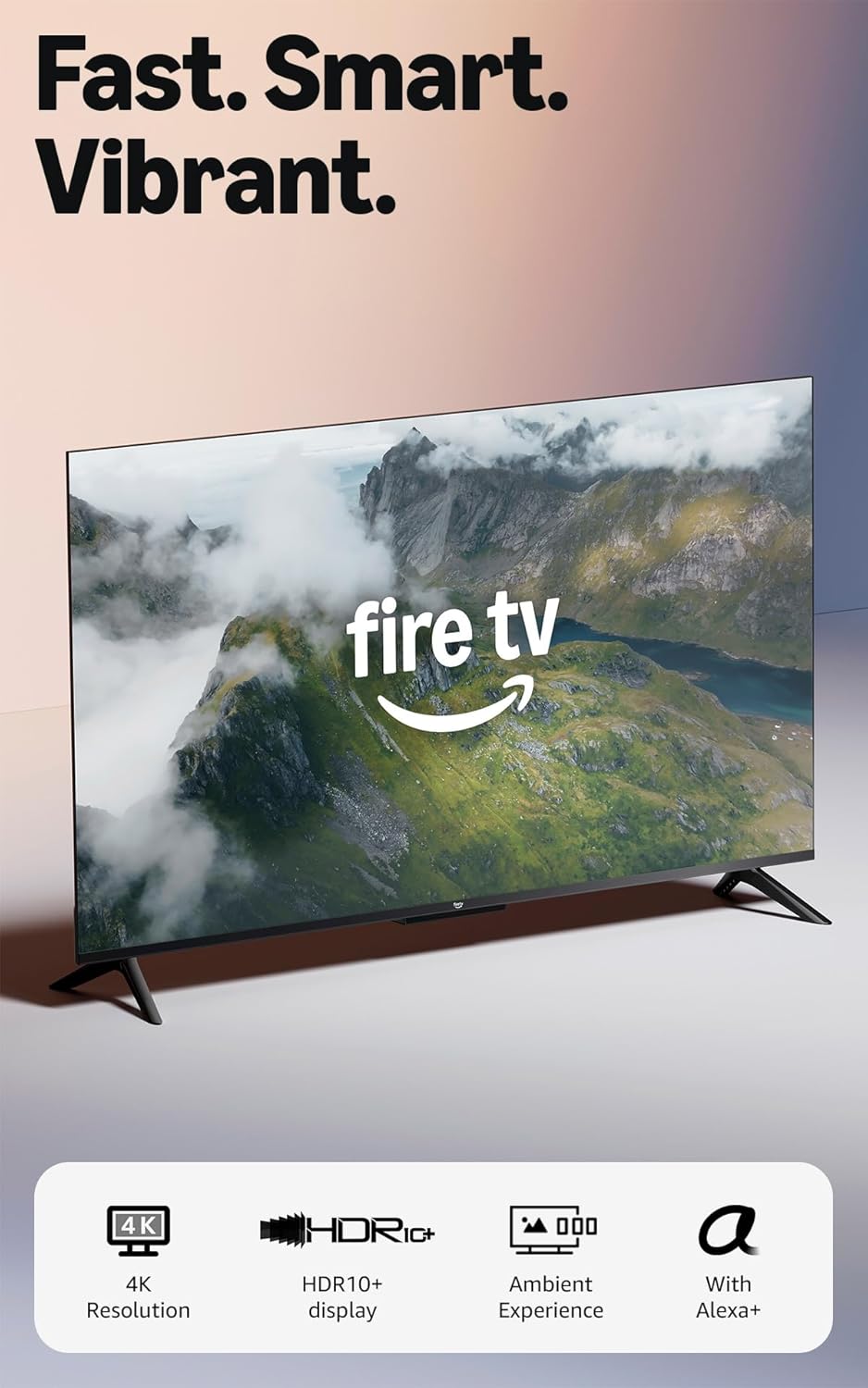
Built-in smart TV platforms (Roku TV, Fire TV, Google TV, Samsung Tizen) become obsolete as apps stop supporting old hardware. A 2020 TV's smart platform might lose app support by 2026, rendering smart features useless.
The external streaming device strategy: Buy "dumb" TV (without smart features) or ignore built-in smart platform, use external device ($30-50 Roku/Fire Stick, $150-200 Apple TV). When streaming device obsoletes, replace $50 device instead of $800 TV.
Premium TVs often have inferior smart platforms compared to dedicated streaming devices. The LG WebOS or Samsung Tizen might be clunkier than $40 Roku, despite TV costing $1,500.
The Local Dimming Zone Count
Edge-lit LED: Backlighting from TV edges only, no local dimming, cheapest technology. Black levels appear gray.
Local dimming with zones: Backlight divided into zones (8, 32, 64, 128+ zones) that dim independently. More zones = better contrast and black levels = higher cost.
Full-array local dimming with 100+ zones approaches OLED black level performance at lower cost. Budget local dimming (8-16 zones) provides minimal improvement over edge-lit.
For dark room viewing where black levels matter (movies, gaming), local dimming zone count directly affects picture quality. For bright room viewing, black level differences are less noticeable, making premium local dimming investment less justified.
The OLED Burn-In Risk vs Picture Quality
OLED TVs: Perfect blacks (pixels turn completely off), infinite contrast ratio, superior picture quality for movies. Also: burn-in risk from static content (news tickers, game HUDs, channel logos), higher price ($1,000-3,000).
LED/QLED TVs: No burn-in risk, brighter peak brightness (better for bright rooms), cheaper. Also: inferior black levels and contrast compared to OLED.
For varied content viewing (rotating between movies, sports, news, gaming), OLED burn-in risk is minimal with proper usage (screensavers, pixel shift features enabled).
For CNN all-day viewing or single game played thousands of hours (static HUD elements), burn-in risk becomes significant. LED/QLED provides safer choice for static-heavy content.
Framework
Budget quality ($300-600): 4K LED TV, 60Hz, ignore smart platform use external device, 43-55 inch size. Adequate for casual viewing.
Gaming focused ($500-900): 4K 120Hz, HDMI 2.1 for current-gen consoles, low input lag, considering OLED if budget allows.
Movie enthusiast dark room ($1,000-2,000): OLED for perfect blacks, or high-zone-count local dimming, 65+ inch size, accepting burn-in risk management.
Bright room viewing ($600-1,200): QLED or high-brightness LED, local dimming, larger size (65-75 inch) to combat viewing distance.
Future-proofing fallacy: Don't buy 8K. Content doesn't exist. 4K with good HDR, local dimming, and 120Hz (for gaming) provides all meaningful capability for next 5+ years.
The TV purchase should match room lighting (bright room vs dark room determines OLED vs LED), viewing distance (determines size), and usage (gaming vs movies vs general). The technology specs (resolution, refresh rate, panel type) follow from these use-case requirements, not from maximizing specs on checklist.
Frequently Asked Questions
What should I look for when buying televisions?
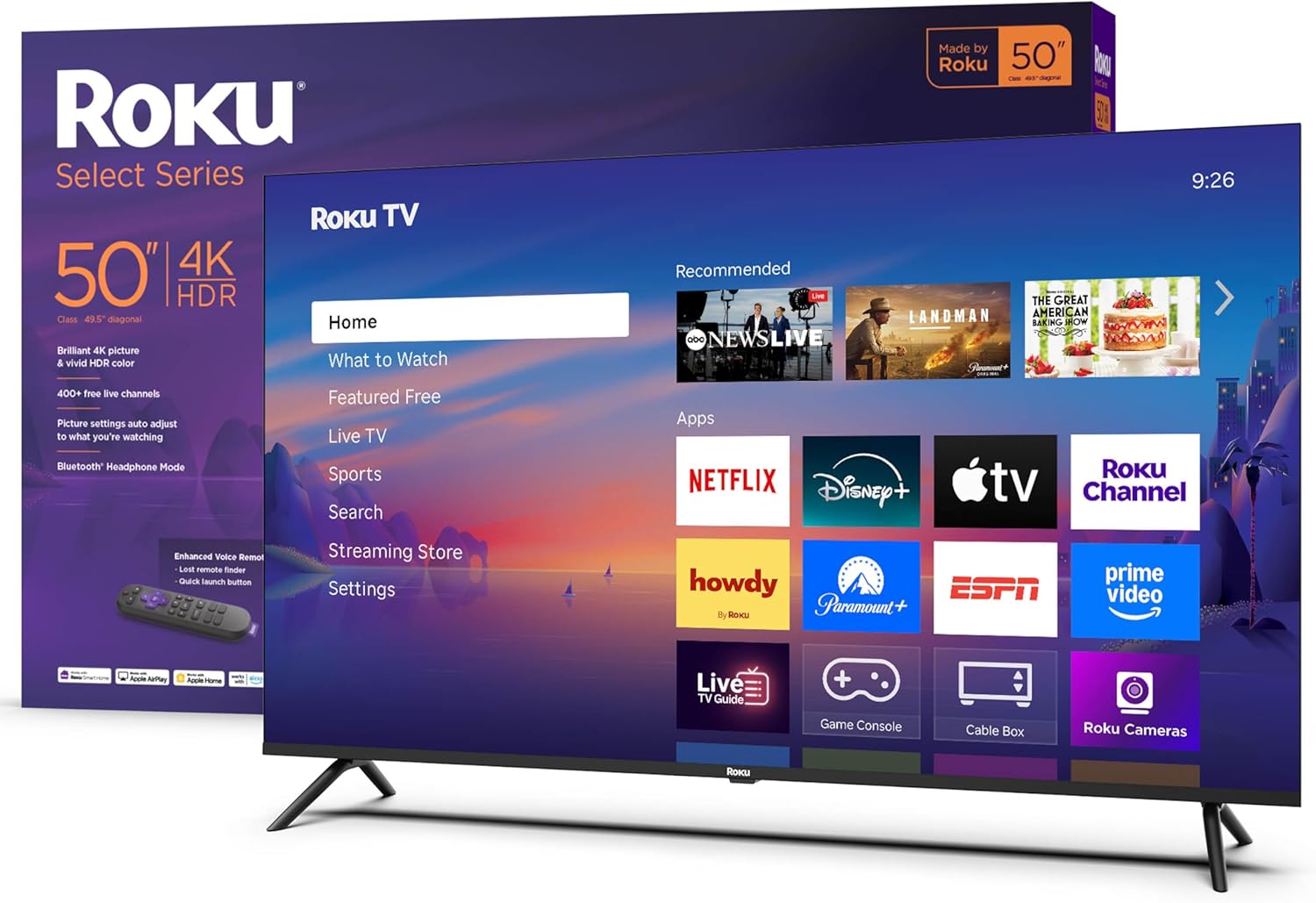
Key factors include build quality, user reviews, and value for money. Top-rated options like the Roku Roku Smart TV 2026 – 50-Inch Select Series (4.5★ from 2,185 reviews) demonstrate what quality looks like in this category.
How much do televisions typically cost?
Prices range from $80 to $4999, with most quality options around $595. Budget options under $120 work for occasional use, while premium models over $893 offer better durability and features.
Which televisions are most popular right now?
The Roku Smart TV 2026 – 50-Inch Select Series is currently top-rated with 4.5★ from 2,185 verified reviews. Check our full comparison at /best/televisions for all top picks.