 PickPundit
📦 Jak wybrać najlepsze podkładki chłodzące do laptopa: Kompletny przewodnik zakupu

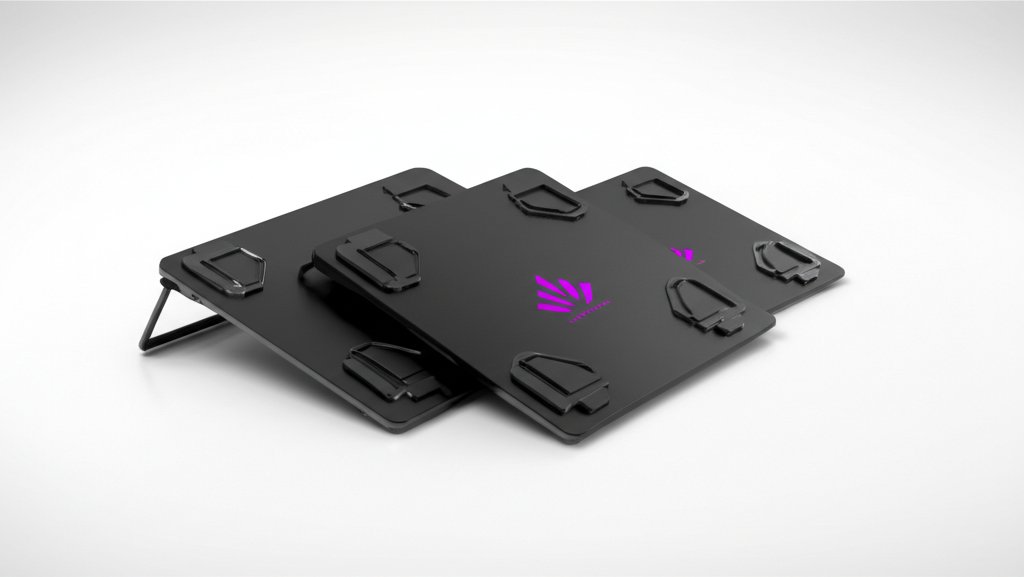
Complete laptop cooling pads buying guide. Learn what features matter, compare top products, and find the best laptop cooling pads for your budget.
View Top Picks →Table of Contents
Laptop Cooling Pads: Managing Heat for Performance and Longevity
Laptop cooling pads provide additional airflow to hot-running laptops—extending component life and sometimes preventing thermal throttling. Understanding when cooling pads help and their limitations helps decide whether additional cooling is worthwhile.
Why Laptops Overheat
Heat generation reality:
Compact design: Powerful components in thin enclosures.
Limited airflow: Small fans, restricted vents.
Thermal throttling: CPUs/GPUs slow down when too hot.
Gaming laptops especially: High-performance components generate significant heat.
How Cooling Pads Work
Active vs passive cooling:
Active cooling (fans): Additional fans blow air toward laptop bottom. Most common.
Passive cooling: Elevated design improves natural airflow. No power needed.
Mesh surfaces: Allow airflow while supporting laptop.
The KeiBn and Razer options: Active cooling with adjustable fans.
Temperature Improvement Reality
Realistic expectations:
Typical improvement: 5-15°C reduction under load.
Varies by laptop: Some laptops benefit more than others.
Won't fix poor design: Can't compensate for fundamentally inadequate laptop cooling.
Performance impact: May prevent throttling, maintaining higher speeds.
Fan Configuration
Cooling pad designs:
Single large fan: Quieter, broad coverage.
Multiple smaller fans: Targeted cooling, potentially louder.
Adjustable fans: Different speeds for noise/cooling balance.
RGB options: Aesthetics with questionable cooling benefit.
Height and Ergonomics
Dual benefit consideration:
Elevated typing: Cooling pads raise laptop, improving typing angle.
Screen height: May reduce neck strain slightly.
Adjustable angles: Some pads offer multiple positions.
Ergonomic bonus: Additional benefit beyond cooling.
Power Source
How cooling pads get power:
USB powered: Draw power from laptop USB. Most common.
USB passthrough: Include extra USB ports despite using one.
AC powered: Rare, more powerful fans possible.
Power draw: Minimal, typically 0.5-2W.
Size Compatibility
Matching pad to laptop:
Measure laptop: Ensure pad accommodates your laptop dimensions.
15.6" standard: Most common laptop size.
17"+ options: Larger pads for larger laptops.
Universal pads: Accommodate range of sizes.
Noise Considerations
Fan noise trade-off:
Quiet operation: Low RPM fans, larger diameter.
Maximum cooling: Higher speeds, more noise.
Adjustable speeds: Balance noise and cooling as needed.
Comparison: Some cooling pads quieter than laptop's internal fans.
Premium vs Budget
What money buys:
Budget ($15-25): Basic functionality, variable build quality.
Mid-range ($25-50): Better fans, build quality, features. KeiBn tier.
Premium ($50+): Razer quality—excellent fans, build, design.
When Cooling Pads Help Most
Best use cases:
Gaming laptops: High heat generation during gaming sessions.
Older laptops: Aging thermal paste, dust accumulation.
Extended sessions: Prolonged heavy use benefits from additional cooling.
Summer months: Ambient temperature affects laptop thermals.
When They Don't Help
Limited benefit scenarios:
Properly cooled laptops: Already running cool don't benefit much.
Light use: Web browsing doesn't generate enough heat to matter.
Clogged internals: Cooling pad can't fix blocked internal fans.
Poor laptop design: Some laptops need internal improvement.
Practical Recommendations
For gaming laptops: Quality cooling pad (Razer tier) provides meaningful temperature reduction.
For work laptops: Ergonomic benefit may justify even without major cooling need.
For budget: KeiBn tier delivers functional cooling at reasonable price.
For all users: Clean laptop internals first—may reduce need for external cooling.
The key insight: cooling pads provide modest but real temperature improvement. They're supplements to—not replacements for—proper laptop maintenance. Best value for gaming laptops under heavy load.
Frequently Asked Questions
Na co zwrócić uwagę przy zakupie podkładek chłodzących do laptopów?
Kluczowe czynniki to jakość wykonania, recenzje użytkowników i stosunek jakości do ceny. Najwyżej oceniane opcje, takie jak pad chłodnicy do laptopów z ulepszonym laptopem Keibn Keibn z 9 qui (4,4★ z 2719 recenzji) pokazują, jak wygląda jakość w tej kategorii.
Ile zazwyczaj kosztują podkładki chłodzące laptopa?
Ceny wahają się od 16 do 130 USD, a większość opcji jakości około 42 USD. Opcje budżetowe poniżej 24 USD działają do okazjonalnego użytku, podczas gdy modele premium powyżej 63 USD oferują lepszą trwałość i funkcje.
Które podkładki chłodzące do laptopów są obecnie najpopularniejsze?
Ulepszony pad chłodnicy do laptopów do gier z 9 cichym wentylatorem RGB jest obecnie najwyżej oceniany z 4.4 ★ z 2719 zweryfikowanych recenzji. Sprawdź nasze pełne porównanie na /best/laptop-chłodzące-pady dla wszystkich najlepszych typów.
⚖️ Quick Comparison
| Product | Price | Rating | Key Feature |
|---|---|---|---|
| $32.99 | 9 Super Cooling Fans The newest 9-core laptop cooling pad can efficiently cool y... | ||
| $129.99 | SMART COOLING — From idle to full load, keep the laptop running smoothly with ou... | ||
| $15.98 | Efficient Heat Dissipation - Two strong fans and metal mesh provide airflow to k... |


