PickPundit
📦 Como escolher o melhor laptop abaixo de $150: Guia Completo de Compra

Complete laptop under $150 buying guide. Learn what features matter, compare top products, and find the best laptop under $150 for your budget.
View Top Picks →Table of Contents
Laptops Under $150: Limited Options and Realistic Expectations
The sub-$150 laptop market offers limited new options and requires careful used market navigation. Understanding realistic expectations helps make informed budget decisions.
New Options Reality
Very few new laptops at this price.
Entry Chromebooks sometimes available.
Basic specifications with significant limitations.
New at this price = serious compromises.
Chromebook Viability
Chrome OS designed for modest hardware.
Browser-based computing works on limited resources.
Google ecosystem integration.
Limited offline functionality.
Used Market Focus
Most sub-$150 laptops are used.
Older business laptops offer value.
ThinkPad, Latitude, EliteBook surplus common.
Condition and battery status critical.
Refurbished Advantages
Professional testing and cleaning.
Replacement of worn components.
Warranty often included.
Better reliability than random used purchases.
Performance Expectations
Basic web browsing.
Simple document work.
Video streaming at modest quality.
Don't expect modern software support.
Battery Considerations
Used laptop batteries are degraded.
May function only when plugged in.
Replacement batteries add $30-60.
Factor realistic battery status.
Operating System Options
Chrome OS for Chromebooks.
Windows 10/11 may run slowly on older hardware.
Linux can revive older machines efficiently.
Consider OS match to hardware capability.
Suitable Use Cases
Basic home computing.
Students with simple needs.
Secondary or backup device.
Children's first computer.
What to Avoid
Devices with physical damage.
Unknown sellers without return options.
Very old processors (pre-2015).
Missing components or accessories.
Upgrade Potential
RAM upgrades help some older laptops.
SSD replacement transforms older machines.
Upgrades may cost as much as device.
Research specific model upgrade paths.
Purchase Sources
Refurbished electronics dealers.
School district surplus sales.
Corporate IT liquidation.
eBay with careful seller evaluation.
Practical Recommendations
For budget computing, refurbished Chromebooks or older business laptops provide best value.
Inspect carefully or buy from reputable refurbishers with return policies.
Linux installation can revive capable older hardware.
Consider saving more for usable long-term device if possible.
Frequently Asked Questions
O que devo procurar ao comprar laptop com menos de 150 anos?
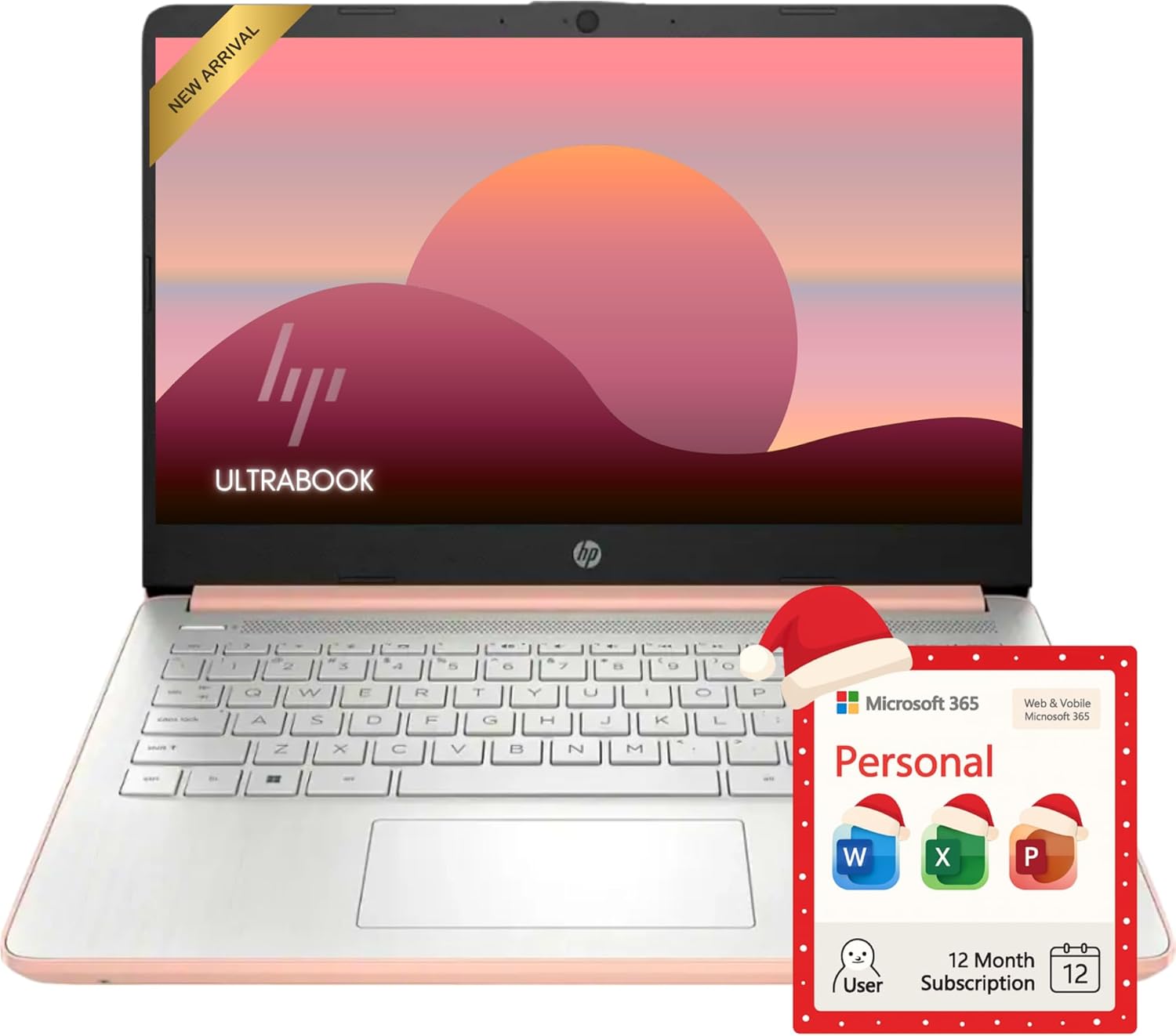
Os principais fatores incluem qualidade de construção, avaliações de usuários e custo-benefício. Opções de alto nível, como o laptop HP Rose Gold Ultrabook 14, como o laptop com Office 365 (4,4★ de 155 avaliações) demonstram como é a qualidade nesta categoria.
Quanto custa normalmente o laptop com menos de 150 anos?
Os preços variam de US$ 65 a US$ 859, com a maioria das opções de qualidade em torno de US$ 217. As opções de orçamento abaixo de US$ 97 funcionam para uso ocasional, enquanto os modelos premium acima de US$326 oferecem melhor durabilidade e recursos.
Qual laptop com menos de 150 anos é mais popular agora?
O laptop HP Rose Gold Ultrabook 14 com o Office 365 é atualmente mais bem avaliado com 4,4★ de 155 avaliações verificadas. Verifique nossa comparação completa em /best/laptop-under-150 para todas as principais escolhas.