 PickPundit
📦 Как выбрать лучшие сканеры документов: Полное руководство по покупке

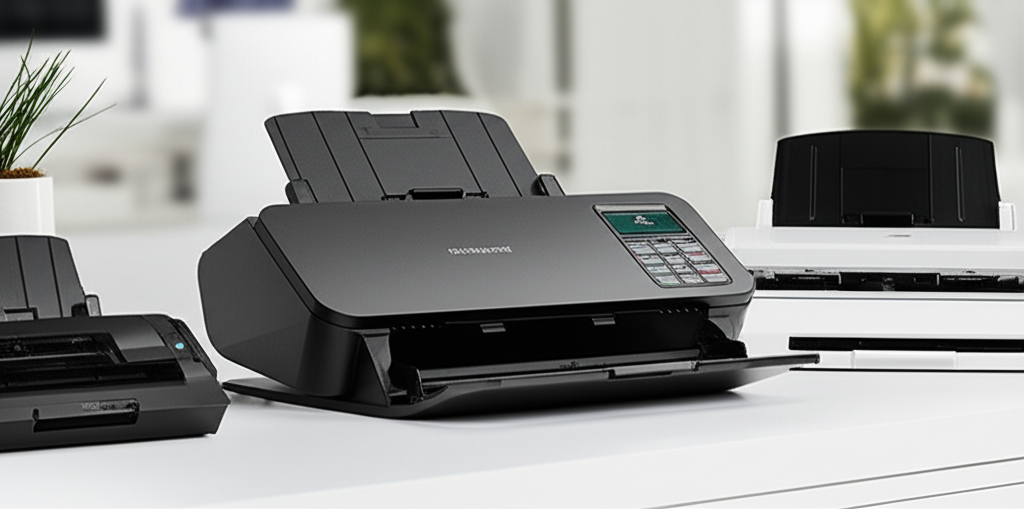
Expert guide to choosing the best document scanners. Compare features, prices, and find the perfect option for your needs.
View Top Picks →Table of Contents
Finding the Right Document Scanner for Your Needs
Imagine this: You're in the middle of a busy workday, with a pile of documents that desperately need to be digitized. You're tired of using your smartphone to capture mediocre scans that don't meet your professional needs. It's time to invest in a dedicated document scanner, but with so many options on the market, making the right choice can be daunting. Whether you're a home office worker, a small business owner, or a student, finding a scanner that balances quality, speed, and affordability is crucial. Let's dive into the world of document scanners to help you make an informed decision.
Price Ranges: Budget vs. Premium Options
When it comes to document scanners, prices can vary significantly based on features and performance. Understanding your budget and requirements will help you narrow down your choices.
Budget Options ($30 - $100): If you're looking for an affordable solution, options like the ZSEEWCAM Blue 5MP USB Document Camera stand out. Priced at just $29.99, it's an entry-level choice that offers ultra-high definition scanning. While it may not provide the speed or advanced features of higher-end models, it's a solid choice for occasional use or personal projects.
Mid-Range Options ($100 - $200): The Fujitsu fi-6130 Sheetfed Scanner, priced at $139, falls into this category. It offers a balance of performance and price, suitable for small office environments. With a 3.4-star rating, it provides decent color and grayscale scanning capabilities, though it may lack some modern conveniences.
Premium Options ($200 and above): For those who prioritize speed and advanced features, the Canon imageFORMULA R30 Office Document Scanner is a noteworthy contender. At $209, it boasts a 4.2-star rating and includes features like automatic document feeding, making it ideal for high-volume scanning tasks in a business setting.
Key Features to Consider
Selecting the right document scanner involves evaluating several key features to ensure it meets your specific needs:
Resolution and Quality: Look for scanners that offer high resolution if you require detailed scans. A minimum of 300 DPI (dots per inch) is typically sufficient for most documents, but higher resolutions may be necessary for intricate graphics or photos.
Speed: Measured in pages per minute (PPM), speed is crucial if you need to scan large volumes of documents regularly. Consider models with automatic document feeders (ADF) for added efficiency.
Connectivity: Decide between USB-connected scanners and those offering wireless options like Wi-Fi or Bluetooth, which can facilitate easier integration with various devices and cloud services.
Compatibility: Ensure the scanner is compatible with your operating system and any specific software you plan to use. Some models offer seamless integration with popular cloud services for easy document management.
Size and Portability: Consider the size of the scanner, especially if space is a concern. Portable models can be a great choice for those who need to scan documents in different locations.
Common Pitfalls to Avoid
When purchasing a document scanner, being aware of common pitfalls can save you time and frustration:
Overlooking Software Compatibility: Ensure the scanner's software aligns with your operating system. Incompatibility can lead to functionality issues and reduced productivity.
Neglecting Customer Support: Check for the availability of customer support and warranty coverage. A reliable support system can be invaluable if you encounter technical issues.
Ignoring User Reviews: User feedback is a valuable resource for understanding real-world performance. Pay attention to reviews that mention durability, ease of use, and any recurring problems.
What Real Customers Say
Customer reviews provide insights that can guide your decision-making process:
ZSEEWCAM Blue 5MP USB Document Camera: With a 3.6-star rating, users appreciate its affordability and ease of use. However, some mention limitations in speed and functionality for professional tasks.
Fujitsu fi-6130 Sheetfed Scanner: Garnering a 3.4-star rating, customers highlight its reliability for small to medium tasks. Some note that its older technology may lack modern conveniences found in newer models.
Canon imageFORMULA R30: With a 4.2-star rating, users praise its speed and automatic document feeding capabilities, making it a favorite for office environments. Some users mention a learning curve with setup, but overall satisfaction remains high.
Final Recommendations
Choosing the right document scanner hinges on understanding your specific needs and budget. For those seeking a cost-effective option, the ZSEEWCAM Blue 5MP USB Document Camera offers basic functionality at a minimal cost. If you're in a small office setting requiring a balance of performance and price, the Fujitsu fi-6130 is worth considering, though it may lack some modern features. For professional environments demanding high speed and advanced capabilities, the Canon imageFORMULA R30 stands out as a reliable investment.
Ultimately, the best document scanner will be the one that aligns with your workflow requirements, offers the necessary features, and fits comfortably within your budget. By carefully considering the options and learning from other users' experiences, you'll be well-equipped to make a choice that enhances your productivity and efficiency. Happy scanning!


