 PickPundit
🖱️ Как выбрать лучшие коврики для мыши: Полное руководство по покупке

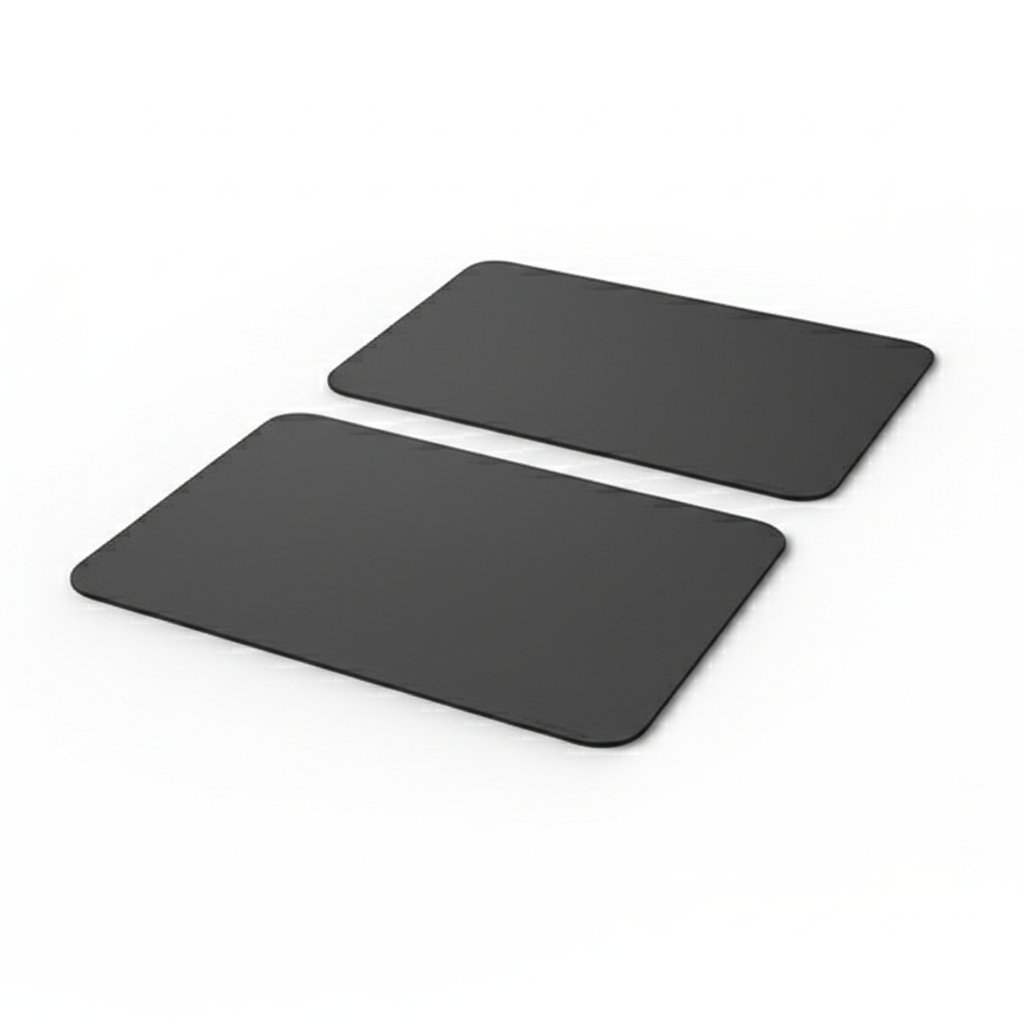
Complete mouse pads buying guide. Learn what features matter, compare top products, and find the best mouse pads for your budget.
View Top Picks →Table of Contents
Mousepads: The Surface That Determines Mouse Performance
Mousepads seem like simple accessories, but the surface beneath your mouse significantly affects tracking accuracy, movement feel, and potentially wrist comfort. For precision work and gaming, mousepad choice matters more than casual users might expect.
Understanding mousepad characteristics enables matching surface to use pattern.
Surface Types
Mousepads use different surface materials creating different experiences:
Cloth/fabric pads: Most common, offering control-oriented feel with moderate friction. Surface texture varies from smooth to coarse.
Hard pads: Plastic, glass, or metal surfaces providing low friction and fast mouse movement. More durable but different feel than cloth.
Hybrid surfaces: Combinations attempting to balance speed and control characteristics.
Leather desk pads (like the $13 option) represent a different category—desk protection and aesthetics more than mouse optimization.
Speed vs Control
Mousepad surfaces balance between extremes:
Speed surfaces: Low friction allowing mouse to glide quickly with minimal effort. Preferred for fast-paced gaming requiring quick large movements.
Control surfaces: Higher friction providing resistance that enables precise small adjustments. Preferred for accuracy-dependent work and slower-paced gaming.
Most cloth pads fall somewhere in the middle. Specialized gaming pads optimize for one characteristic or the other.
Size Categories
Mousepad sizes serve different needs:
Small (8-10"): Compact footprint, adequate for basic mouse use with low sensitivity (more physical movement).
Medium (12-14"): Standard size balancing space and footprint. Suits most users.
Large (15-18"): Extended mousing area for gaming or high-sensitivity users.
Extended/desk mats (24"+): Cover entire desk area, placing both keyboard and mouse on the pad. Protection and aesthetics beyond mouse function.
Gaming typically benefits from larger pads accommodating full arm movements. Office work usually suits standard sizes.
Thickness and Comfort
Mousepad thickness affects wrist comfort:
Thin pads (2mm): Minimal wrist elevation, lightweight, packable.
Standard pads (3-4mm): Moderate cushioning, common thickness.
Thick pads (5mm+): Noticeable cushioning, potentially better wrist comfort for extended use.
Wrist rests provide targeted support but create additional desk accessories. Thicker pads offer integrated comfort without separate accessories.
Stitched Edges
Quality difference in cloth pads often shows at edges:
Stitched edges: Reinforced borders preventing fraying and extending lifespan significantly.
Cut edges: Unreinforced edges that eventually fray with use.
For frequently used pads, stitched edges justify slight premium through extended service life.
Mouse Sensor Compatibility
Modern optical and laser mouse sensors work on most surfaces, but performance varies:
Textured cloth: Optimal tracking for most sensors—consistent surface provides reliable feedback.
Smooth surfaces: Some sensors struggle without texture to track.
Reflective surfaces: Can confuse optical sensors, causing erratic cursor behavior.
Glass pads: Specialized sensors designed for glass exist, but most mice struggle on glass surfaces.
Matching mousepad surface to mouse sensor type prevents tracking issues.
Gaming-Specific Features
Gaming mousepads may include:
Optimized surfaces: Engineered textures for consistent sensor performance
Anti-slip bases: Rubber backing preventing pad movement during intense use
Large formats: Accommodating full-range gaming movements
RGB lighting: Edge lighting for aesthetic/setup integration
Whether gaming-specific features provide value depends on gaming intensity and aesthetic preferences.
Desk Pad Functionality
Large desk pads (like the leather desk pad at $13) serve multiple purposes:
Desk protection: Prevents scratches and wear on desk surfaces
Aesthetic upgrade: Uniform surface appearance
Mouse functionality: Provides mousing surface as secondary function
Writing surface: Comfortable surface for handwriting
These aren't optimized mousepads but acceptable mousing surfaces with broader functionality.
Cleaning and Maintenance
Mousepads accumulate oils, dust, and debris affecting performance:
Cloth pads: Washable with mild soap and water. Require drying before reuse.
Hard pads: Wipe clean with damp cloth. Easy maintenance.
Leather/PU pads: Wipe clean, condition periodically.
Dirty pads track poorly and develop inconsistent glide. Regular cleaning maintains performance.
Aesthetic Considerations
Mousepads contribute to desk aesthetics:
Neutral colors: Professional appearance, match most setups
Custom designs: Personal expression through printed graphics
Minimal branding: Clean appearance without prominent logos
RGB integration: Match gaming setup aesthetics
The forest mousepad at $9 represents aesthetic-focused design where visual appeal may matter as much as function.
Practical Recommendations
For general office use: Standard-size cloth pads with stitched edges ($10-15) provide adequate performance and durability.
For gaming: Larger pads with surfaces matching play style—speed for fast games, control for precision games.
For desk protection: Extended desk mats protect surfaces while providing adequate mouse function.
For aesthetics priority: Design-focused pads balance appearance with function.
For precision work: Control-oriented surfaces enabling fine cursor control.
The key insight: mousepad choice affects daily mouse use significantly more than its modest price suggests. Matching surface to use pattern improves computing experience.
Frequently Asked Questions
На что следует обратить внимание при покупке ковриков для мыши?
Ключевые факторы включают качество сборки, отзывы пользователей и соотношение цены и качества. Опции с самым высоким рейтингом, такие как Afiing Leather Pad Protector (4,7★ из 890 отзывов), демонстрируют, как выглядит качество в этой категории.
Сколько обычно стоят коврики для мыши?
Цены варьируются от 4 до 51 доллара, при этом большинство качественных вариантов около 15 долларов. Бюджетные варианты стоимостью менее 6 долларов работают для случайного использования, а модели премиум-класса стоимостью более 23 долларов предлагают лучшую долговечность и функции.
Какие коврики для мыши сейчас наиболее популярны?
Кожаная настольная протектора в настоящее время имеет топ рейтинг 4,7★ от 890 проверенных отзывов. Проверьте наше полное сравнение в /best/mouspads для всех лучших вариантов.
⚖️ Quick Comparison
| Product | Price | Rating | Key Feature |
|---|---|---|---|
| $12.99 | See details | ||
| $8.89 | See details | ||
| Check Price | See details |


