PickPundit
🖱️ Hur man väljer de bästa datormössen: Komplett köpguide

Complete computer mice buying guide. Learn what features matter, compare top products, and find the best computer mice for your budget.
View Top Picks →Table of Contents
Computer Mice: Wired Simplicity to Ergonomic Specialization
Computer mice range from $8 basic wired options to $150+ gaming and ergonomic specialized devices. For most users, basic mice work perfectly—but specific needs like gaming precision, ergonomic requirements, or wireless convenience justify targeted upgrades.
Wired vs Wireless Trade-offs
Connection type affects daily use:
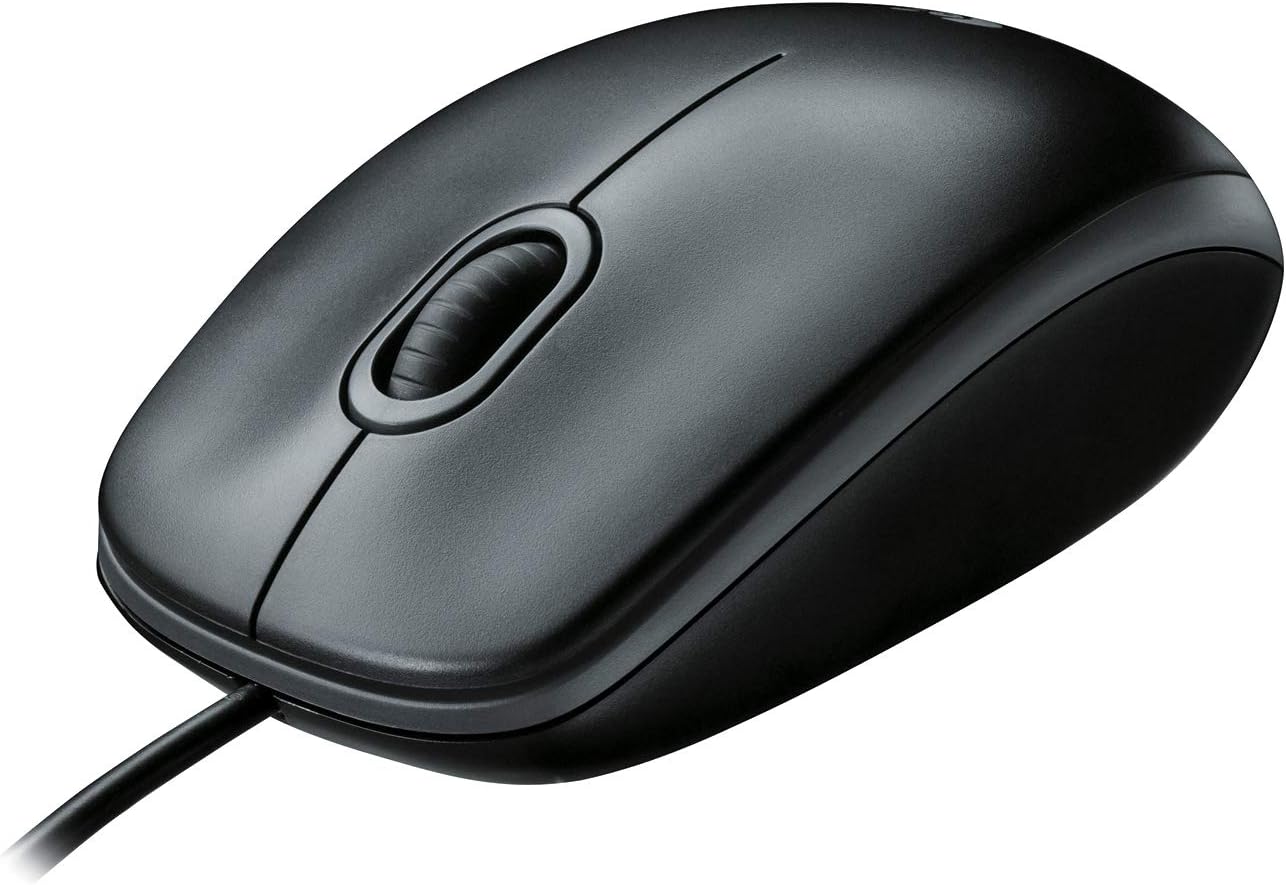
Wired mice (like the Logitech B100 at $8) provide reliable connection without batteries, latency, or interference concerns. They're ideal for stationary desktop use where cable management isn't problematic.
Wireless mice (like the Amazon Basics at $10 and INPHIC at $16) offer desk flexibility and cleaner appearance. They require batteries or charging and introduce minimal latency.
Bluetooth mice connect without USB receivers, preserving USB ports. They may have slightly higher latency than dedicated 2.4GHz receivers.
For most office and general use, wireless convenience outweighs the minimal advantages of wired connection.
DPI and Sensitivity
DPI (dots per inch) indicates cursor movement per physical mouse movement:
Lower DPI (400-800) requires more physical movement for cursor travel. Some users prefer this for precision work.
Medium DPI (800-1600) suits most general computing. The basic mice listed operate in this range.
High DPI (2000-16000+) enables fast cursor movement with minimal physical motion. Gaming mice emphasize high DPI capabilities.
Adjustable DPI lets users change sensitivity on the fly. Useful for switching between precise detail work and quick navigation.
Most users never adjust DPI after initial setup. Extremely high DPI marketing targets gaming enthusiasts more than practical needs.
Ergonomic Considerations
Mouse design affects hand comfort during extended use:
Traditional mouse shape (symmetrical or right-handed contour) works for most users during typical computer use.
Vertical mice orient hands in handshake position, reducing forearm rotation. They help users with RSI or wrist strain.
Trackballs keep hands stationary while fingers move the cursor. Different ergonomics entirely, with a learning curve.
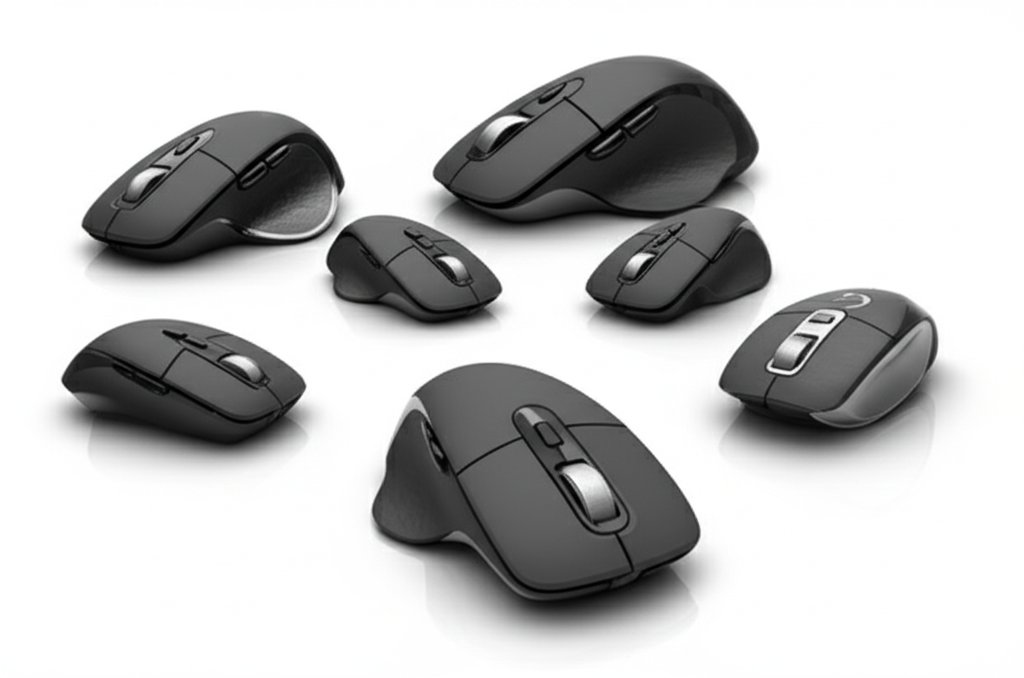
Size matching matters—large hands cramped on small mice, or small hands stretching over large mice, causes fatigue.
The basic mice listed suit general use; ergonomic needs require specialized options.
Button Configuration
Mouse buttons beyond left-click and right-click:
Scroll wheel click (middle button) provides third button functionality—useful for opening links in new tabs, panning, and application-specific functions.
Side buttons (thumb buttons) typically provide forward/back navigation in browsers and file explorers.
Additional programmable buttons suit gaming or productivity customization.
Basic mice (2-3 buttons plus scroll) handle most computing needs. Additional buttons add cost and complexity that many users never utilize.
Optical vs Laser Sensors
Sensor technology affects tracking:
Optical sensors (LED illumination) work well on most surfaces and are standard in budget mice.
Laser sensors track on more surface types including glass. They were once considered premium but advantages have diminished.
Gaming sensors optimize for precision and response time with advanced tracking algorithms.
For general use, optical sensors work fine. Surface compatibility only matters if you use glass desks or highly reflective surfaces.
Battery Life (Wireless)
Wireless mouse power consumption varies:
AA/AAA battery mice run 6-12+ months on standard batteries. The Amazon Basics claims 12 months on one AA.
Rechargeable mice use built-in batteries charged via USB. Convenience varies with charge frequency and cable-while-charging flexibility.
Low-battery behavior: Some mice stop working abruptly; others reduce functionality. Indicator lights help manage replacement timing.
The INPHIC emphasizes "visible battery" monitoring—useful for avoiding unexpected depletion.
Build Quality and Longevity
Mouse durability varies by price tier:
Budget mice ($8-15) use adequate but not exceptional materials. Expect 2-4 years before button switches wear or tracking degrades.
Mid-range mice ($20-50) use better components with longer lifespans and more comfortable materials.
Premium mice ($50-150+) feature high-quality switches, precision sensors, and premium materials. They should last 5+ years.
The Logitech B100 at $8 is essentially disposable—replace when it fails. Premium investment makes sense for heavy daily use.
Scroll Wheel Types
Scroll wheel design affects scrolling experience:
Notched scrolling provides tactile clicks at each scroll increment. Precise for document navigation.
Smooth scrolling enables free-spinning without notches. Faster for long document scrolling.
Switchable modes allow toggling between notched and smooth scrolling.
Horizontal scrolling (tilt wheels) enables side-to-side scrolling in wide documents or spreadsheets.
Most basic mice offer standard notched scrolling—adequate for typical use.
USB Receiver Considerations
Wireless mice using 2.4GHz receivers:
Receiver size: Some receivers barely protrude from USB ports ("nano receivers"); others are larger and more vulnerable to damage.
Receiver storage: Some mice include receiver storage compartments for travel.
Unifying receivers: Logitech's Unifying system allows multiple devices on one receiver, preserving USB ports.
Lost receiver replacement: Some receivers are proprietary; lost receivers may mean replacing the entire mouse.
Platform Compatibility
Mouse compatibility across operating systems:
Basic mice work universally—Windows, Mac, Linux, Chrome OS all support standard mouse functions.
Advanced features may require driver installation. Some gaming features or programmable buttons need Windows-specific software.
Mac considerations: Right-click and middle-click work but may require system preference configuration.
Practical Recommendations
For basic use: Logitech B100 at $8 (wired) or Amazon Basics at $10 (wireless). Simple, reliable, easily replaced.
For wireless convenience: Mid-range wireless mice ($15-30) with reliable connectivity and adequate battery life.
For ergonomic needs: Consider vertical mice or trackballs if RSI or comfort issues exist. Generic mice worsen existing problems.
For gaming: Dedicated gaming mice with high DPI, low latency, and programmable buttons. Different category entirely from office mice.
For laptop travel: Compact wireless mice with receiver storage. The INPHIC's visible battery indicator helps with travel power management.
The honest assessment: most users' productivity doesn't improve with expensive mice. Basic mice from established brands (Logitech, Microsoft, Amazon Basics) meet typical needs at minimal cost.
Frequently Asked Questions
Vad ska jag leta efter när jag köper datormöss?
Nyckelfaktorer inkluderar byggkvalitet, användarrecensioner och valuta för pengarna. Topprankade alternativ som Logitech Logitech B100 trådbunden mus för dator och bärbar dator (4,6★ från 41 308 recensioner) visar hur kvaliteten ser ut i denna kategori.
Hur mycket kostar datormöss vanligtvis?
Priserna varierar från $5 till $120, med de flesta kvalitetsalternativ runt $20. Budgetalternativ under $8 fungerar för tillfällig användning, medan premiummodeller över $30 erbjuder bättre hållbarhet och funktioner.
Vilka datormöss är mest populära just nu?
Logitech B100 trådbundna mus för dator och bärbar dator är för närvarande topprankad med 4,6★ från 41 308 verifierade recensioner. Kolla vår fullständiga jämförelse på /Best/Computer-Mice för alla toppval.