PickPundit
📦 How to Choose the Best Smart Light Switches: Complete Buying Guide

Complete smart light switches buying guide. Learn what features matter, compare top products, and find the best smart light switches for your budget.
View Top Picks →Table of Contents
Smart Switches: Replacing Wall Switches for Whole-Fixture Control
Smart light switches control fixtures at the switch—enabling smart control of any light without replacing bulbs. Understanding wiring requirements, switch types, and installation complexity helps determine whether smart switches suit your home.
Why Smart Switches vs Smart Bulbs
When switches make more sense:
Multi-bulb fixtures: Control entire chandelier with one switch vs replacing 8 bulbs.
Guests: Normal switch operation for visitors.
Switch habit: Wall switch still works—smart control is addition.
Cost efficiency: One switch controls multiple bulbs.
The Kasa Smart Switch HS200 represents straightforward smart switch implementation.
Neutral Wire Requirement
Critical installation consideration:
What neutral wire is: White wire carrying return current. Different from ground.
Why smart switches need it: Powers switch electronics when light is off.
Older homes problem: Pre-1980s homes often lack neutral in switch boxes.
Solutions for no neutral: Some smart switches work without neutral (limited options), or electrician can add wire.
Single-Pole vs 3-Way Switches
Switch configuration types:
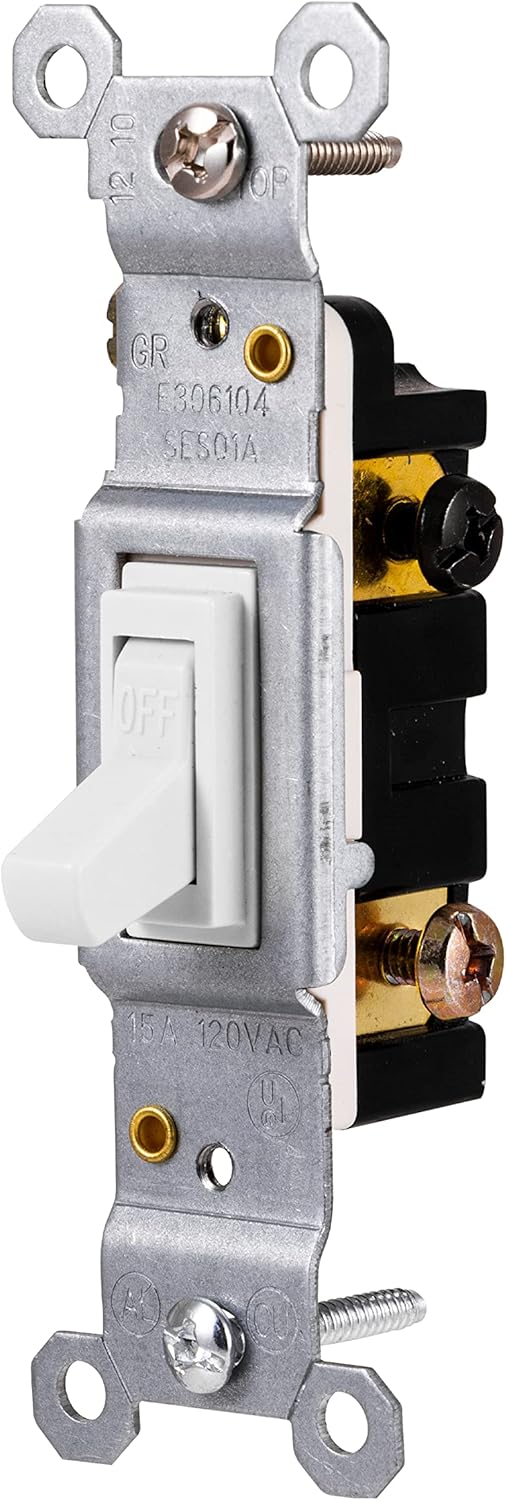
Single-pole: One switch controls light. Most common.
3-way: Two switches control same light (top/bottom of stairs).
4-way: Three switches control same light (rare).
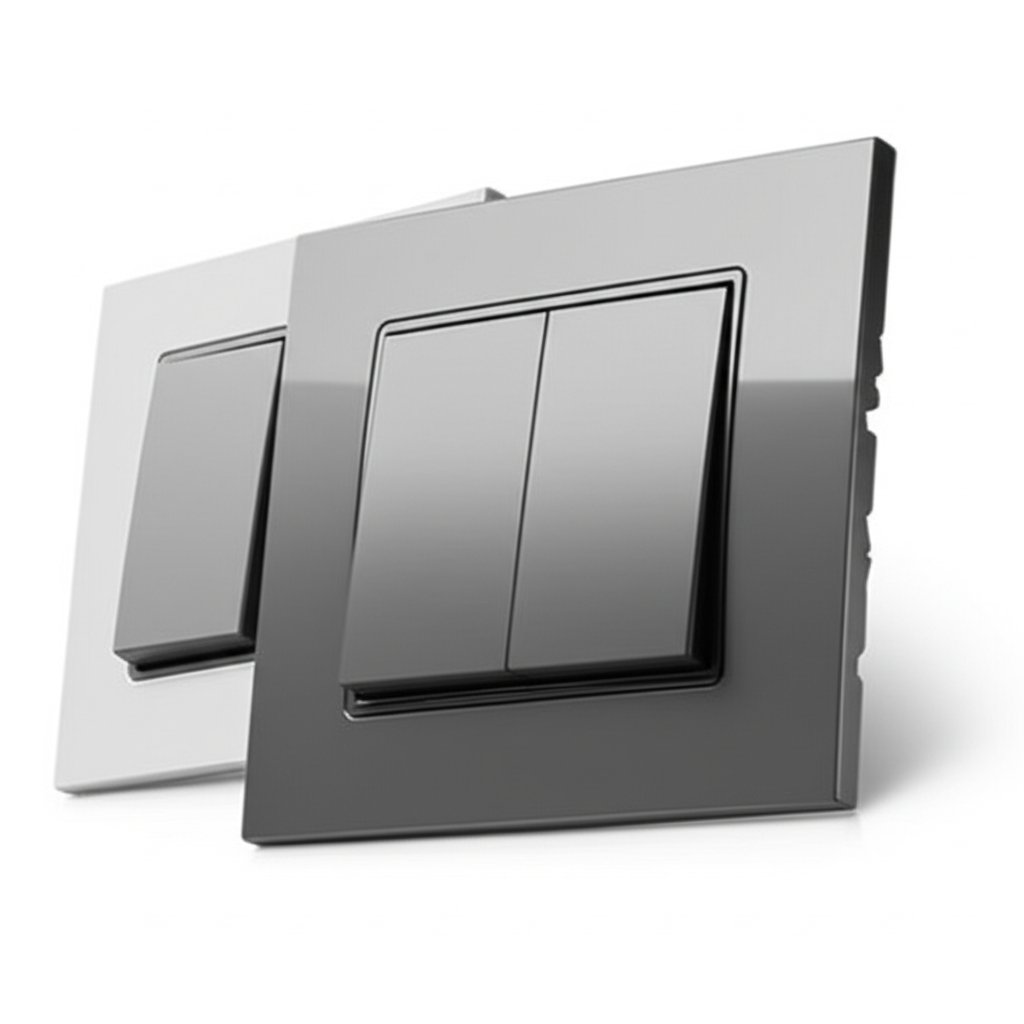
The 2-Gang option: Two switches in one box—both need replacing.
Switch Types
Different smart switch capabilities:
On/off switches: Basic on/off. The HS200 type.
Dimmer switches: Adjust brightness. Require dimmable fixtures.
Fan switches: Speed control for ceiling fans.
Scene controllers: Multiple buttons for scenes/rooms.
Installation Complexity
What installation involves:
Turn off power: Essential safety step at breaker.
Remove existing switch: Disconnect wires.
Connect smart switch: Match wires correctly.
Install and test: Secure switch, restore power.
DIY viable?: Simple replacements manageable. Complex wiring may need electrician.
Dimmer Compatibility
Not all fixtures dim:
LED dimming: Many LEDs dim poorly or flicker with wrong dimmer.
Minimum load: Some smart dimmers require minimum wattage.
Compatible bulbs: Check manufacturer's compatible bulb lists.
CFL/fluorescent: Generally don't dim with standard dimmers.
WiFi vs Hub-Based
Connection methods:
WiFi (Kasa, others): Connect directly to router. No hub required. May strain WiFi with many devices.
Zigbee/Z-Wave: Require hub (SmartThings, Hubitat). Better for large deployments.
Thread/Matter: Emerging standard for cross-platform compatibility.
Switch Appearance
Design considerations:
Rocker vs toggle: Most smart switches are paddle/rocker style.
LED indicators: Status lights on switches—adjustable or disable.
Color options: Usually white or almond. Some offer decorator colors.
Matching non-smart: May look different from other switches on same plate.
Voice Assistant Integration
Smart home connectivity:
Works with Alexa: "Alexa, turn off kitchen lights."
Works with Google Home: Google Assistant voice control.
HomeKit: Apple ecosystem—Kasa works with HomeKit on some models.
Local control: Some switches work without internet—check for outage resilience.
Scheduling and Automation
Beyond voice control:
Time schedules: Lights on at sunset, off at bedtime.
Geofencing: Lights on when you arrive home.
Scenes: One command triggers multiple switches.
Away mode: Random lighting to simulate occupancy.
3-Way Installation Specifics
Multi-switch circuits:
Both switches replaced: For full smart control from both locations.
One smart switch: Some work with existing dumb switch (companion or add-on switch required).
Wiring complexity: 3-way wiring varies—may need electrician.
Common Installation Issues
What can go wrong:
No neutral: Switch won't work or needs no-neutral model.
Load too small: Low-wattage LED may not trigger switch properly.
Wiring confusion: Older homes have non-standard wiring.
Metal boxes grounding: Ensure proper ground connection.
Practical Recommendations
For beginners: Single-pole replacement with neutral wire present. Kasa HS200 type.
For 3-way circuits: Match manufacturer's 3-way solution (main switch + add-on).
For dimming: Verify fixture compatibility before purchasing dimmer switch.
For no neutral: Research no-neutral options (Lutron Caseta works without neutral with hub).
The key insight: smart switches provide elegant control for existing fixtures, but installation varies from simple to complex. Verify neutral wire presence and match switch type to circuit before purchasing.
Frequently Asked Questions
What should I look for when buying smart switches?
Key factors include build quality, user reviews, and value for money. Top-rated options like the Kasa Smart Kasa Smart Switch 2-Gang HS200-2 (4.5★ from 948 reviews) demonstrate what quality looks like in this category.
How much do smart switches typically cost?
Prices range from $2 to $55, with most quality options around $20. Budget options under $3 work for occasional use, while premium models over $30 offer better durability and features.
Which smart switches are most popular right now?
The Kasa Smart Switch 2-Gang HS200-2 is currently top-rated with 4.5★ from 948 verified reviews. Check our full comparison at /best/smart-switches for all top picks.
⚖️ Quick Comparison
| Product | Price | Rating | Key Feature |
|---|---|---|---|
|
#1
|
$22.98 | 2-Gang Design - Control two circuits with a sleek, flush look for seamless insta... | |
|
#2
|
$37.99 | App-Guided Install The Kasa or Tapo app guides you through step-by-step setup. R... | |
| $4.34 | Repair or Replace – This grounding toggle switch is the perfect solution to repa... |