PickPundit
📦 En iyi USB kabloları nasıl seçilir: tam satın alma rehberi

Expert guide to choosing the best usb cables. Compare features, prices, and find the perfect option for your needs.
View Top Picks →Table of Contents
The Ultimate USB Cables Buying Guide
Imagine this: You're about to leave for a business trip, and as you pack your devices, you realize your phone charger is fraying at the ends. Panic sets in, and you rush to find a replacement. But the choices seem endless—USB Type-C, USB-A to USB-C, fast charging, and different lengths. How do you choose the right one? Let's delve into the world of USB cables and make that decision easier for you.
Price Ranges: Budget vs Premium Options
When it comes to USB cables, the price range can vary significantly, often reflecting the quality and features offered.
Budget Options ($3 - $10): In this category, you'll find cables like the JXMOX USB Type C Cable at $3.99, which offer basic functionality with decent durability. These often support standard charging speeds and are ideal for those who need simple, reliable cables without breaking the bank.
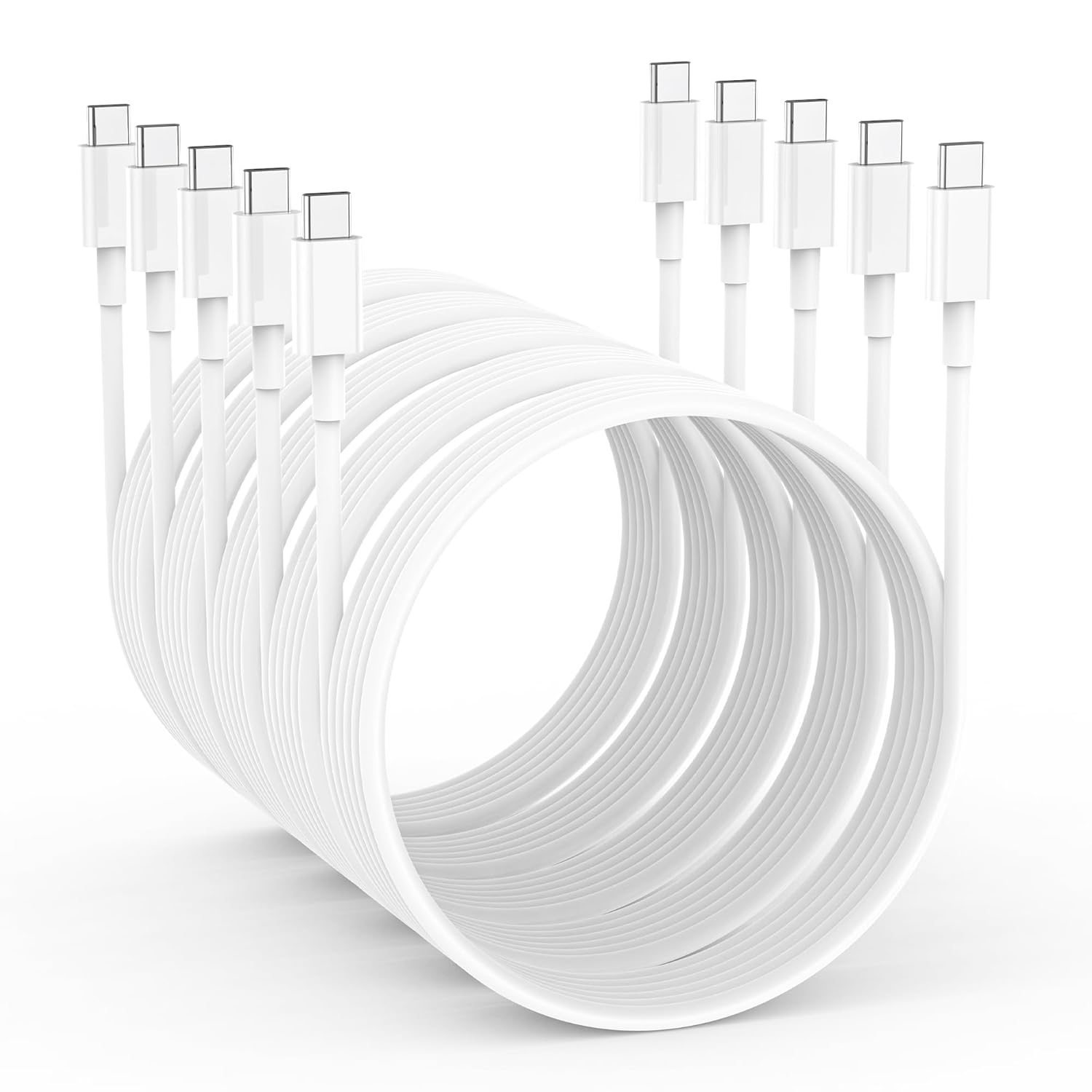
Mid-range Options ($10 - $20): This is where you find cables like the KTDRJN iPhone 16 Charger Cord, priced at $9.99. These cables typically offer enhanced durability, faster charging speeds, and better build quality. They are perfect for everyday use, offering a good balance between cost and performance.
Premium Options ($20+): At the higher end, options like the Anker Prime USB C to USB C Cable at $26.24 offer superior build quality, upcycling features, and often the fastest charging capabilities, such as 240W fast charging. These cables are designed for tech enthusiasts who demand top performance and longevity.
Key Features to Consider
When selecting a USB cable, consider the following key features to ensure you get the most suitable option for your needs:
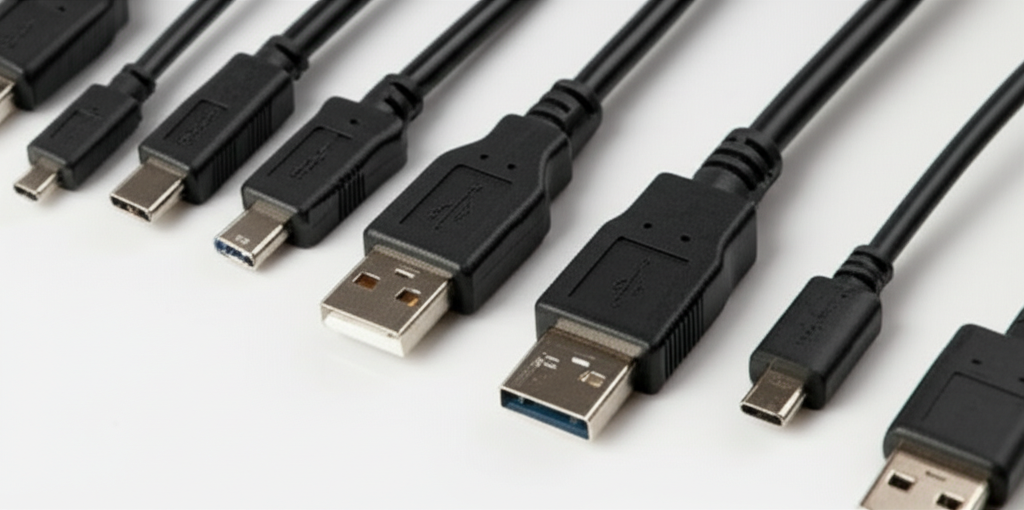
Connector Type: Ensure the cable fits your devices. USB-C to USB-C is common for newer devices, while USB-A to USB-C caters to older ports.
Charging Speed: Look for cables that support fast charging if your device is compatible. For instance, the Anker Prime's 240W fast charging is ideal for those needing quick power-ups.
Cable Length: Depending on your usage, you might need a longer or shorter cable. A 6FT cable like the KTDRJN is great for flexibility around the house, whereas a shorter cable might suffice for travel.
Durability: Look for reinforced or braided cables, which tend to last longer. Higher ratings often indicate better durability, as seen with the Anker Prime's robust design.
Data Transfer Rates: If you need to transfer data, ensure the cable supports high-speed data transfer. This is crucial for tasks like syncing large files or backups.
Common Pitfalls to Avoid
Ignoring Compatibility: Make sure the cable suits your device's charging needs. Using an incompatible cable might lead to slower charging or no charge at all.
Overlooking Build Quality: Cheap cables might save you money initially but can break easily, leading to more frequent replacements. Investing in a quality cable can be more cost-effective in the long run.
Assuming All Cables Are Equal: Not all cables offer the same features. Be mindful of what you're purchasing, especially when it comes to specifications like charging speed and data capabilities.
What Real Customers Say
KTDRJN iPhone 16 Charger Cord: With a 4.3★ rating, customers appreciate its value for money and reliable performance. However, some note that while it offers good charging speeds, it may not be as durable as more expensive options.
JXMOX USB Type C Cable: This cable scores a high 4.6★ rating, praised for its affordability and fast charging capability. Users mention its convenient length for everyday use, but some wish for a more robust design.
Anker Prime USB C to USB C Cable: Garnering a near-perfect 4.8★ rating, users love its fast charging speed and sturdy build. Many highlight its longevity and reliability, making it a favorite for those willing to invest a bit more.
Final Recommendations
Choosing the right USB cable comes down to your specific needs and budget. If you're looking for an economical choice without compromising on performance, the JXMOX USB Type C Cable provides excellent value. For those who need a bit more length and good charging speed, the KTDRJN iPhone 16 Charger Cord is a solid mid-range option. However, if you're after top-of-the-line performance with exceptional durability, the Anker Prime USB C to USB C Cable is worth the investment.
Ultimately, a good USB cable is an investment in convenience and efficiency. By considering your device's requirements and your daily usage, you can select a cable that not only fits your budget but also enhances your tech experience. Happy charging!
⚖️ Quick Comparison
| Product | Price | Rating | Key Feature |
|---|---|---|---|
| $9.99 | Super Fast Charging - Fast charges most USB-C devices to 50% in 30 minutes with ... | ||
| $3.99 | 3.1A Fast Charging - Supports high-speed charging at 3.1A and data syncing up to... | ||
| $26.24 | Ultra-Powerful 240W Charging Lead a more efficient life with the capability to b... |