PickPundit

Complete streaming devices buying guide. Learn what features matter, compare top products, and find the best streaming devices for your budget.
View Top Picks →Table of Contents
Streaming Devices: The $30 Roku vs $180 Apple TV Performance Gap
Streaming device reviews question: "My $35 Roku streams Netflix perfectly. Why would I pay $180 for Apple TV?"
The streaming capability (playing Netflix, Disney+, YouTube) is identical across $30-180 range. The premium buys: interface smoothness, app ecosystem, gaming capability, integration with other devices. Whether these justify 5x price premium depends entirely on personal priorities.
The App Availability Across Platforms
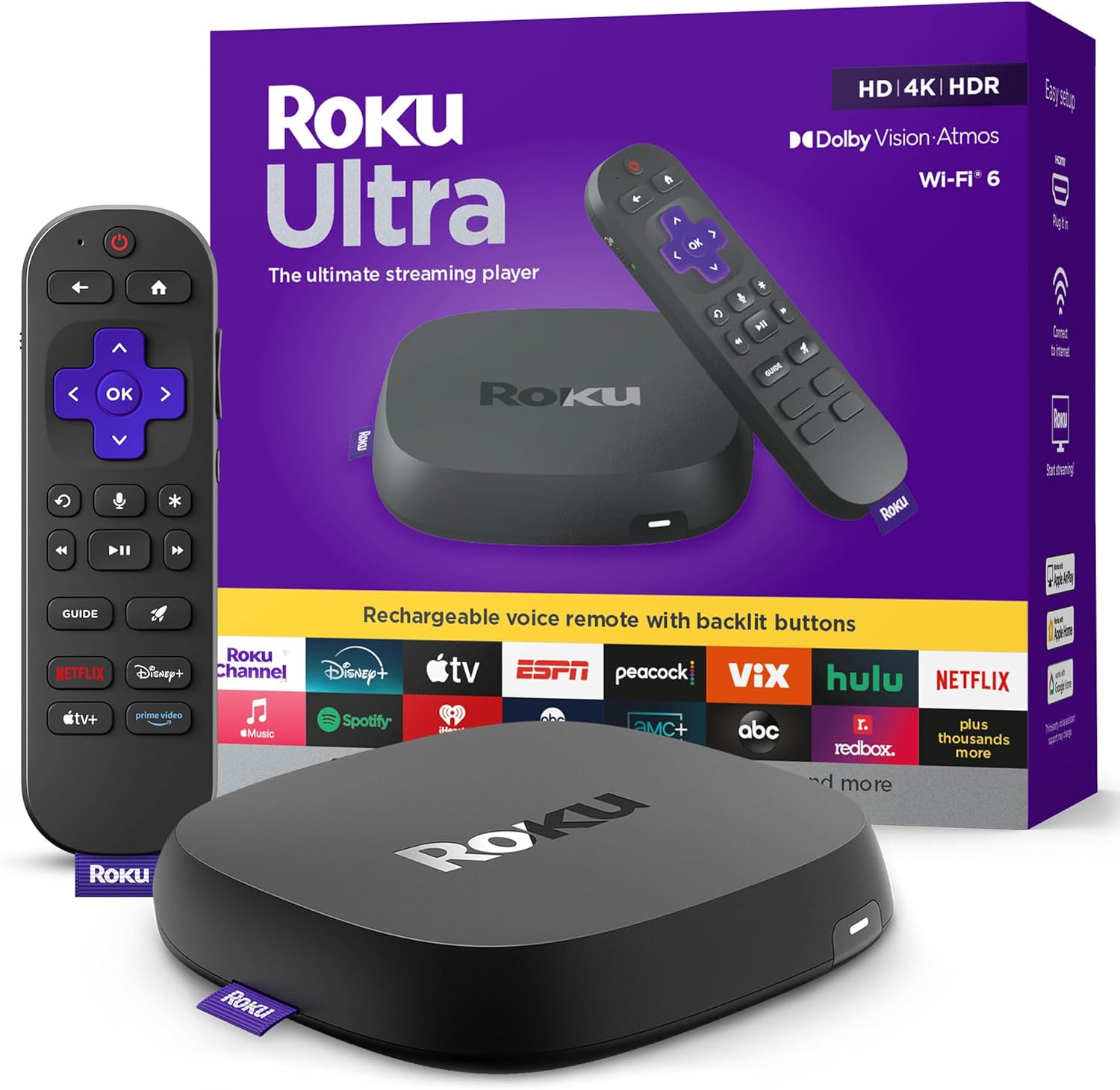
Roku: Maximum app selection (virtually all streaming services), open platform.
Fire TV: Most apps available, Amazon Prime integration superior, some gaps (HBO Max issues historically).
Apple TV: Major apps available, some smaller services missing, curated app store.
Google/Chromecast: Major apps, relies heavily on phone casting for less common services.
For mainstream streaming (Netflix, Disney+, Hulu, YouTube), all platforms adequate. For niche streaming services, Roku's open platform provides widest compatibility.
The Interface Responsiveness vs Budget Processing
$30-50 devices: Noticeable lag navigating menus, app loading delay, occasional freezing requiring restart.
$100-150 devices: Smooth interface, fast app launching, minimal lag.
$150-200 devices (Apple TV, Shield TV): Instantaneous response, no perceptible lag, gaming-capable processors.
The interface smoothness matters for daily use. Waiting 2-3 seconds for menu response on budget device seems minor, but compounds across hundreds of uses to hours of cumulative waiting annually.
For heavy streamers (3+ hours daily), interface responsiveness justifies mid-range investment. For casual viewers, budget device adequate.
The Remote Quality vs Replacement Inevitability
Budget device remotes: Basic infrared, requires line-of-sight, easy to lose, cheap plastic construction.
Premium remotes: Bluetooth (no line-of-sight needed), rechargeable, better build quality, voice search capability.
The remote is primary interface touched every single use. Cheap remote's poor button response and infrared limitations create constant minor frustrations that premium remote eliminates.
Replacement cost consideration: Losing budget remote ($10-20 replacement) is minor. Losing Apple TV remote ($60 replacement) is significant expense.
The 4K vs HD Streaming Future-Proofing
HD (1080p) devices: Adequate for HD TVs, cheaper ($25-40).
4K devices: Support 4K streaming, HDR, Dolby Vision, future-proof for TV upgrades, costs premium ($45-150).
The future-proofing argument: If you might upgrade to 4K TV within device's 4-6 year lifespan, buying 4K device now prevents needing streaming device replacement when TV upgrades.
For confirmed keeping HD TV, HD streaming device saves $15-30 without sacrificing current capability.
Framework
Budget adequate ($30-50): Roku Express or Fire TV Stick, accepting interface lag and basic remote for cost savings.
Smooth experience ($50-80): Roku Streaming Stick+ or Fire TV Stick 4K, good interface responsiveness and 4K support.
Apple ecosystem ($130-180): Apple TV 4K, seamless integration with iPhone/iPad/Mac, accepting premium for ecosystem benefits.
Gaming + streaming ($150-200): Nvidia Shield TV, powerful processor enabling Android gaming alongside streaming.
Most value ($40-60): Roku Streaming Stick 4K, balance features and cost, widest app support, adequate performance.
The streaming device purchase should match TV resolution (4K vs HD), ecosystem preference (Apple users → Apple TV), and interface quality priority (lag-accepting budget vs premium smoothness). The streaming quality itself is identical - Netflix looks same on $35 Roku as $180 Apple TV. The difference is everything surrounding the streaming: interface speed, remote quality, gaming/app extras.
Frequently Asked Questions
购买流媒体设备时应该注意什么?
关键因素包括构建质量、用户评论和物有所值。 亚马逊 Fire TV Cube (来自 15,161 条评论的 4.5 分)等顶级选项展示了此类别中的质量。
流媒体设备通常要花多少钱?
价格从 20 美元到 199 美元不等,大多数质量选项在 64 美元左右。 30 美元以下的预算选项可用于偶尔使用,而超过 96 美元的高级型号提供更好的耐用性和功能。
哪些流媒体设备目前最受欢迎?
Amazon Fire TV Cube 目前以 15,161 条经过验证的评论中的 4.5 分评为最高。 在 /best/streaming-devices 中查看我们的完整比较,了解所有首选。
⚖️ Quick Comparison
| Product | Price | Rating | Key Feature |
|---|---|---|---|
| $109.99 | Our fastest-ever streaming media player - Brings lightning-fast app starts with ... | ||
| $39.99 | Elevate your entertainment experience with a powerful processor for lightning-fa... | ||
| $79.00 | Ultra-speedy streaming Roku Ultra is 30% faster than any other Roku player, deli... |