 PickPundit
💽 كيفية اختيار أفضل محركات الأقراص الصلبة الخارجية: دليل الشراء الكامل

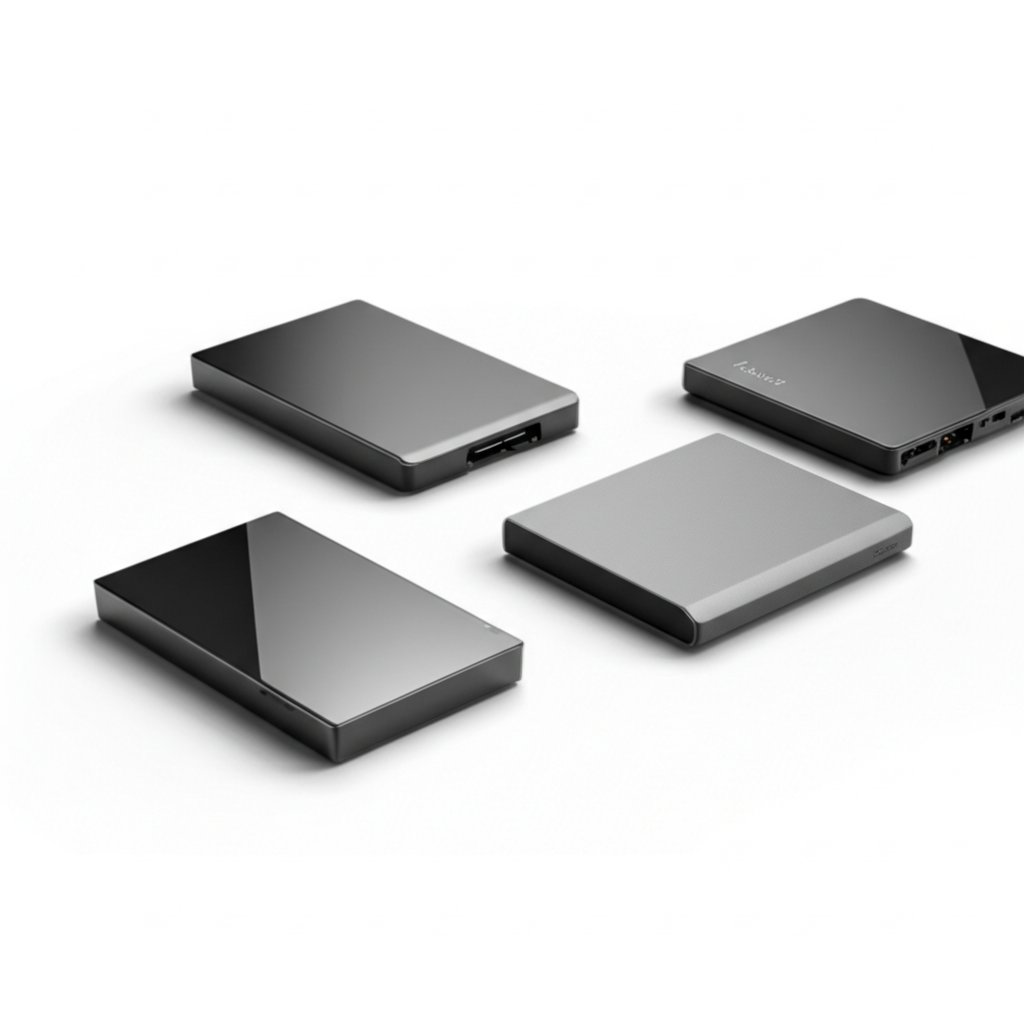
Complete external hard drives buying guide. Learn what features matter, compare top products, and find the best external hard drives for your budget.
View Top Picks →Table of Contents
External Hard Drives: The Spinning Disk vs SSD Decision
External storage purchases involve a fundamental technology choice: traditional spinning hard drives (HDD) offer massive capacity cheaply, while solid-state drives (SSD) provide speed and durability at higher per-gigabyte costs. Understanding this tradeoff—plus interface speeds and reliability factors—leads to better storage investments.
HDD vs SSD Technology
The core technology difference:
Hard Disk Drives (HDD):
- Spinning magnetic platters with read/write heads
- Moving parts mean mechanical failure risk
- Slow compared to SSD (100-200 MB/s typical)
- Sensitive to shock and vibration
- Excellent cost per gigabyte
- Best for archival storage, large media libraries
Solid State Drives (SSD):
- Flash memory chips, no moving parts
- More durable, shock resistant
- Fast (500-2000+ MB/s depending on interface)
- Silent operation
- Higher cost per gigabyte
- Best for active files, portable use, speed-sensitive tasks
The 500GB portable drives around $20-30 are typically HDD—spinning disk technology at budget-friendly capacity.
Interface Speeds
Connection type limits maximum speeds:
USB 2.0: 480 Mbps theoretical, ~35 MB/s real-world. Obsolete bottleneck.
USB 3.0/3.1 Gen 1: 5 Gbps theoretical, 400-500 MB/s real. Sufficient for HDD, bottlenecks fast SSD.
USB 3.1 Gen 2: 10 Gbps theoretical, 800-1000 MB/s real. Good for SATA SSD.
USB 3.2 Gen 2x2: 20 Gbps. Rare but fast.
Thunderbolt 3/4: 40 Gbps. Maximum speeds for NVMe SSD.
Most affordable external drives use USB 3.0—adequate for HDD and basic SSD speeds.
Capacity Planning
How much storage do you need?
500GB: Fits basic backup of documents, photos, some video. The entry-level capacity.
1TB: The Maxone HDD at around $30—comfortable for most personal backup needs.
2-4TB: Media libraries, full computer backups, video editing.
8TB+: Serious media archives, business backup.
Cloud storage complements rather than replaces external drives—local backup remains faster for large files.
Portable vs Desktop Drives
Form factor affects convenience and performance:
Portable/bus-powered:
- Small, lightweight
- USB power sufficient (no wall plug)
- 2.5" drives, lower capacity ceiling
- Slightly slower than desktop versions
- Best for travel, laptop backup
Desktop/wall-powered:
- Larger, requires power outlet
- 3.5" drives, higher capacity available
- Often faster due to larger platters
- Best for stationary backup, NAS-like use
Portable drives dominate the consumer market for convenience.
Reliability Factors
External drive reliability varies:
Brand reputation: Western Digital, Seagate, Toshiba have long track records. Unknown brands may use inferior components.
Warranty length: 2-3 years indicates manufacturer confidence.
Failure mode: HDDs fail mechanically or electrically. SSDs have limited write cycles but warn before failure.
Backup principle: Any single drive can fail. Important data belongs on multiple drives or cloud + local.
Speed Test Reality
Marketing speeds rarely match real-world performance:
Sequential reads: Large file transfers approach advertised speeds.
Random access: Small file operations are much slower, especially on HDD.
File count: Many small files transfer slower than fewer large files.
Drive fullness: Nearly full drives perform worse, especially HDD.
Use Case Recommendations
Match storage to purpose:
Phone/tablet backup: 500GB-1TB HDD handles photos and videos affordably.
Laptop backup: Match or exceed laptop storage capacity.
Video editing scratch disk: SSD essential—HDD too slow for editing workflows.
Long-term archive: HDD capacity makes bulk storage affordable.
Daily carry: SSD survives bag abuse better than HDD.
Photo/Video Backup Devices
The PhotoStick devices ($80-150) market as simplified photo backup:
Target audience: Non-technical users wanting photo backup without complexity.
What they are: Flash drives with pre-installed backup software.
Premium pricing: Capacity costs more than comparable generic drives.
Alternative: Regular external drive plus backup software achieves same result cheaper.
Encryption Options
Security for portable data:
Hardware encryption: Built into drive, protects data even if drive removed.
Software encryption: BitLocker, VeraCrypt—requires password to access.
Self-encrypting drives (SED): Premium feature, transparent encryption.
For sensitive data, hardware-encrypted drives prevent casual access if drive is lost.
Practical Recommendations
For budget backup: 1TB HDD around $30-40 provides ample storage for most personal needs.
For portable work files: 500GB-1TB SSD justifies premium for speed and durability.
For media archives: 4TB+ HDD offers best capacity per dollar.
For non-technical users: Simple drives with included backup software reduce complexity, though PhotoStick premium may not be worthwhile.
The key insight: HDD remains excellent for bulk storage and backup. SSD makes sense for files you access regularly or drives you transport frequently. Many users benefit from both—SSD for active files, HDD for archives.
Frequently Asked Questions
ما الذي يجب أن أبحث عنه عند شراء محركات أقراص صلبة خارجية؟
تشمل العوامل الرئيسية جودة البناء ومراجعات المستخدمين والقيمة مقابل المال. توضح الخيارات الأعلى تصنيفًا مثل Modustech 500GB المحمولة الخارجية القرص الصلب USB 3.0 / Type-C (4.4 ★ من 509 تقييمًا) ما تبدو عليه الجودة في هذه الفئة.
كم تكلف محركات الأقراص الصلبة الخارجية عادة؟
تتراوح الأسعار من 26 دولارًا إلى 190 دولارًا ، مع معظم خيارات الجودة حوالي 93 دولارًا. تعمل خيارات الميزانية التي تقل عن 39 دولارًا للاستخدام العرضي ، بينما توفر الطرز المتميزة التي تزيد عن 140 دولارًا متانة وميزات أفضل.
ما هي محركات الأقراص الصلبة الخارجية الأكثر شيوعًا في الوقت الحالي؟
محرك الأقراص الصلبة الخارجي المحمول سعة 500 جيجابايت USB 3.0 / Type-C - Slim Hig حاليًا هو الأعلى تصنيفًا مع 4.4 ★ من 509 تقييمًا تم التحقق منه. تحقق من مقارنتنا الكاملة في / أفضل محركات الأقراص الصلبة الخارجية لجميع الاختيارات.
⚖️ Quick Comparison
| Product | Price | Rating | Key Feature |
|---|---|---|---|
| $31.91 | Ultra-Fast USB 3.0 Connectivity for Effortless Data Transfers The ModusTech exte... | ||
| $51.99 | Ultra Slim and Sturdy Metal Design Merely 0.4 inch thick. All-Aluminum anti-scra... | ||
| $53.99 | Plug And Play Compatibility - Easily connects to Windows and Mac systems without... |


