PickPundit
📦 How to Choose the Best Internal Hard Drives: Complete Buying Guide


Complete internal hard drives buying guide. Learn what features matter, compare top products, and find the best internal hard drives for your budget.
View Top Picks →Table of Contents
Internal Hard Drives: Storage Workhorses for Capacity Needs
Internal hard drives provide massive storage capacity at low cost per gigabyte—still relevant despite SSD dominance for speed-critical applications. Understanding drive types, interfaces, and use cases helps choose appropriate storage for specific needs.
HDD Role in SSD Era
Where spinning drives still make sense:
Bulk storage: Movies, photos, backups—capacity over speed.
NAS devices: The Seagate IronWolf Pro designed for network storage.
Gaming libraries: Large game collections where load times aren't critical.
Budget builds: When SSD for OS and HDD for storage splits the budget.
Drive Categories
Different drives for different purposes:
Consumer drives: Standard desktop/laptop storage.
NAS drives: IronWolf, WD Red—designed for 24/7 operation and vibration.
Enterprise drives: Maximum reliability, highest cost.
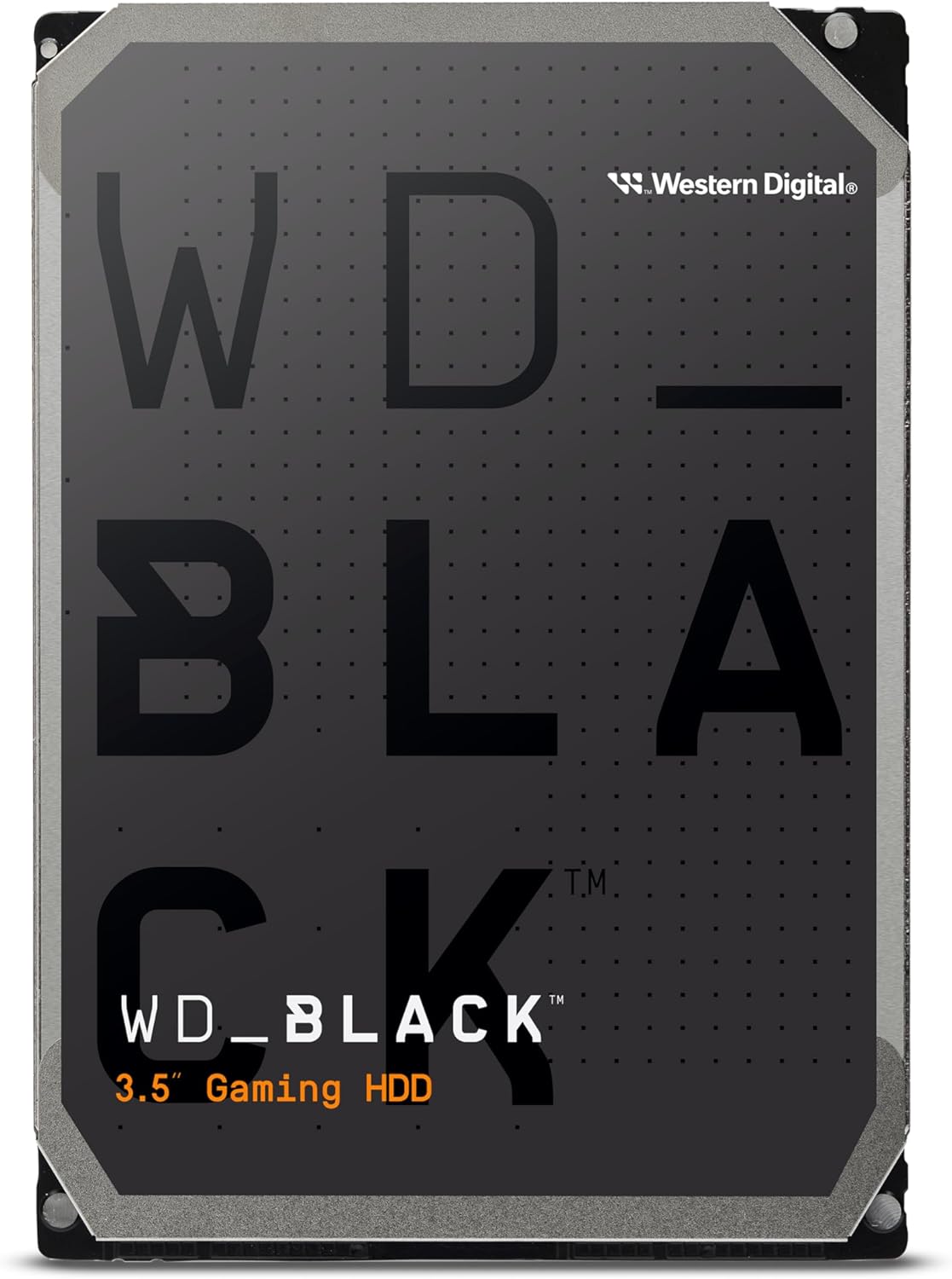
Performance drives: WD Black—faster HDDs for demanding use.
Capacity Sweet Spots
Balancing cost and needs:
1-2TB: Budget option, adequate for many users.
4TB: The IronWolf Pro 4TB—good NAS capacity.
6-8TB: The WD Black 6TB—serious storage.
12TB+: Maximum capacity, premium pricing.
Speed Ratings
RPM and performance:
5400 RPM: Slower, cooler, quieter. Adequate for storage.
7200 RPM: Standard performance drives. Good balance.
10000+ RPM: Enterprise performance. Rare in consumer market.
Cache size: 64-256MB cache affects performance.
Interface Standards
Connection types:
SATA III: 6 Gbps. Standard for HDDs. Sufficient for HDD speeds.
NVMe: SSD standard. HDDs don't use NVMe.
SAS: Enterprise interface. Server and workstation use.
Reliability Factors
What affects lifespan:
MTBF ratings: Mean time between failure estimates.
Workload ratings: TB transferred per year rating.
Warranty length: 2-5 years indicates manufacturer confidence.
NAS-rated importance: IronWolf/Red drives designed for always-on operation.
Noise and Vibration
Mechanical realities:
Seek noise: Clicking during data access.
Spindle noise: Constant hum while running.
Vibration: Can affect performance and neighboring drives.
NAS drives: Often designed for better vibration handling.
Form Factors
Physical sizes:
3.5-inch: Desktop standard. Higher capacity ceiling.
2.5-inch: Laptop size. Lower capacity, sometimes used in compact builds.
Temperature Management
Keeping drives healthy:
Operating temperature: Drives have optimal temperature range.
Cooling importance: Adequate airflow extends life.
NAS enclosures: Should provide proper ventilation.
RAID Considerations
Multiple drive setups:
RAID compatibility: NAS drives designed for RAID environments.
Error recovery: Enterprise drives handle RAID better.
Not backup: RAID protects against drive failure, not data loss.
Practical Recommendations
For NAS/server: Seagate IronWolf or WD Red. Designed for continuous operation.
For gaming storage: Large capacity HDD (4TB+) for game library, SSD for OS.
For desktop backup: Consumer drive adequate for occasional backup use.
For performance: WD Black for HDD tasks requiring better speed.
The key insight: HDDs still provide unmatched capacity per dollar. Choose NAS-rated drives for always-on storage, consumer drives for desktop backup, and accept that SSDs are better for anything speed-critical.
Frequently Asked Questions
What should I look for when buying internal hard drives?
Key factors include build quality, user reviews, and value for money. Top-rated options like the Seagate Seagate IronWolf Pro (4.4★ from 13,133 reviews) demonstrate what quality looks like in this category.
How much do internal hard drives typically cost?
Prices range from $34 to $450, with most quality options around $150. Budget options under $51 work for occasional use, while premium models over $225 offer better durability and features.
Which internal hard drives are most popular right now?
The Seagate IronWolf Pro is currently top-rated with 4.4★ from 13,133 verified reviews. Check our full comparison at /best/internal-hard-drives for all top picks.