 PickPundit
📦 How to Choose the Best Laptop Cooling Pads: Complete Buying Guide

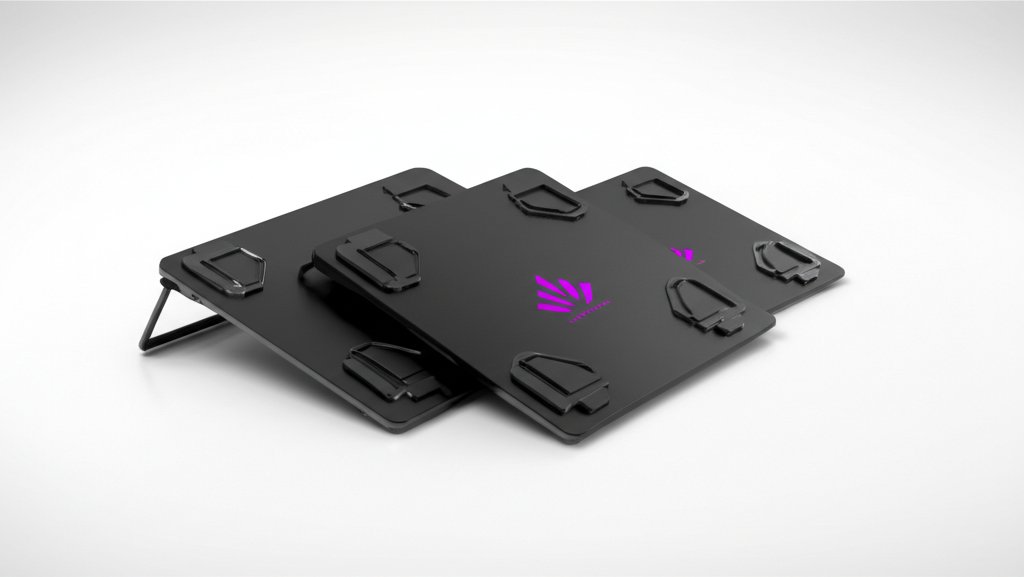
Complete laptop cooling pads buying guide. Learn what features matter, compare top products, and find the best laptop cooling pads for your budget.
View Top Picks →Table of Contents
Laptop Cooling Pads: Managing Heat for Performance and Longevity
Laptop cooling pads provide additional airflow to hot-running laptops—extending component life and sometimes preventing thermal throttling. Understanding when cooling pads help and their limitations helps decide whether additional cooling is worthwhile.
Why Laptops Overheat
Heat generation reality:
Compact design: Powerful components in thin enclosures.
Limited airflow: Small fans, restricted vents.
Thermal throttling: CPUs/GPUs slow down when too hot.
Gaming laptops especially: High-performance components generate significant heat.
How Cooling Pads Work
Active vs passive cooling:
Active cooling (fans): Additional fans blow air toward laptop bottom. Most common.
Passive cooling: Elevated design improves natural airflow. No power needed.
Mesh surfaces: Allow airflow while supporting laptop.
The KeiBn and Razer options: Active cooling with adjustable fans.
Temperature Improvement Reality
Realistic expectations:
Typical improvement: 5-15°C reduction under load.
Varies by laptop: Some laptops benefit more than others.
Won't fix poor design: Can't compensate for fundamentally inadequate laptop cooling.
Performance impact: May prevent throttling, maintaining higher speeds.
Fan Configuration
Cooling pad designs:
Single large fan: Quieter, broad coverage.
Multiple smaller fans: Targeted cooling, potentially louder.
Adjustable fans: Different speeds for noise/cooling balance.
RGB options: Aesthetics with questionable cooling benefit.
Height and Ergonomics
Dual benefit consideration:
Elevated typing: Cooling pads raise laptop, improving typing angle.
Screen height: May reduce neck strain slightly.
Adjustable angles: Some pads offer multiple positions.
Ergonomic bonus: Additional benefit beyond cooling.
Power Source
How cooling pads get power:
USB powered: Draw power from laptop USB. Most common.
USB passthrough: Include extra USB ports despite using one.
AC powered: Rare, more powerful fans possible.
Power draw: Minimal, typically 0.5-2W.
Size Compatibility
Matching pad to laptop:
Measure laptop: Ensure pad accommodates your laptop dimensions.
15.6" standard: Most common laptop size.
17"+ options: Larger pads for larger laptops.
Universal pads: Accommodate range of sizes.
Noise Considerations
Fan noise trade-off:
Quiet operation: Low RPM fans, larger diameter.
Maximum cooling: Higher speeds, more noise.
Adjustable speeds: Balance noise and cooling as needed.
Comparison: Some cooling pads quieter than laptop's internal fans.
Premium vs Budget
What money buys:
Budget ($15-25): Basic functionality, variable build quality.
Mid-range ($25-50): Better fans, build quality, features. KeiBn tier.
Premium ($50+): Razer quality—excellent fans, build, design.
When Cooling Pads Help Most
Best use cases:
Gaming laptops: High heat generation during gaming sessions.
Older laptops: Aging thermal paste, dust accumulation.
Extended sessions: Prolonged heavy use benefits from additional cooling.
Summer months: Ambient temperature affects laptop thermals.
When They Don't Help
Limited benefit scenarios:
Properly cooled laptops: Already running cool don't benefit much.
Light use: Web browsing doesn't generate enough heat to matter.
Clogged internals: Cooling pad can't fix blocked internal fans.
Poor laptop design: Some laptops need internal improvement.
Practical Recommendations
For gaming laptops: Quality cooling pad (Razer tier) provides meaningful temperature reduction.
For work laptops: Ergonomic benefit may justify even without major cooling need.
For budget: KeiBn tier delivers functional cooling at reasonable price.
For all users: Clean laptop internals first—may reduce need for external cooling.
The key insight: cooling pads provide modest but real temperature improvement. They're supplements to—not replacements for—proper laptop maintenance. Best value for gaming laptops under heavy load.
Frequently Asked Questions
What should I look for when buying laptop cooling pads?
Key factors include build quality, user reviews, and value for money. Top-rated options like the KeiBn KeiBn Upgraded Gaming Laptop Cooler Pad with 9 Qui (4.4★ from 2,719 reviews) demonstrate what quality looks like in this category.
How much do laptop cooling pads typically cost?
Prices range from $16 to $130, with most quality options around $42. Budget options under $24 work for occasional use, while premium models over $63 offer better durability and features.
Which laptop cooling pads are most popular right now?
The KeiBn Upgraded Gaming Laptop Cooler Pad with 9 Quiet RGB Fan is currently top-rated with 4.4★ from 2,719 verified reviews. Check our full comparison at /best/laptop-cooling-pads for all top picks.
⚖️ Quick Comparison
| Product | Price | Rating | Key Feature |
|---|---|---|---|
| $32.99 | 9 Super Cooling Fans The newest 9-core laptop cooling pad can efficiently cool y... | ||
| $129.99 | SMART COOLING — From idle to full load, keep the laptop running smoothly with ou... | ||
| $15.98 | Efficient Heat Dissipation - Two strong fans and metal mesh provide airflow to k... |


