 PickPundit
📦 Hur man väljer de bästa KVM-switcharna: Komplett köpguide

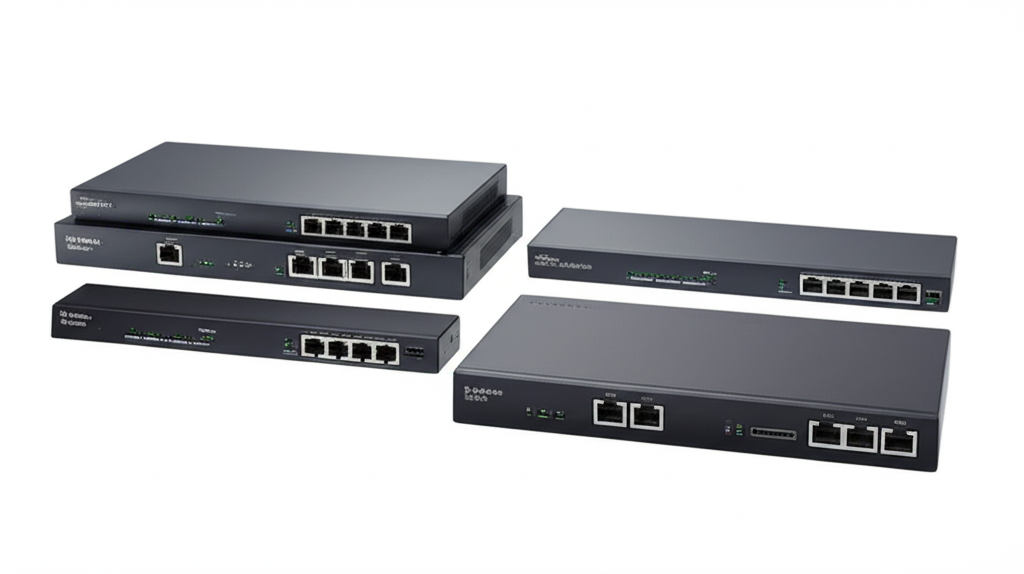
Expert guide to choosing the best kvm switches. Compare features, prices, and find the perfect option for your needs.
View Top Picks →Table of Contents
Buying Guide for KVM Switches
Imagine you’re working at your desk, juggling between two computers – perhaps one is for work, the other for personal use. You find yourself constantly switching between keyboards, mice, and monitors, creating a tangled mess on your desk. If this sounds familiar, a KVM (Keyboard, Video, Mouse) switch can be a game-changer. These devices allow you to control multiple computers using a single set of peripherals, helping to declutter your workspace and streamline your workflow.
In this guide, we'll explore the world of KVM switches, focusing on what to look for when purchasing, common mistakes to avoid, and insights from real customers. Let's dive in!
Price Ranges
Budget Options
If you're on a tight budget, there are several affordable KVM switches available that offer basic functionality. For instance, the GREATHTEK USB 3.0 KVM Switch, priced at $34.99, provides good value with its 2-port HDMI capability and support for 4K@60Hz resolution. It's well-suited for those who need to switch between two computers without breaking the bank.
Another budget-friendly option is the Hearvo USB 3.0 HDMI KVM Switch, also at $34.99. It mirrors the features of the GREATHTEK model, providing a solid alternative for budget-conscious consumers.
Mid-Range Options
Stepping up a notch in terms of build quality and features, the UGREEN HDMI KVM Switch, priced at $47.99, offers a sleek aluminum design and compatibility for one monitor and two computers. It's an excellent choice for users who prioritize durability and aesthetics.
Premium Options
High-end KVM switches can range significantly in price, often offering additional ports, enhanced video quality, and support for more computers. While we haven't covered specific premium models here, it's essential to consider your specific needs and whether advanced features justify the higher cost.
Key Features to Consider
Number of Ports
Determine how many computers you need to connect. Most consumer-grade KVM switches, like the GREATHTEK and UGREEN models, support two computers, which is sufficient for most users. However, if you plan to manage more systems, look for switches with additional ports.
Video Resolution
Ensure the KVM switch supports the video resolution you require. The models discussed here support 4K@60Hz, which is ideal for those using high-resolution monitors. If you're working with standard 1080p monitors, a less expensive model might suffice.
USB Compatibility
Consider the USB version supported by the KVM switch. USB 3.0 is common in newer models and offers faster data transfer rates, which is beneficial if you frequently use USB peripherals like external drives.
Build Quality
The build quality can vary significantly between models. Aluminum-bodied switches like the UGREEN model tend to be more durable and aesthetically pleasing than plastic alternatives.
Additional Features
Look for additional features such as audio support, hotkey switching, and power supply requirements. Some KVM switches offer buttons for manual switching or remote control options, which can enhance convenience.
Common Pitfalls to Avoid
Not Checking Compatibility
Ensure that the KVM switch is compatible with your operating systems and peripherals. Some users report issues with specific keyboard and mouse models, particularly those with special drivers or functions.
Overlooking Power Requirements
Some KVM switches require an external power source, while others draw power from connected devices. Ensure you have the necessary adapters or power strips to accommodate this.
Ignoring Latency
Check for any potential latency issues, especially if you're using the KVM switch for gaming or video editing. User reviews can be helpful in identifying models with known latency problems.
What Real Customers Say
The GREATHTEK USB 3.0 KVM Switch generally receives positive feedback for its affordability and ease of use. Customers appreciate its straightforward setup and reliable performance, though some mention occasional issues with specific USB devices.
The UGREEN HDMI KVM Switch is praised for its robust build quality and smooth switching capability. However, users note that it might require an additional power adapter for certain configurations, which could be a minor inconvenience.
The Hearvo USB 3.0 HDMI KVM Switch is well-liked for its simplicity and effectiveness, though like the GREATHTEK, it occasionally faces compatibility challenges with certain peripheral devices.
Final Recommendations
Choosing the right KVM switch depends largely on your specific needs and budget. For most users, the GREATHTEK USB 3.0 KVM Switch offers a great balance of features and affordability, making it an excellent starting point. If you value build quality and design, consider the UGREEN HDMI KVM Switch, which provides enhanced durability and aesthetics.
Remember to consider the number of computers you need to connect, the video resolution you require, and any additional features that may be important for your workflow. By carefully evaluating these factors, you can find a KVM switch that seamlessly integrates into your setup and elevates your productivity.
⚖️ Quick Comparison
| Product | Price | Rating | Key Feature |
|---|---|---|---|
| $34.99 | USB 3.0 KVM Switch - Control 2 PCs with 1 monitor and USB 3.0 keyboard/mouse usi... | ||
| $47.99 | Important Notes 1, Must connect Both USB A to B cables for the power supply and ... | ||
| $34.99 | KVM Switch for 1 Monitor and 2 Computers - Control two computers with one monito... |


