 PickPundit

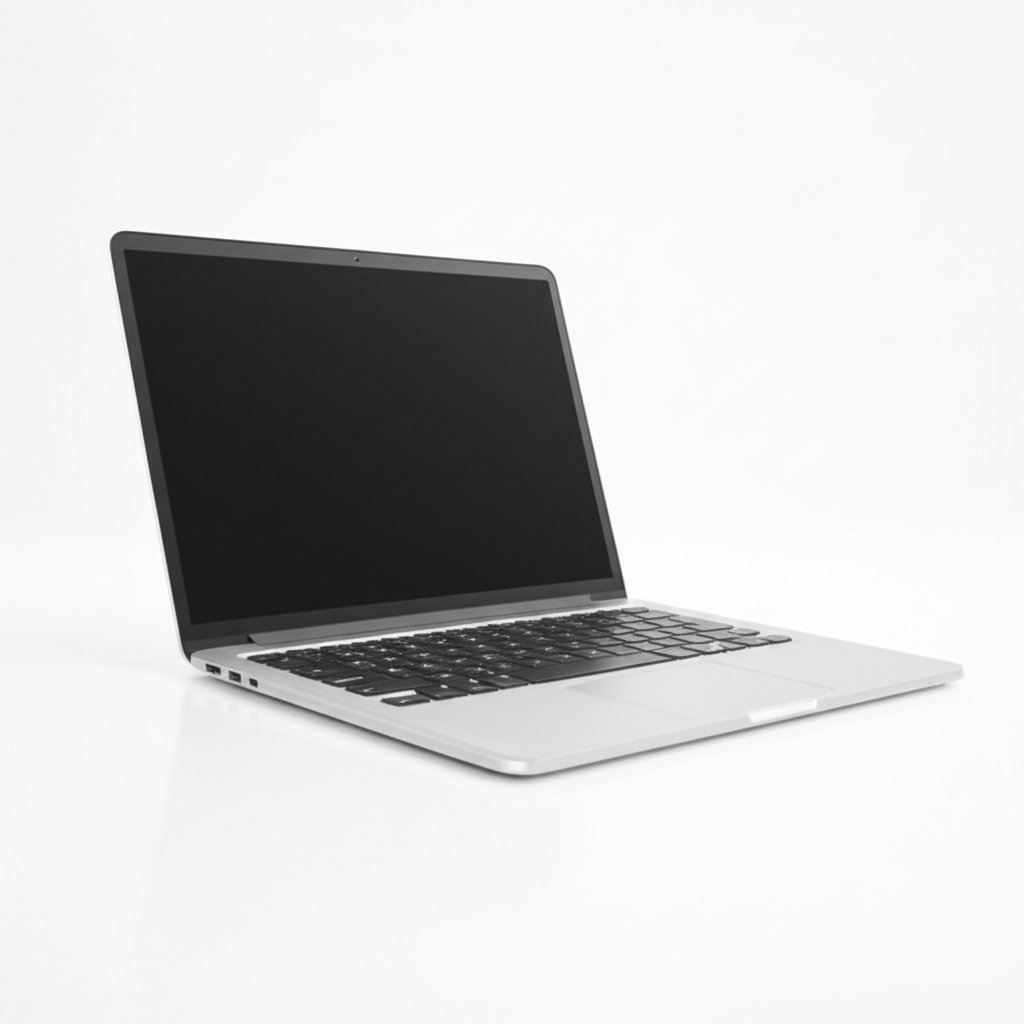
Complete laptop under $1000 buying guide. Learn what features matter, compare top products, and find the best laptop under $1000 for your budget.
View Top Picks →Table of Contents
Laptops Under $1000: Capable Machines for Most Users
The sub-$1000 range offers genuinely capable laptops for most users—solid performance, good displays, and reasonable build quality. Understanding this segment helps select appropriate machines.
What $1000 Buys
Capable processors for everyday tasks.
SSD storage is standard.
1080p or better displays.
Reasonable build quality.
Good enough for most users.
Processor Options
Intel Core i5/i7 or AMD Ryzen 5/7.
Adequate for productivity and content consumption.
Light creative work possible.
Not workstation-class but very capable.
Memory Standards
16GB RAM becoming standard.
8GB adequate for basic use.
Memory affects multitasking capability.
16GB recommended for most users.
Storage Reality
256GB-512GB SSD typical.
SSD speed dramatically better than HDD.
Cloud storage supplements local.
Verify adequate storage for your needs.
Display Quality
1080p (Full HD) is minimum acceptable.
Higher resolution on premium models.
IPS panels for better viewing angles.
Display quality affects daily experience significantly.
Build Quality Range
Premium feels vs budget plastics.
Metal construction on better models.
Hinge quality varies.
Consider expected lifespan.
Battery Life Variation
4-10+ hours depending on model.
Ultrabooks prioritize battery.
Gaming laptops sacrifice battery.
Match to your portability needs.
Use Case Matching
Productivity: excellent options.
Content consumption: very capable.
Light gaming: possible on some models.
Light creative work: adequate performance.
Brand Considerations
Dell XPS, HP Spectre, Lenovo ThinkPad quality.
ASUS and Acer offer value options.
Apple MacBook Air competitive.
Brand support and warranty matter.
Gaming Limitations
Integrated graphics on most.
Entry gaming laptops available but compromised.
Don't expect gaming performance without dedicated GPU.
Upgrade Considerations
Some laptops allow RAM/SSD upgrades.
Many modern laptops are sealed.
Research upgradeability if future expansion matters.
Practical Recommendations
For productivity, business-class laptops (ThinkPad, Latitude) provide reliability.
For general use, mainstream models with good displays and 16GB RAM serve well.
Invest in quality display—you look at it constantly.
This price point provides genuinely good computing for most users.
Frequently Asked Questions
购买1000以下的笔记本电脑时应该注意什么?
关键因素包括构建质量、用户评论和物有所值。 顶级选项,如 NMYBWO 16" 蓝色笔记本电脑 16g RAM 1TB SSD 2.5K FHD((4 分来自 42 条评论))展示了该类别中的质量。
1000以下的笔记本电脑通常要多少钱?
价格从 10 美元到 977 美元不等,大多数质量选项在 369 美元左右。 15 美元以下的预算选项可用于偶尔使用,而超过 554 美元的高级型号提供更好的耐用性和功能。
哪款笔记本电脑 1000 岁以下最受欢迎?
16 英寸蓝色笔记本电脑 16g RAM 1TB SSD 2.5K FHD (2560x1600) 目前以 42 条经过验证的评论中的 4 分评为最高。 查看我们在 /best/laptop-under-1000 的完整比较以了解所有首选。


