PickPundit

Complete laptop under $150 buying guide. Learn what features matter, compare top products, and find the best laptop under $150 for your budget.
View Top Picks →Table of Contents
Laptops Under $150: Limited Options and Realistic Expectations
The sub-$150 laptop market offers limited new options and requires careful used market navigation. Understanding realistic expectations helps make informed budget decisions.
New Options Reality
Very few new laptops at this price.
Entry Chromebooks sometimes available.
Basic specifications with significant limitations.
New at this price = serious compromises.
Chromebook Viability
Chrome OS designed for modest hardware.
Browser-based computing works on limited resources.
Google ecosystem integration.
Limited offline functionality.
Used Market Focus
Most sub-$150 laptops are used.
Older business laptops offer value.
ThinkPad, Latitude, EliteBook surplus common.
Condition and battery status critical.
Refurbished Advantages
Professional testing and cleaning.
Replacement of worn components.
Warranty often included.
Better reliability than random used purchases.
Performance Expectations
Basic web browsing.
Simple document work.
Video streaming at modest quality.
Don't expect modern software support.
Battery Considerations
Used laptop batteries are degraded.
May function only when plugged in.
Replacement batteries add $30-60.
Factor realistic battery status.
Operating System Options
Chrome OS for Chromebooks.
Windows 10/11 may run slowly on older hardware.
Linux can revive older machines efficiently.
Consider OS match to hardware capability.
Suitable Use Cases
Basic home computing.
Students with simple needs.
Secondary or backup device.
Children's first computer.
What to Avoid
Devices with physical damage.
Unknown sellers without return options.
Very old processors (pre-2015).
Missing components or accessories.
Upgrade Potential
RAM upgrades help some older laptops.
SSD replacement transforms older machines.
Upgrades may cost as much as device.
Research specific model upgrade paths.
Purchase Sources
Refurbished electronics dealers.
School district surplus sales.
Corporate IT liquidation.
eBay with careful seller evaluation.
Practical Recommendations
For budget computing, refurbished Chromebooks or older business laptops provide best value.
Inspect carefully or buy from reputable refurbishers with return policies.
Linux installation can revive capable older hardware.
Consider saving more for usable long-term device if possible.
Frequently Asked Questions
购买150以下的笔记本电脑时应该注意什么?
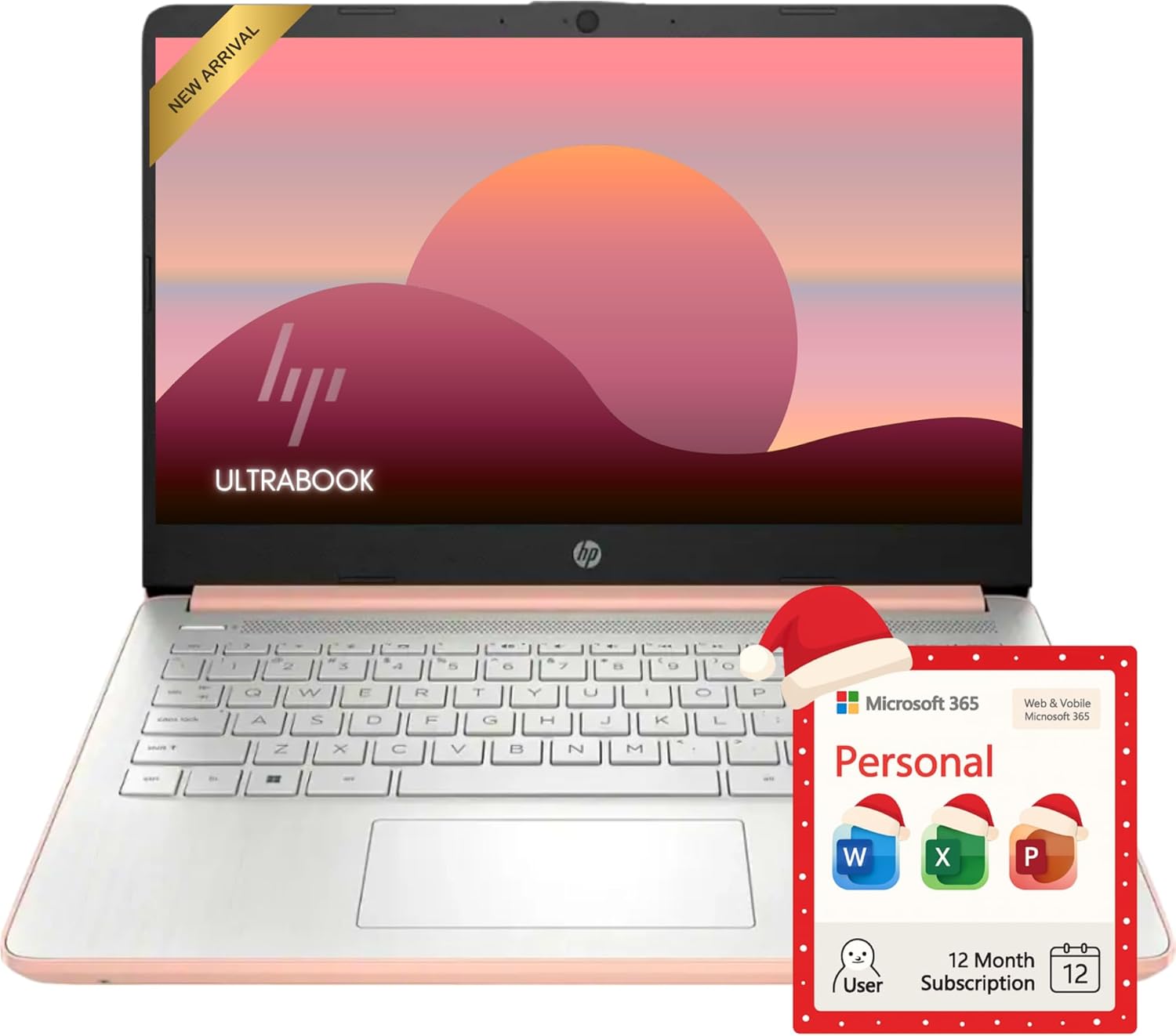
关键因素包括构建质量、用户评论和物有所值。 顶级选配的 HP HP Rose Gold Ultrabook 14 笔记本电脑,配备 Office 365(4.4★ 来自 155 条评论),展示了这一类别的质量。
150以下的笔记本电脑通常要多少钱?
价格从 65 美元到 859 美元不等,大多数质量选项在 217 美元左右。 97 美元以下的预算选项可用于偶尔使用,而超过 326 美元的高级型号提供更好的耐用性和功能。
哪款 150 岁以下的笔记本电脑现在最受欢迎?
配备 Office 365 的 HP Rose Gold Ultrabook 14 笔记本电脑目前以 4.4 分的成绩获得最高评价,来自 155 条验证评论。 查看我们在 /best/laptop-under-150 的完整比较以了解所有首选。